

How Long Does It Take to Set Up Labeling Software?
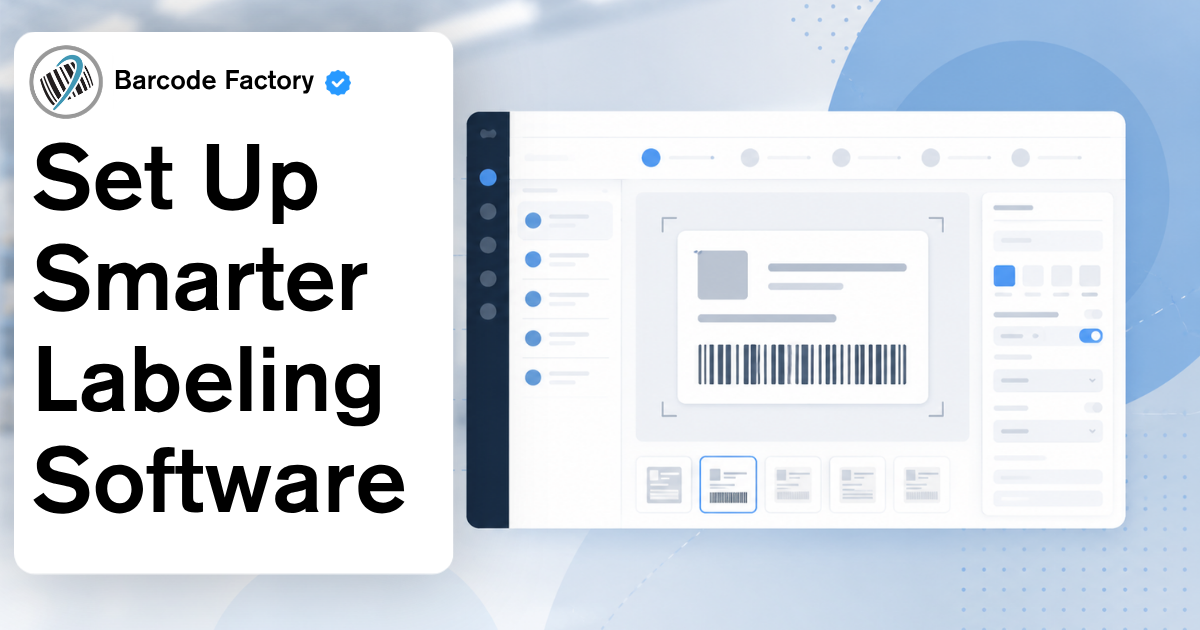
Most labeling software setups fall into one of three timelines.
A basic label design and print setup may only take a few days to a couple of weeks. Label print automation can take several weeks because it may need to connect with an ERP, WMS, database, or business system. A centralized label management system can take longer because it involves users, approvals, locations, compliance rules, and system integrations.
The software matters, but the timeline is usually affected more by your label data, templates, printers, approval process, and the systems that need to connect.
Below is a simple breakdown of what to expect before you start…
The Timeline Depends on What You’re Setting Up
Not every labeling software project is the same… It may sound like a cop out answer, but it’s the truth!
If you only need to create and print barcode labels from one workstation, setup is usually pretty straightforward. If you want labels to print automatically from a business system, there is more planning involved. If you need label approvals, version control, reporting, traceability, or multi-location management, the project becomes more complex.
A good way to think about it:
Simple label design: usually the fastest setup.
Label print automation: takes longer because software, data, and systems need to work together.
Centralized label management: takes the most planning because it affects more users, locations, approvals, and compliance requirements.
That does not mean centralized software is a bad idea. It just means the setup needs to be planned correctly.
What Can Slow Labeling Software Implementation Down?
Most delays do not come from installing the software itself. They come from everything around it.
Common timeline issues include:
Label data that is incomplete, outdated, or stored in too many places
Old label templates that need cleaned up or rebuilt
Printer driver or operating system compatibility issues
ERP, WMS, or database connections that need mapped correctly
Approval workflows that have not been clearly defined
Compliance requirements that need testing and documentation
Team members who are needed for setup but not available when the project starts
The biggest mistake is assuming the software can fix an unclear process.
Before setup begins, your team should know what labels need to be printed, where the label data comes from, who approves the label, and what printers are being used.
That alone can save a lot of time.
How to Keep the Setup Moving
The fastest labeling software implementations usually have a clear scope.
Start with the labels and workflows that matter most. Do not try to fix every label, every template, and every location at once unless the project truly requires it.
Before implementation, it helps to confirm:
Which labels need to be created or updated
Which printers will be used
Where the label data will come from
Whether labels need to connect to an ERP, WMS, or database
Who needs to approve labels before they are used
Who will test the labels before go-live
Testing should involve the people who actually print and use the labels. They are usually the ones who catch small problems before they become production issues.
Labeling Software Is Also Part of a Bigger Warehouse Strategy
Labeling software is not just about designing a nicer label.
The right setup can support inventory accuracy, receiving, shipping, compliance, automation, RFID, and better warehouse visibility. This is especially important as more businesses look at automation, AI, and real-time data to improve operations.
A label is often the connection point between the physical product and the system tracking it.
If the label data is wrong, everything downstream can be affected. Inventory counts, shipping records, compliance reports, customer labels, supplier labels, and automated workflows all depend on clean, accurate label information.
Labeling software can also support supplier labeling and inbound receiving. If suppliers use approved label templates and accurate data before products ship, your team can reduce relabeling and move products from dock to stock faster.
If your operation uses RFID or plans to use RFID, the label software setup becomes even more important. RFID labels need the right data, format, printer setup, and workflow so tags can be used correctly once products move through the facility.
Which Labeling Software Fits Your Needs?
At Barcode Factory, we offer different labeling software solutions depending on what your business needs to do.
For this article, we recommend TEKLYNX because it gives businesses a full path for label design, automation, traceability, compliance, and centralized label management.
That is the advantage.
Some businesses only need simple barcode label design. Others need advanced label creation, automated printing from business systems, approval workflows, or centralized control across multiple users and locations.
TEKLYNX has software options for each of those needs.
TEKLYNX LABEL MATRIX
TEKLYNX LABEL MATRIX is a good fit for simple labeling requirements and lower-complexity label design.
It is built for businesses that need a straightforward way to create barcode labels, add text and images, connect to basic data, and print labels without a complicated setup.
This can be a strong option when the goal is to get organized and start printing better labels quickly.
TEKLYNX LABELVIEW
TEKLYNX LABELVIEW is a step up for businesses that need more powerful label design while still keeping the software easy to use.
It works well for companies that need barcode label design, database connections, and smoother access to label data. LABELVIEW can also help teams connect to online sources and central databases, which can make the label printing process faster and more consistent.
This is a good fit when basic label design software is not enough, but the company does not need a full enterprise system.
TEKLYNX CODESOFT
TEKLYNX CODESOFT is designed for advanced and enterprise-level barcode label creation.
It is a better fit for companies with more complex labeling needs, integrations, asset tracking, distribution control, stock management, or data record management.
CODESOFT is also important because some TEKLYNX solutions, including SENTINEL and LABEL ARCHIVE, require it.
If your labeling process needs more flexibility, stronger integrations, or support for advanced workflows, CODESOFT may be the better starting point.
TEKLYNX SENTINEL
TEKLYNX SENTINEL is used for label print automation.
Instead of someone manually opening a label file, typing data, choosing a printer, and printing the label, SENTINEL can receive data from an ERP, WMS, custom application, or other business system.
It can then help determine the correct label format, the data that should print, and the printer that should be used.
This is where implementation usually takes more planning because the label software needs to work with the systems already running your operation.
SENTINEL is a good fit for businesses that want to reduce manual entry, lower labeling errors, and simplify the printing process.
TEKLYNX LABEL ARCHIVE
TEKLYNX LABEL ARCHIVE is built for label security, approval workflows, and traceability.
It helps businesses control how labels are designed, stored, approved, and printed. It can also help make sure only approved labels are printed, which is important for companies with compliance requirements or strict internal processes.
LABEL ARCHIVE requires TEKLYNX CODESOFT.
This is a good fit when the issue is not just printing labels, but controlling the full label approval process.
TEKLYNX CENTRAL
TEKLYNX CENTRAL is for centralized label management.
It brings label design, approval, printing, reporting, and system integration into one unified solution. This is useful for organizations with complex labeling requirements, multiple locations, supply chain labeling needs, or ERP integration requirements.
TEKLYNX CENTRAL is a better fit when labeling has grown beyond one workstation or one department.
If different teams, users, locations, or systems all touch the labeling process, centralized control can help improve consistency and reduce risk.
TEKLYNX CENTRAL CFR
TEKLYNX CENTRAL CFR is designed for organizations that need to meet FDA 21 CFR Part 11 requirements.
This is especially important for industries like healthcare, life sciences, and pharmaceuticals where label control, approvals, traceability, and compliance documentation matter.
This is not the right fit for every business, but it can be the right fit for companies in regulated environments.
TEKLYNX CENTRAL GHS
TEKLYNX CENTRAL GHS is built for chemical labeling and GHS compliance.
It supports chemical labeling requirements, HazCom elements, Safety Data Sheets, and traceability for businesses that need to manage chemical label accuracy and compliance.
This is the more specific option for companies working with chemicals or regulated hazard communication requirements.
FAQ
-
Simple label design software can often be set up in a few days to a couple of weeks. Label print automation may take several weeks because it connects to business systems. Centralized label management can take longer because it involves more users, approvals, locations, and compliance requirements.
-
The biggest factors are label data, label templates, printers, driver compatibility, ERP or WMS integrations, approval workflows, compliance needs, and team availability.
-
Label design software helps you create and print labels. Label automation software can trigger label printing from another system, such as an ERP, WMS, database, or custom application.
-
You may need label automation software if your team is manually entering label data, choosing label files, selecting printers, or printing labels from business system information by hand. Automation can help reduce errors and speed up the process.
-
TEKLYNX LABEL MATRIX is a good fit for simple labeling needs. TEKLYNX LABELVIEW is a stronger option when you need more advanced label design and database connections.
-
TEKLYNX CODESOFT is designed for advanced and enterprise-level barcode label creation. It is a good fit for more complex labeling environments and integrations.
-
TEKLYNX SENTINEL is used for label print automation. It can help print labels from an ERP, WMS, custom application, or other business system.
-
TEKLYNX CENTRAL is used for centralized label management. It supports label design, approval, printing, reporting, and integration across more complex operations.

Where Barcode Factory Can Help
Barcode Factory sells TEKLYNX labeling software and can help you figure out which option fits your operation.
You may need simple label design software. You may need advanced barcode label creation. You may need automated printing from an ERP or WMS. You may need approval workflows, traceability, compliance support, or centralized label management.
The right choice depends on how your labels are created, where your data comes from, who needs to approve labels, and how much control your operation needs.
Barcode Factory can help point you in the right direction before you buy.
Fill out the form below or contact us to talk to an expert!