

How to Improve Supplier Labeling Compliance Without Slowing Down Receiving
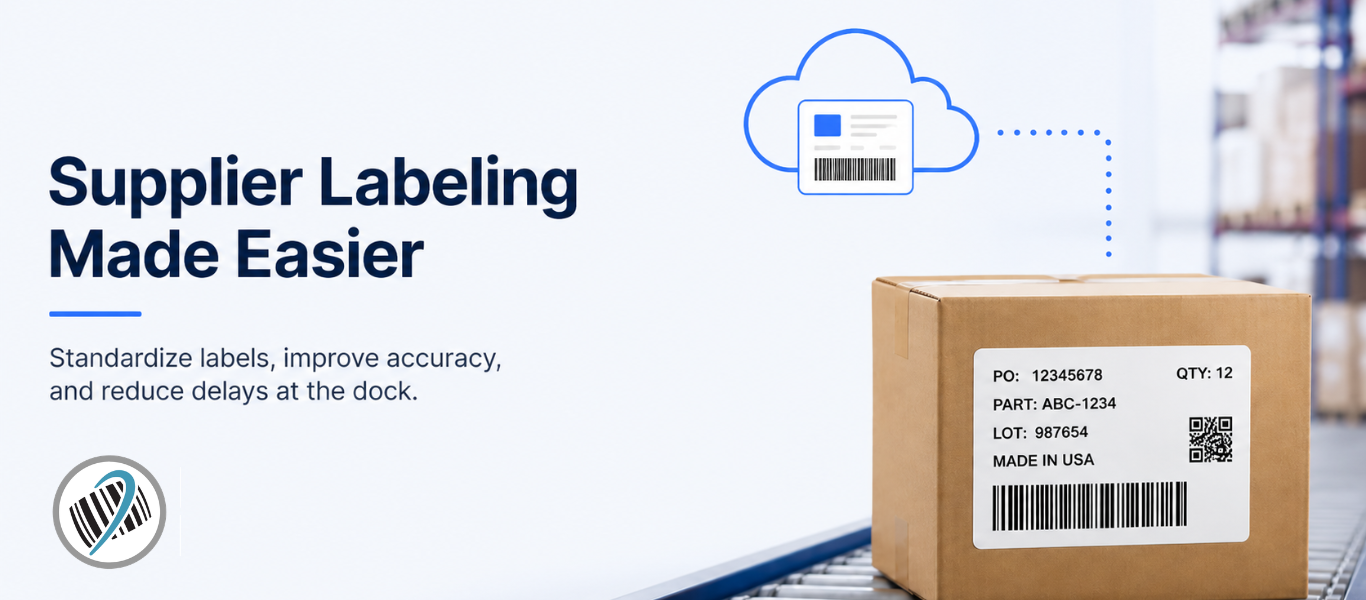
Supplier labeling compliance should not start when a shipment hits the dock. By then, the problem has already arrived…
The better approach is to make sure suppliers are using the right label format, the right data, and the right instructions before they ship. Cloud labeling helps businesses do that by giving suppliers controlled access to approved label templates and current product data, which can reduce relabeling, receiving delays, inventory mistakes, and compliance issues.
In short, if your receiving team is constantly fixing supplier labels, the issue may not be your dock process. It may be the labeling process happening before the shipment ever leaves the supplier.
The Problem: Supplier Labels Often Break Down at Receiving
Most supplier shipments arrive with a label. The problem is whether that label works for your receiving team.
If the label is missing the right part number, barcode, lot number, country of origin, or system data, the shipment can get stuck at the dock. Instead of moving from dock to stock, someone has to investigate, print new labels, update records, or figure out what the shipment actually contains.
That slows receiving down and can create bigger problems with inventory accuracy, production timing, compliance, purchasing, and customer delivery.
How Cloud Labeling Helps Suppliers Stay Aligned
Explore Loftware NiceLabel Cloud Business to help standardize supplier labeling, reduce relabeling, and keep approved label data connected across your operation.
Cloud labeling helps fix supplier labeling issues before products ever reach receiving.
Instead of sending suppliers a PDF guide, a sample label, or an old template file, you can give them access to the approved label process itself. That means the supplier is not guessing what label to use, what barcode data to include, or which version is current.
They print the label you need, using the data you trust, before the shipment leaves their facility.
Use the Same Approved Label Templates
One of the biggest problems with supplier labeling is version control.
A supplier may have the wrong file saved, miss an update, or use an old label format because that is what they were originally given. Cloud labeling reduces that risk by keeping approved templates in one controlled place.
If a label needs to change because of a new barcode requirement, customer requirement, country of origin field, lot number, warning, or branding update, the template can be updated once and made available to the right suppliers.
That helps keep everyone working from the same standard instead of relying on email chains and outdated files.
Put the Right Data on the Label
The label is only helpful if the data is right.
Cloud labeling can connect label printing to trusted business data from systems like an ERP, WMS, or other approved database. That helps suppliers print labels with the correct part number, PO number, quantity, lot or batch data, barcode, handling instructions, or compliance details.
This is where the value really shows up.
If the supplier prints the right label before shipping, your receiving team does not have to stop and fix it later. Materials can be scanned, identified, and moved through the process faster.
Reduce Relabeling at the Dock
Relabeling is usually treated like a receiving problem, but it often starts as a supplier labeling problem.
If shipments arrive with missing fields, unreadable barcodes, wrong formats, or labels that do not match your internal systems, the dock team has to slow down. Someone needs to inspect the shipment, look up the right information, print a new label, apply it, and update the record.
Cloud labeling helps move that work upstream.
The supplier applies the correct label before the product ships, which helps reduce rework, manual corrections, and dock-to-stock delays.
Give Suppliers Access Without Giving Them Everything
A good supplier labeling process should make compliance easier without opening up your entire internal system.
Cloud labeling can give suppliers controlled access to only the labels, fields, and workflows they need. They can print the right labels in the right format without having full access to your ERP, WMS, or other internal platforms.
That matters when you are working with multiple suppliers, co-packers, 3PLs, or manufacturing partners.
The goal is not to make suppliers manage your process. The goal is to make it easier for them to follow it correctly.
Make Changes Easier to Roll Out
Supplier labeling requirements change.
Maybe a customer adds a new barcode requirement. Maybe a retailer needs RFID tags. Maybe a product needs updated compliance language. Maybe country of origin or lot information needs to appear more clearly.
When supplier labeling is managed through static files, every change becomes a communication project.
With cloud labeling, updates can be controlled more centrally. Suppliers use the current approved version, and your team has a better way to manage changes without chasing down old files or wondering who got the latest instructions.
That is how cloud labeling helps supplier compliance without slowing receiving down.
What Better Supplier Labeling Improves
Better supplier labeling can improve more than the label itself. It can improve the entire inbound process.
When labels arrive correctly, receiving teams can move faster. Products are easier to identify. Inventory records are more accurate. Shipments can be processed with fewer manual corrections. Compliance details are easier to manage.
The biggest improvements usually show up in a few areas:
Faster dock-to-stock time: Products can move from receiving into inventory or production faster when labels are already correct.
Less relabeling and rework: Teams spend less time printing replacement labels, correcting data, or sorting through unclear shipments.
Better inventory accuracy: Correct labels help reduce wrong receipts, mismatched items, and inventory confusion.
Fewer compliance issues: Required data is easier to standardize across suppliers and shipments.
More visibility: A controlled labeling process can make it easier to see what suppliers are printing, when they are printing it, and how labeling activity connects to inbound shipments.
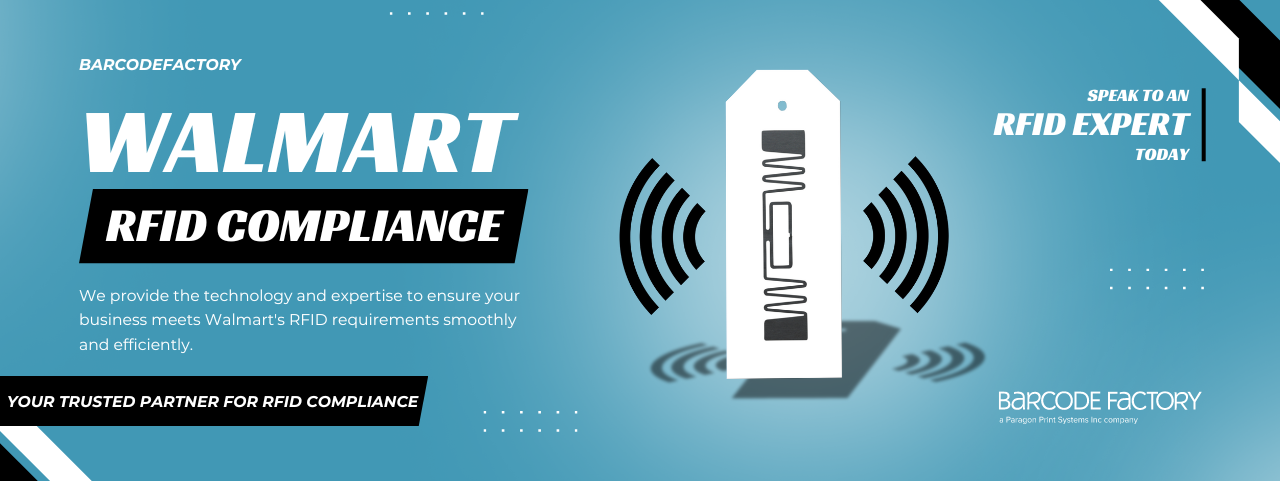
Quick Example: Retail RFID Requirements
Supplier labeling compliance is not always just about internal warehouse efficiency. In some cases, it can also affect customer and retailer requirements.
For example, programs like the Walmart RFID Mandate require certain suppliers to use RFID tags that meet specific retail compliance standards. If labels or RFID tags are missing, incorrect, or not formatted properly, it can create delays, rework, chargebacks, or shipment issues.
That is why having a controlled labeling process matters. Whether the requirement comes from your own receiving team, a retailer, a customer, or a compliance program, suppliers need a reliable way to print the right labels before products ship.
A Simple Way to Review Your Supplier Labeling Process
If supplier labeling is creating friction, start by reviewing where the breakdown is happening.
Ask:
Are suppliers using the latest approved label templates?
Are labels being created from your current system data?
Are receiving teams relabeling shipments after they arrive?
Are missing label fields causing delays?
Are supplier label issues affecting inventory accuracy?
Are instructions being managed through PDFs, emails, or old files?
Do different suppliers follow different labeling processes?
If the answer is yes to several of these, it may be time to rethink how supplier labeling is managed.
The goal is not to make the process more complicated. The goal is to make it easier for suppliers to get the label right the first time.
FAQ
-
Supplier labeling compliance means suppliers are following the correct label format, data requirements, barcode standards, and shipping label instructions set by the business receiving the goods. It helps make sure inbound shipments can be received, tracked, stored, and used without extra corrections.
-
Supplier labels cause delays when they are missing important data, use the wrong barcode, follow an outdated template, or do not match internal systems. When that happens, receiving teams may need to inspect, relabel, correct, or manually process the shipment before it can move forward.
-
Cloud labeling helps by giving suppliers access to approved label templates, current data, and controlled printing workflows. This reduces the need for emailed templates, manual updates, and relabeling after shipments arrive.
-
Yes. If suppliers print the correct labels before shipment, receiving teams spend less time creating, printing, and applying replacement labels. This can reduce labor, material costs, delays, and inventory handling issues.
-
Supplier labels may need to include product numbers, purchase order details, barcode data, lot or batch numbers, quantities, country of origin, handling instructions, compliance information, and other details required by the receiving operation.
-
No. Supplier labeling matters for any business that receives goods from outside suppliers, co-packers, manufacturers, distributors, or 3PL partners. The more suppliers and shipments involved, the more important consistent labeling becomes.
-
Yes. Barcode Factory can help with label printers, barcode and RFID labels, labeling software, cloud labeling solutions, scanners, mobile computers, and other tools that support better supplier labeling and receiving workflows.

Where Barcode Factory Can Help
We can help businesses improve supplier labeling with the right combination of label printers, barcode labels, RFID labels, labeling software, cloud labeling solutions, barcode scanners, mobile computers, and integration support.
Whether your team is trying to reduce relabeling, improve receiving accuracy, standardize supplier labels, or move toward a cloud-based labeling process, we can help you find the right setup for your operation.
Fill out the form below or contact us to talk to an expert!