

Zebra SP20 Checkout Scanner Review
Checkout is where things either run smoothly… or fall apart.
Most POS scanners are more complicated than they need to be. And for small retail, QSR, and convenience stores, that complexity usually just gets in the way.
What actually matters:
Fast, easy scanning that doesn’t slow people down
Setup that doesn’t require an IT team
Minimal training for staff
Reliable performance during busy hours
A footprint that doesn’t take over your counter
That’s exactly where the Zebra SP20 comes in…
Zebra SP20: Setup and First Impressions
This is where the SP20 immediately separates itself.
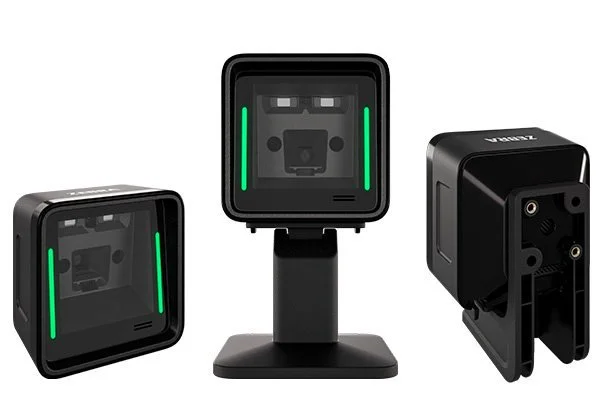
Setup is quick! We’re talking five minutes or less. You scan a QR code, follow a few prompts on your phone, and the system walks you through configuration based on your environment. No digging through manuals. No guessing.
For businesses without dedicated IT support, that alone is a big deal. You’re not losing hours getting a scanner live or troubleshooting basic setup issues.
Once it’s up and running, it’s just as flexible as you’d want it to be:
Works on standard counters
Fits into kiosks and self-checkout setups
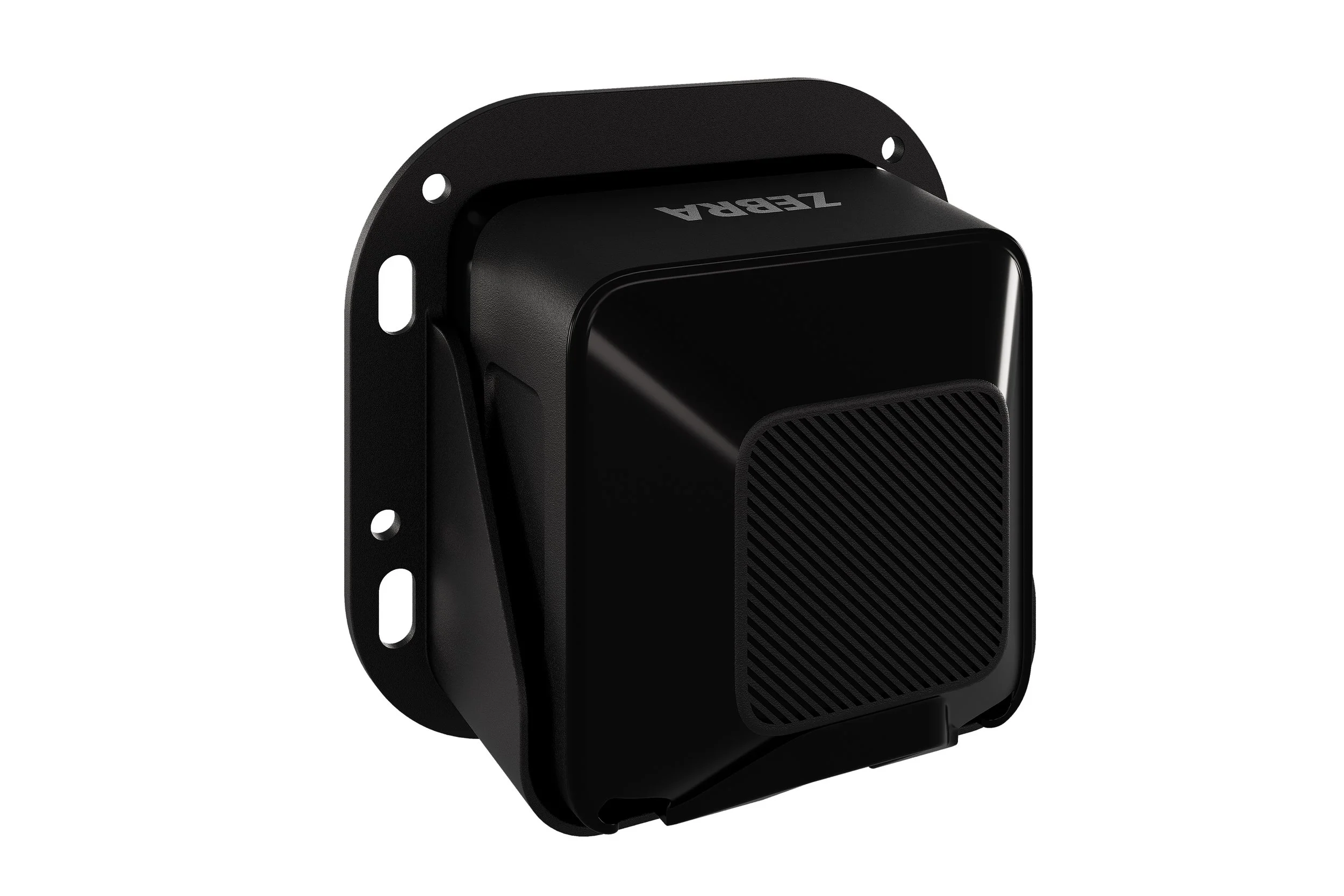
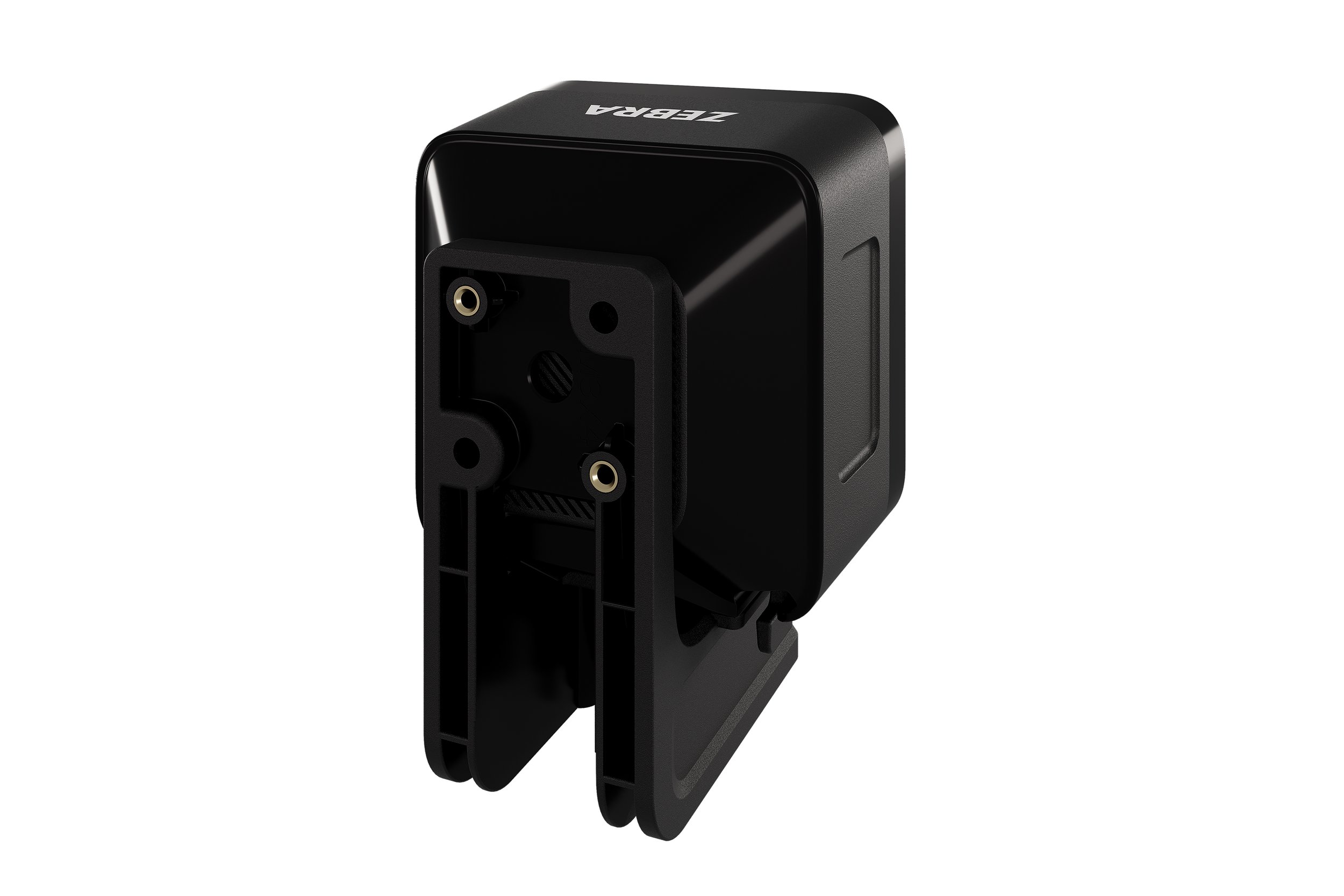
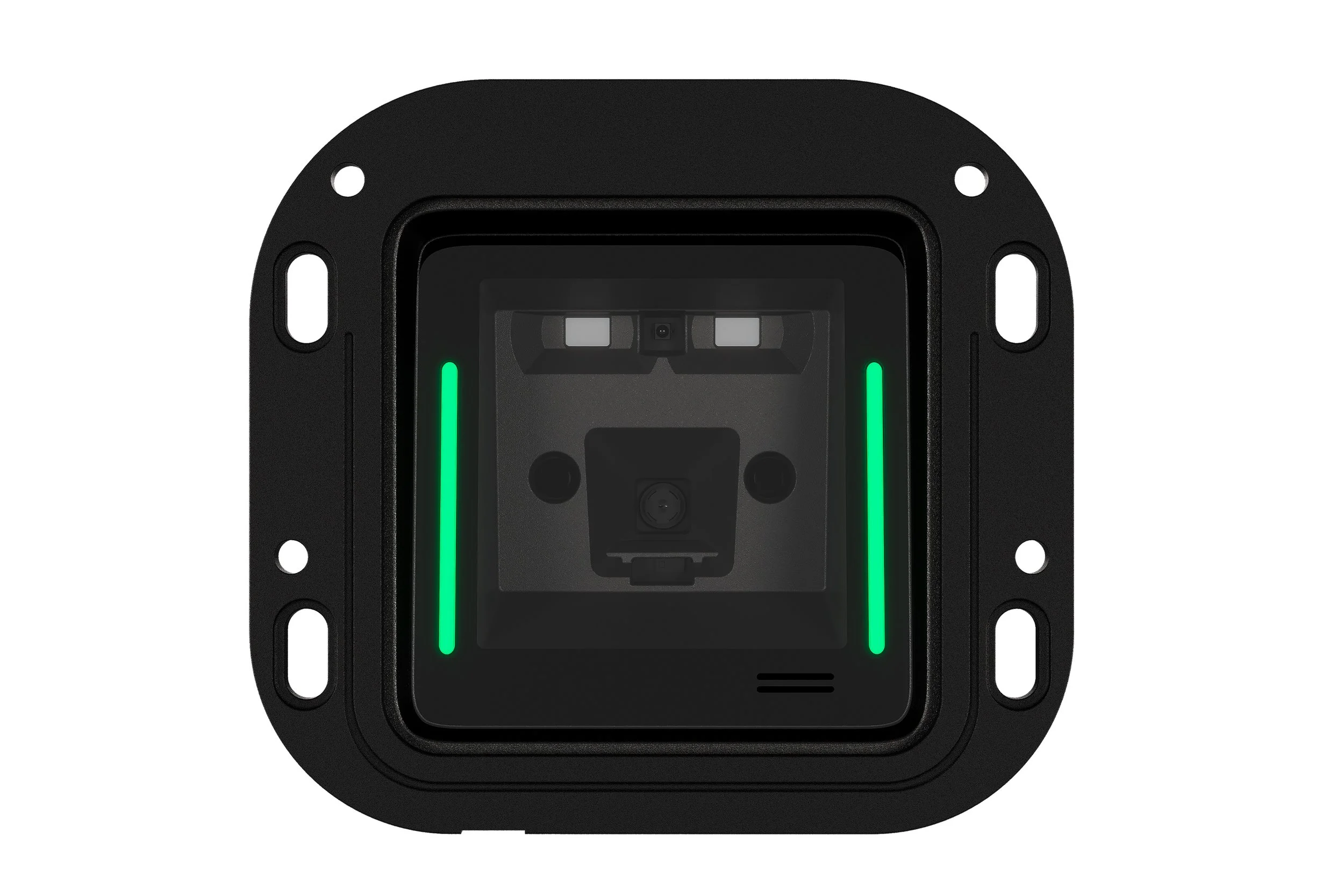
Can be mounted using brackets or a standard ¼-20 mount
Sized to act as a drop-in replacement for existing scanners
Nothing about the setup feels complicated, and that’s the point. It’s built to get out of your way and let you focus on running the business.
Day-to-Day Use: Where It Actually Performs
Scanning Experience
This is where a lot of scanners fall short, especially in busy environments.
The SP20 keeps things simple:
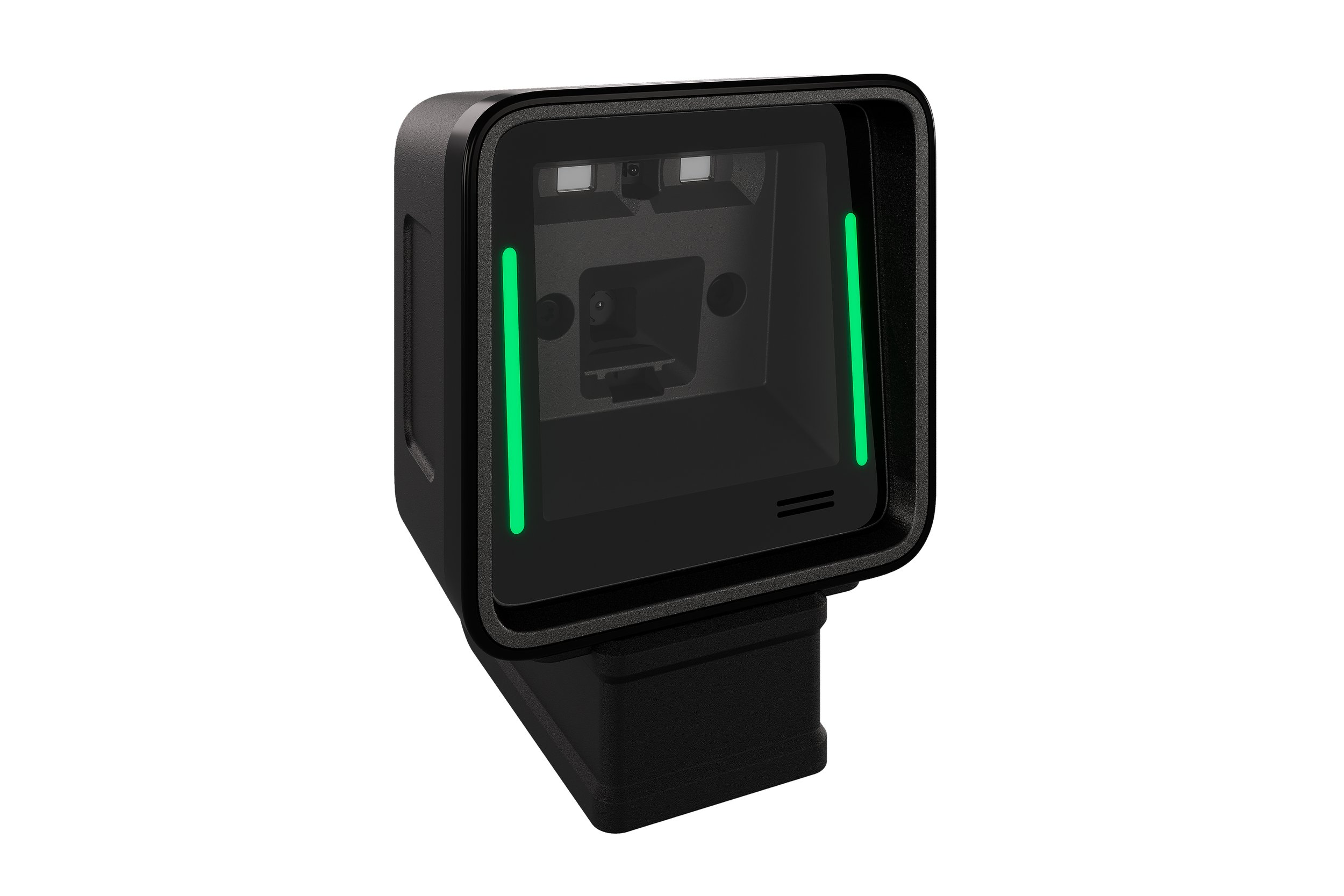
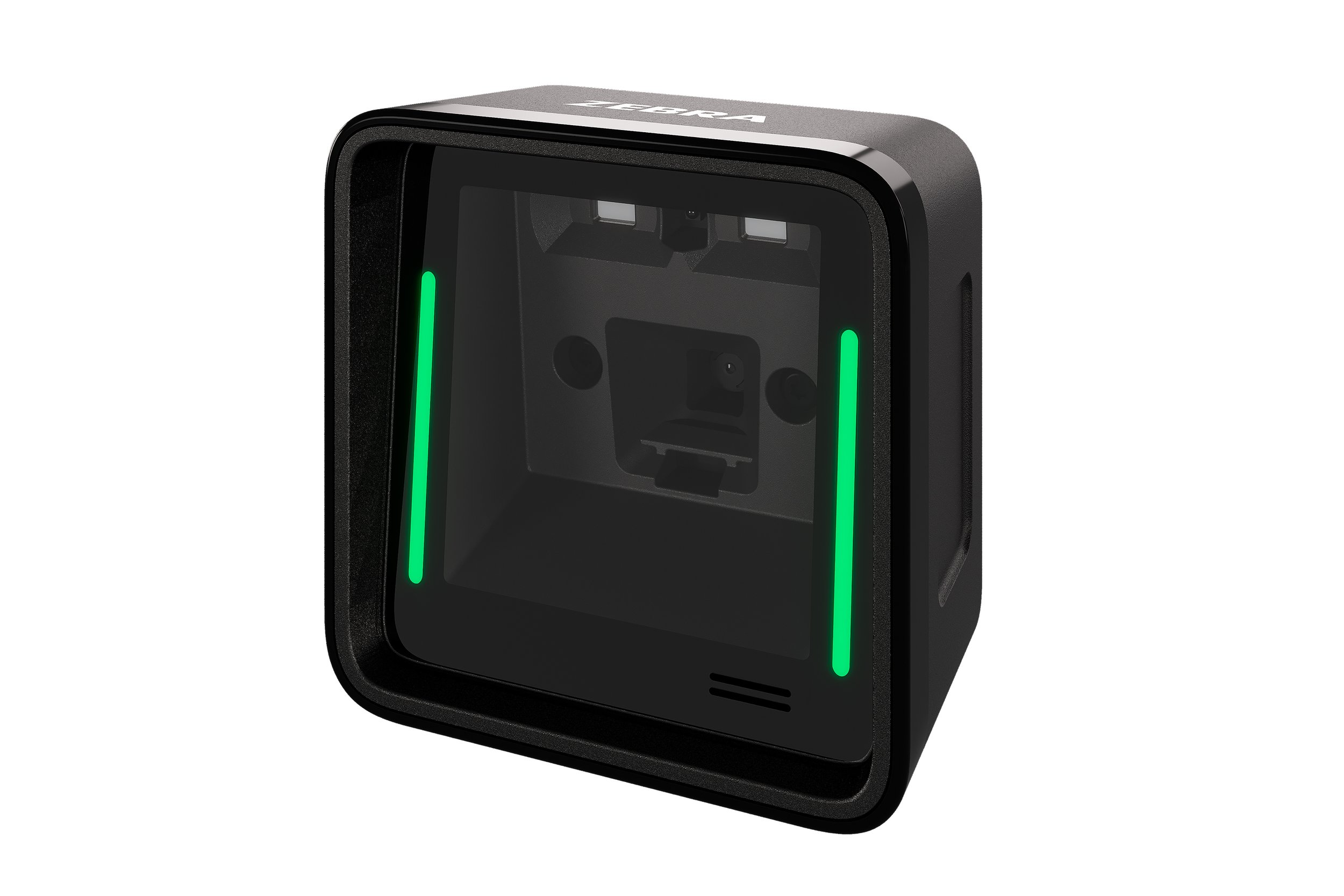
Large scanning area makes it easier to present items
Bright visual guides help users position barcodes quickly
Wide field of view captures barcodes as they approach
You’re not hunting for the “right angle” or adjusting items over and over. It just picks things up quickly, which matters more than anything when there’s a line forming.
It also handles a range of barcode types, including damaged, low-contrast, and mobile barcodes, so you’re not slowing things down when something isn’t perfect.
Speed at Checkout
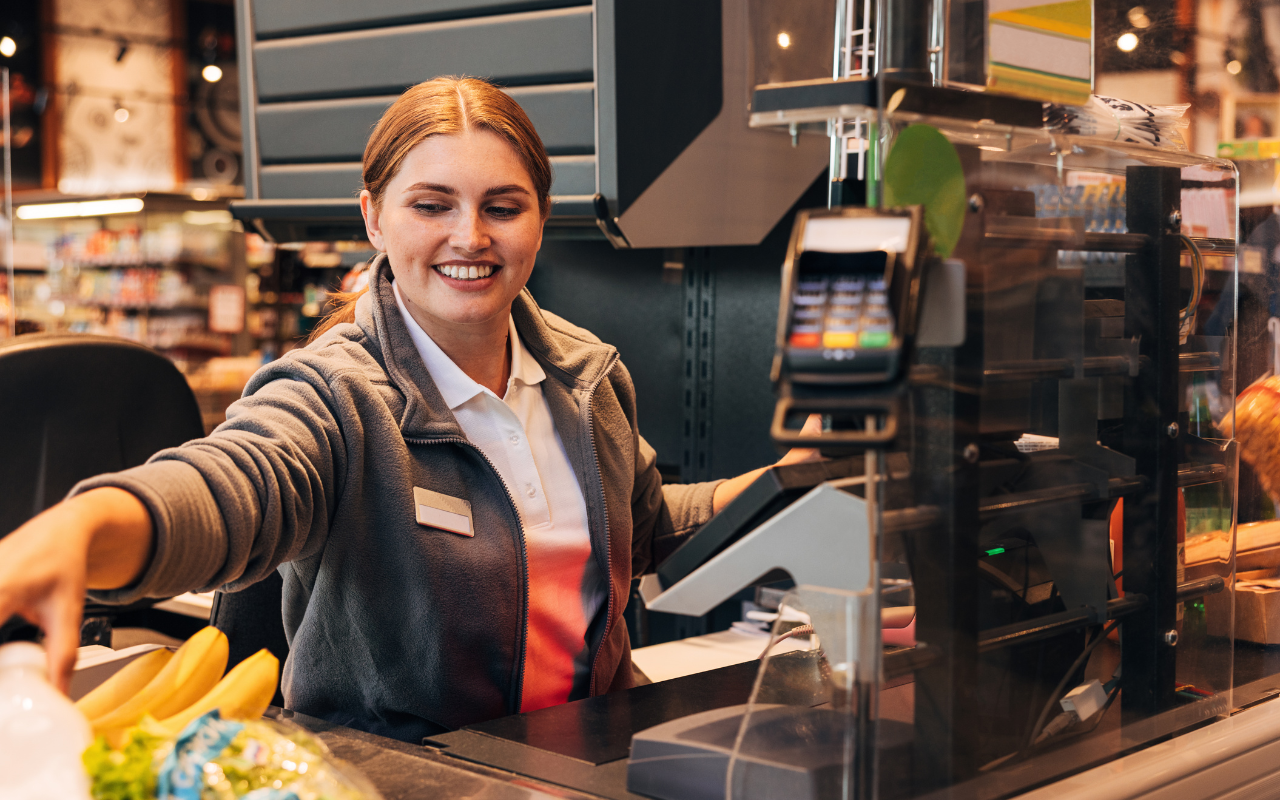
Speed isn’t just about how fast the scanner reads a barcode. It’s about how little effort it takes to get there.
Because items are easier to position and capture, transactions move faster naturally:
Less hesitation from employees
Fewer missed scans
Smoother flow during peak hours
That’s what actually keeps lines moving.
Ease of Use
This is one of the biggest advantages for smaller teams.
New employees don’t need much training to get comfortable. The visual guides and large scan area make it intuitive right away.
That means:
Faster onboarding
Fewer mistakes at checkout
Less reliance on experienced staff to keep things running
Where It Fits Best
The SP20 is built for environments where checkout needs to be consistent and straightforward:
Small retailers
Convenience stores
Quick Serve Restaurants (QSRs)
Specialty shops
Self-checkout and kiosk setups
If your goal is dependable performance without added complexity, this is exactly the type of scanner that makes sense.
Space, Flexibility, and Long-Term Reliability
Counter space matters more than most people think.
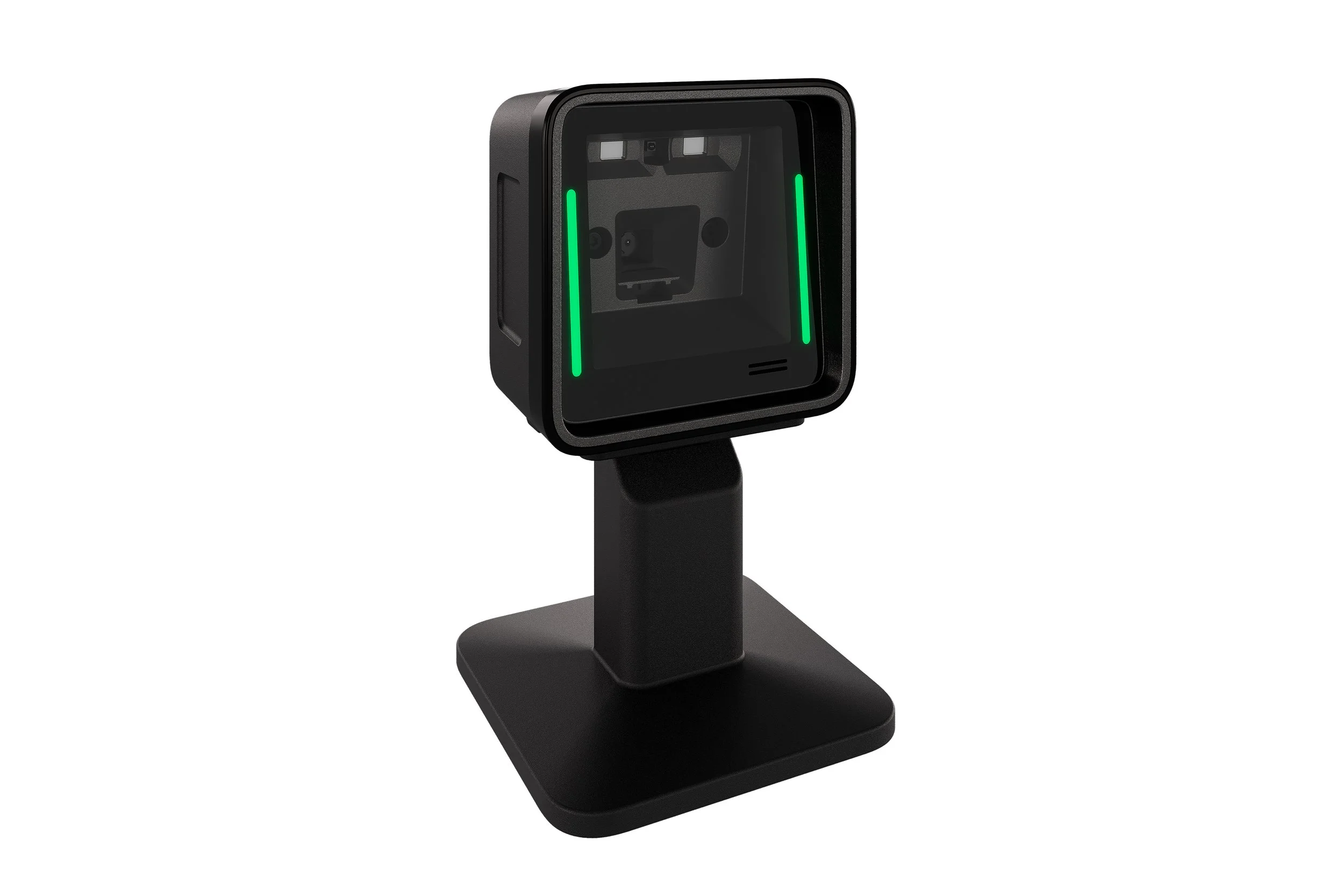
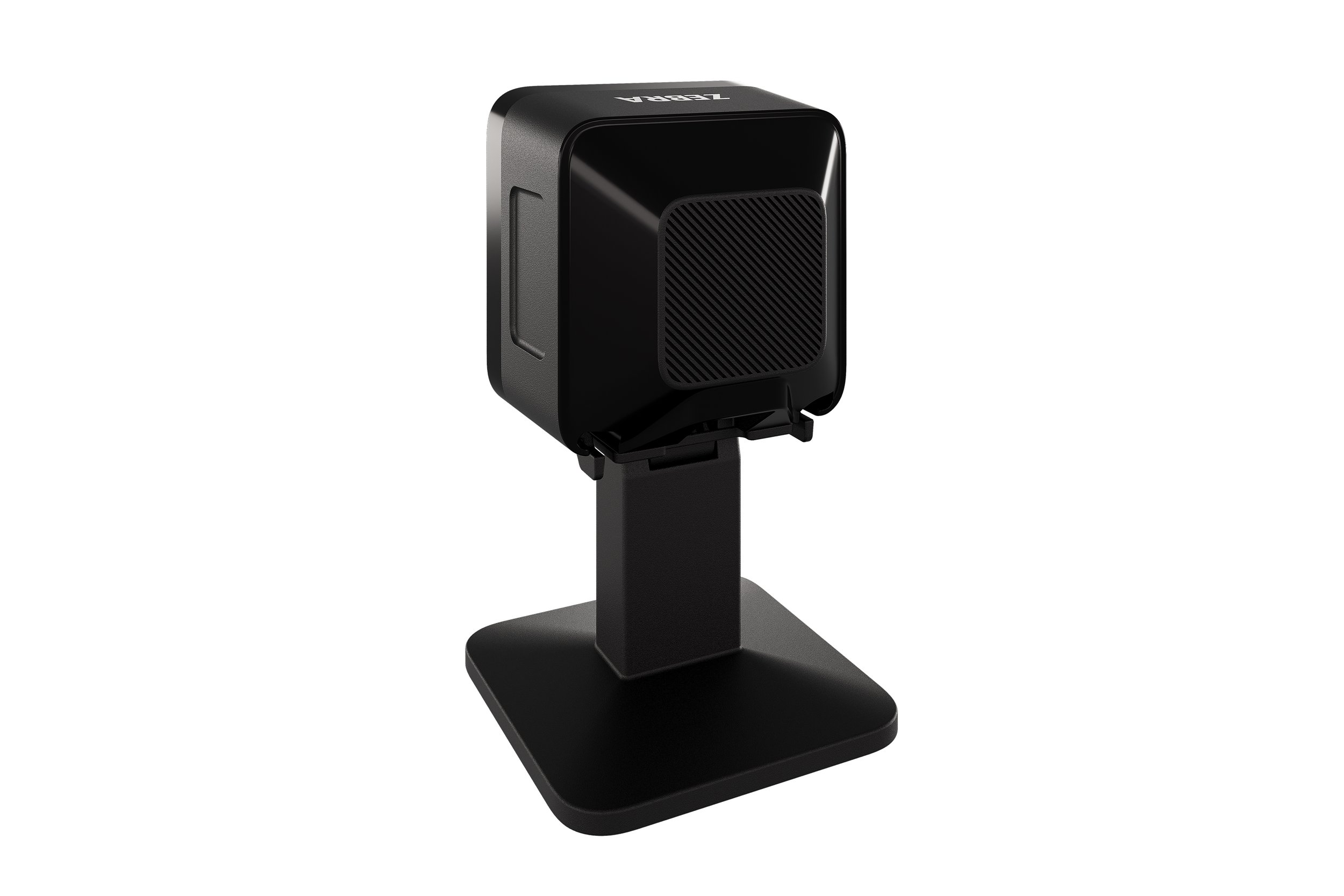
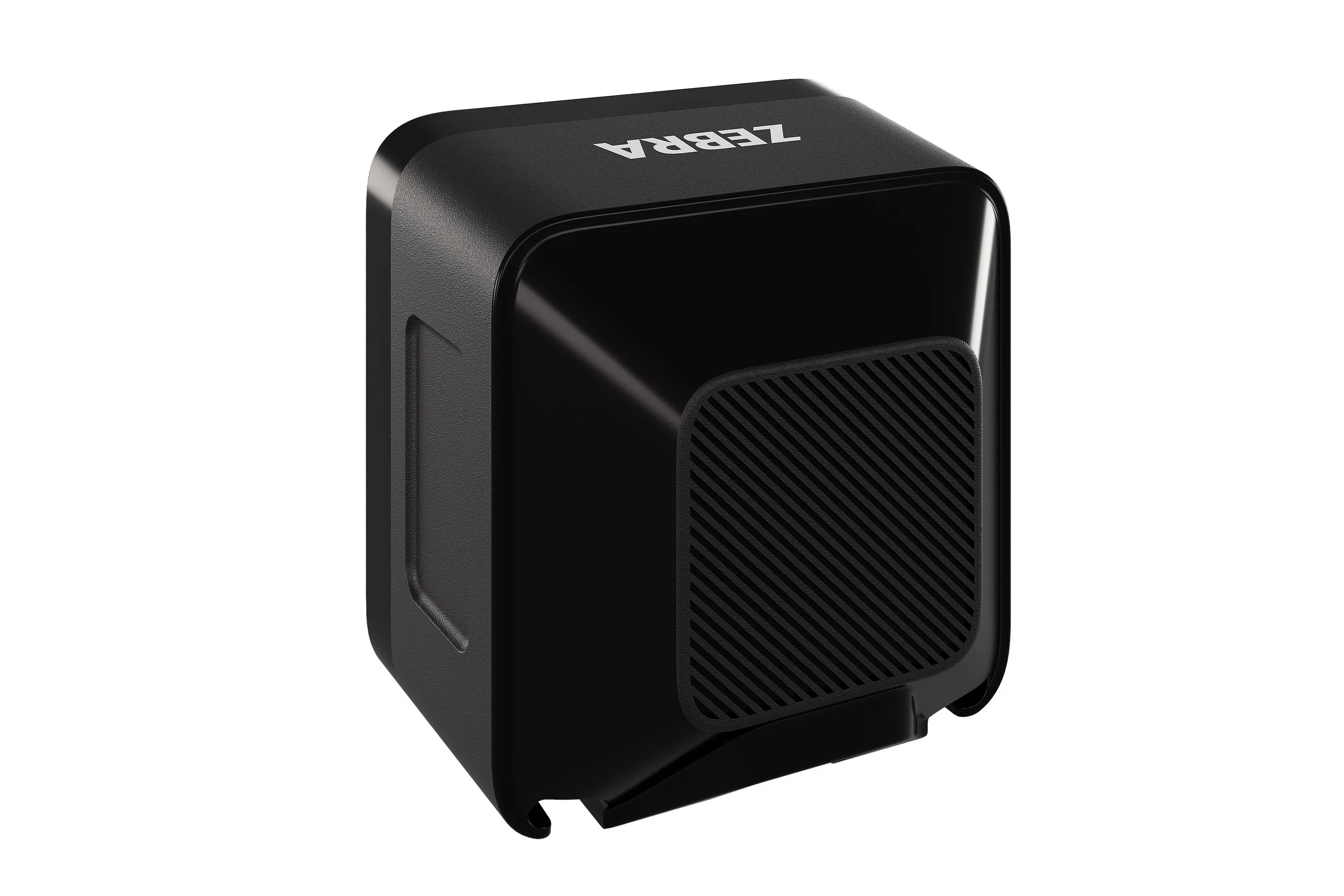
The SP20 keeps a low profile and compact footprint, which leaves room for product displays and impulse items instead of taking over your checkout area.
Installation is flexible:
Adjustable stand
Mounting options for different setups
Easy to integrate into existing layouts
From a durability standpoint, it’s built for real environments:
IP52 sealing helps protect against dust and spills
Handles drops up to 5 ft (1.5 m)
Designed for high-traffic checkout use
And with a 3-year warranty, it’s built to stay in place long term without constant replacement or downtime.

Find the Right Checkout Scanner for Your Setup
Looking to upgrade your checkout or replace an existing scanner?
Our barcode scanner experts can help you choose the right solution based on your setup, space, and daily volume. Click here for expert support or fill out the quick form below!