

If your team is manually typing serial numbers from parts, tools, equipment, or components, there may be a faster way.
Depending on how the serial number is marked, selected Zebra mobile computers and rugged tablets can use OCR to capture printed, etched, engraved, stamped, or dot-peened characters electronically. If the part has a Data Matrix barcode marked directly onto it, the application may require DPM barcode scanning instead.
The key is figuring out what is actually on the part before choosing the hardware.
Why Manually Typing Serial Numbers Can Be a Problem
A worker finds the serial number on a part.
They read it.
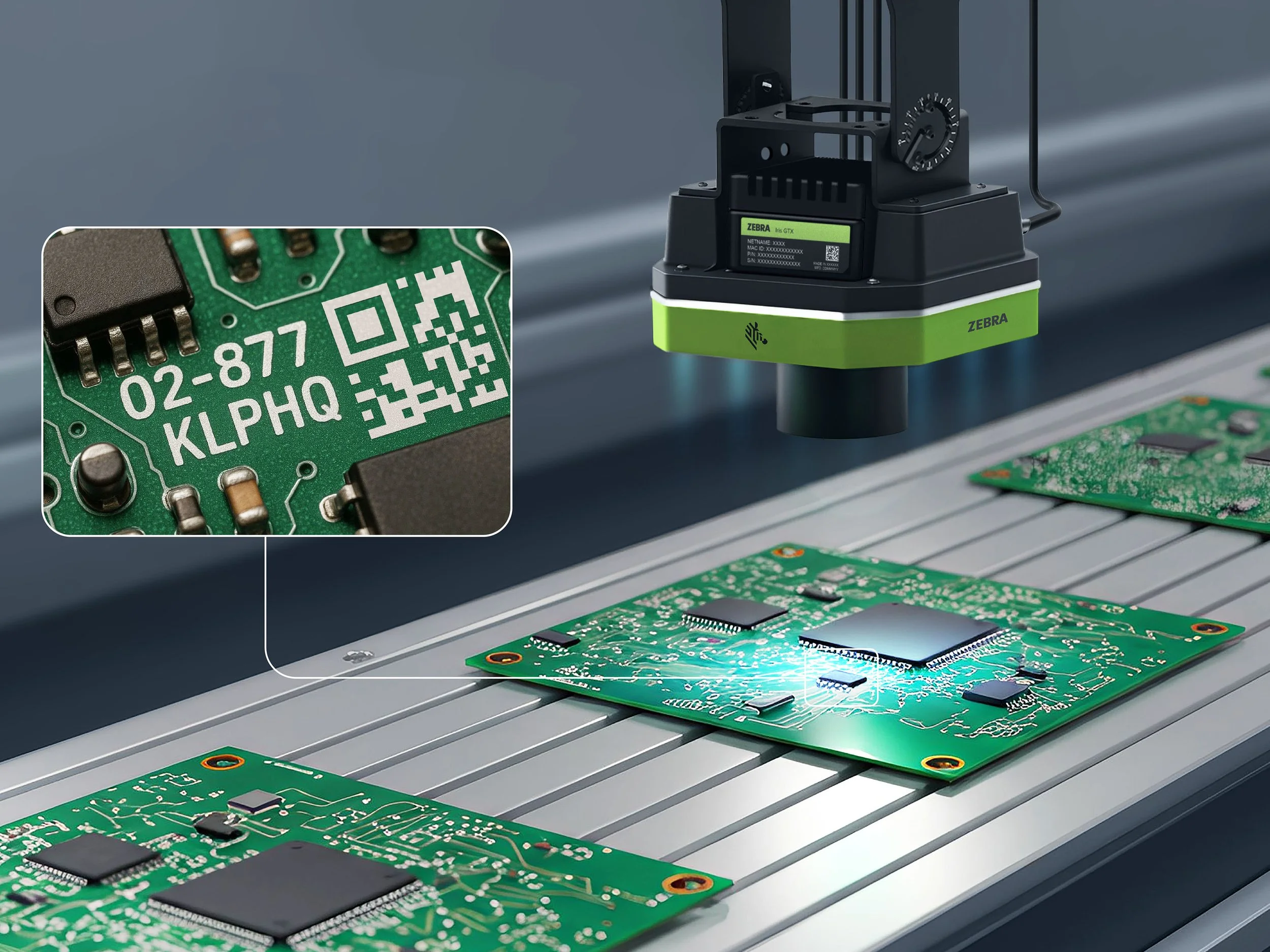
They type it into an ERP, WMS, maintenance system, manufacturing application, or inventory platform.
Then they move on to the next part and do it again.
That might not sound like much, but when serial numbers are long or workers are capturing them repeatedly, manual entry adds another step to the workflow and creates another opportunity for a character to be entered incorrectly.
OCR can remove much of that manual typing by allowing compatible devices to read the characters directly from the part.
For example, instead of manually entering:
AB23984751
a worker can aim a supported Zebra device at the serial number and capture those characters electronically.
First, Figure Out What You Are Actually Trying to Scan
This is one of the most important parts of serial number capture.
A serial number made from letters and numbers and a barcode marked directly onto a part may look similar from a distance, but they are not the same type of data capture application.
If It Is Letters and Numbers, You May Need OCR
OCR stands for Optical Character Recognition.
It allows a device to recognize visible letters and numbers instead of requiring a traditional barcode label.
OCR applications can include:
Printed serial numbers
Laser-etched numbers
Engraved identification
Stamped characters
Dot-peened letters and numbers
So if the part says something like:
SN A48392017
the goal of OCR is to recognize those characters and capture A48392017 electronically.
If It Is a Data Matrix Code, You May Need DPM Scanning
Direct Part Marking, or DPM, usually refers to a barcode that has been marked directly onto the part itself.
That barcode is often a Data Matrix code that has been:
Laser-etched
Chemically marked
Dot-peened
directly into metal, plastic, or another material.
DPM barcodes can be more difficult to capture than a normal printed barcode label because the scanner may be dealing with reflective surfaces, low contrast, curved parts, shallow markings, dirt, wear, or irregular dot-peen patterns.
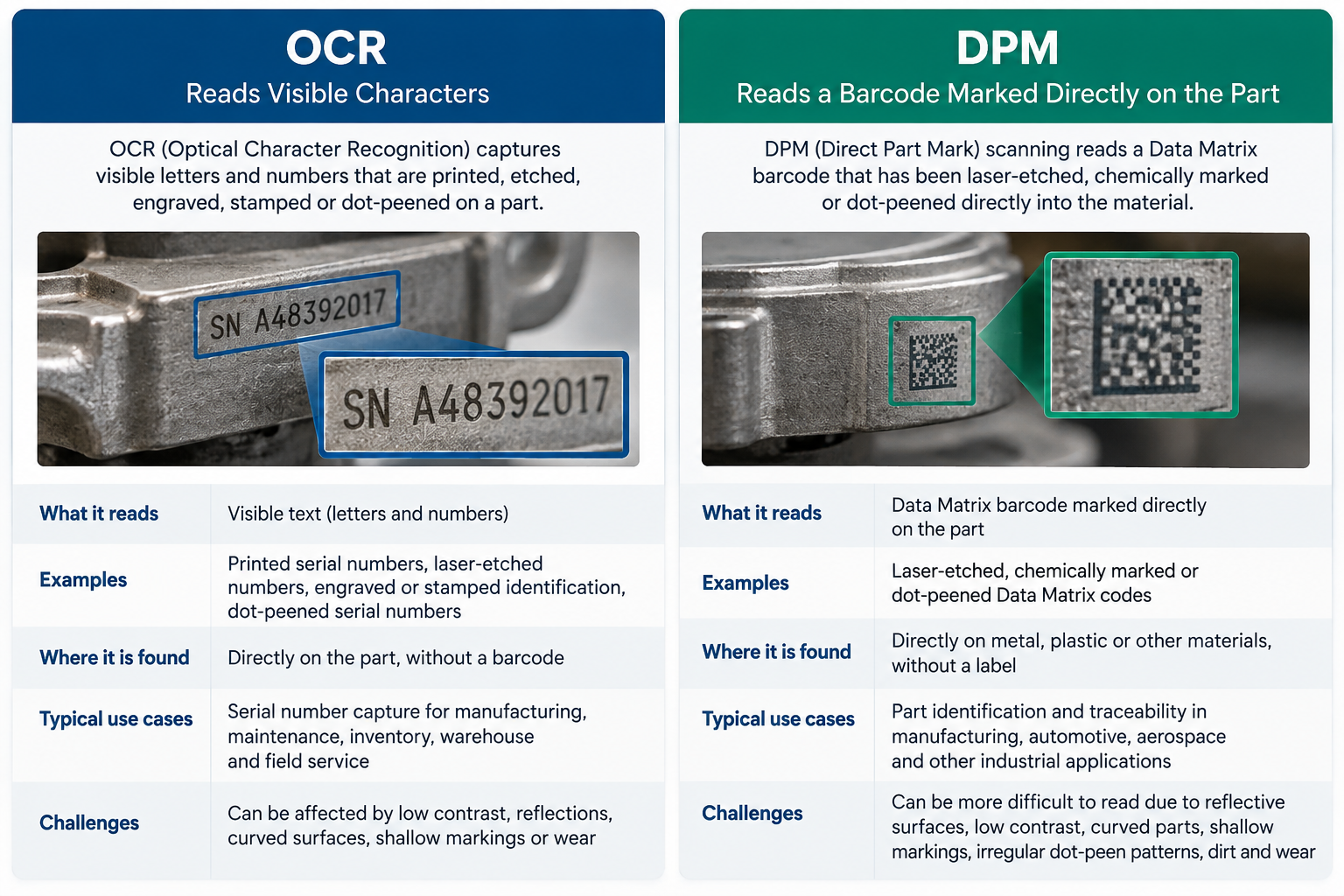
OCR vs. DPM Scanning: What Is the Difference?
The easiest way to remember the difference is this:
OCR reads the characters.
DPM scanning reads the barcode.
A dot-peened serial number made from letters and numbers is an OCR application.
A dot-peened Data Matrix barcode is a DPM barcode application.
That difference matters because the best hardware, scan engine, camera, and software configuration may not be the same for both.
If you are not sure which type of marking you have, Barcode Factory can help evaluate the actual part before you choose a device.
How OCR Serial Number Scanning Works
The actual workflow can be pretty simple.
A worker opens the field where the serial number needs to go.
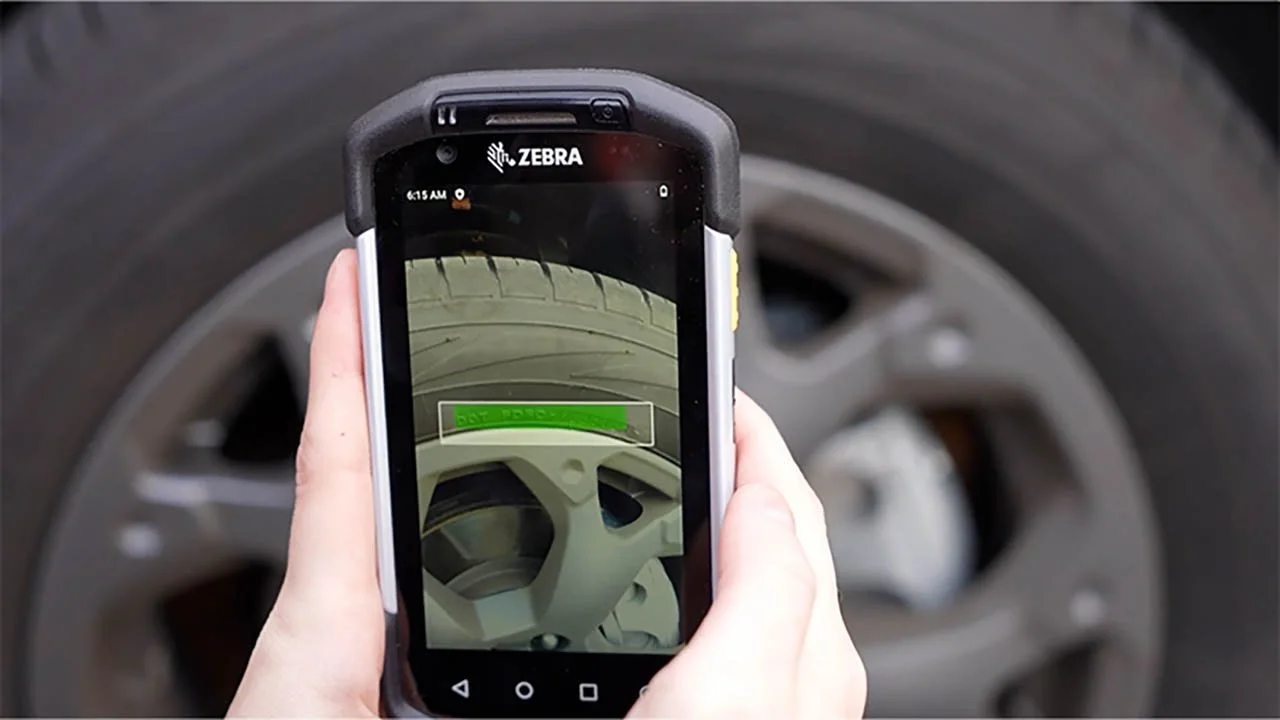
They aim the Zebra device at the serial number.
OCR recognizes the characters.
The serial number is entered into the application.
The worker moves on.
On Zebra enterprise devices, DataWedge can help pass the captured information into the active software field much like keyboard entry or a traditional barcode scan.
A typical workflow might look like this:
Place the cursor in the Serial Number field.
Aim the device at the serial number.
Capture the characters using OCR.
Send the information into the application.
Optionally send Enter or Tab to continue to the next field.
In many cases, this means OCR can work with an existing application without requiring the entire software workflow to be rebuilt.
Can OCR Read Etched, Engraved, or Dot-Peened Serial Numbers?
Potentially, yes.
OCR is not limited to clean black text printed on a white label.
Applications can include:
Laser-etched characters on metal
Engraved numbers
Stamped identification
Dot-peened serial numbers
Low-contrast markings
Worn or scratched characters
But the actual part matters.
A serial number that looks perfectly readable to a person may still be difficult for a camera because of reflections, angle, contrast, character size, surface condition, or lighting.
That is also where AI-based OCR may come into the conversation.
Zebra offers AI-based Text OCR for more challenging text-recognition applications, including dot-peen characters and certain Direct Part Marking text applications.
For difficult serial numbers, AI OCR may provide better recognition than conventional OCR.
That does not mean every hard-to-read marking will automatically work. It means the application should be tested with the real parts before deployment.
What Kind of Device Can Scan Serial Numbers?
There is not one Zebra device that makes sense for every application.
The right choice depends on what the worker is doing, what needs to be captured, and how the device will be used throughout the day.
Handheld Mobile Computers
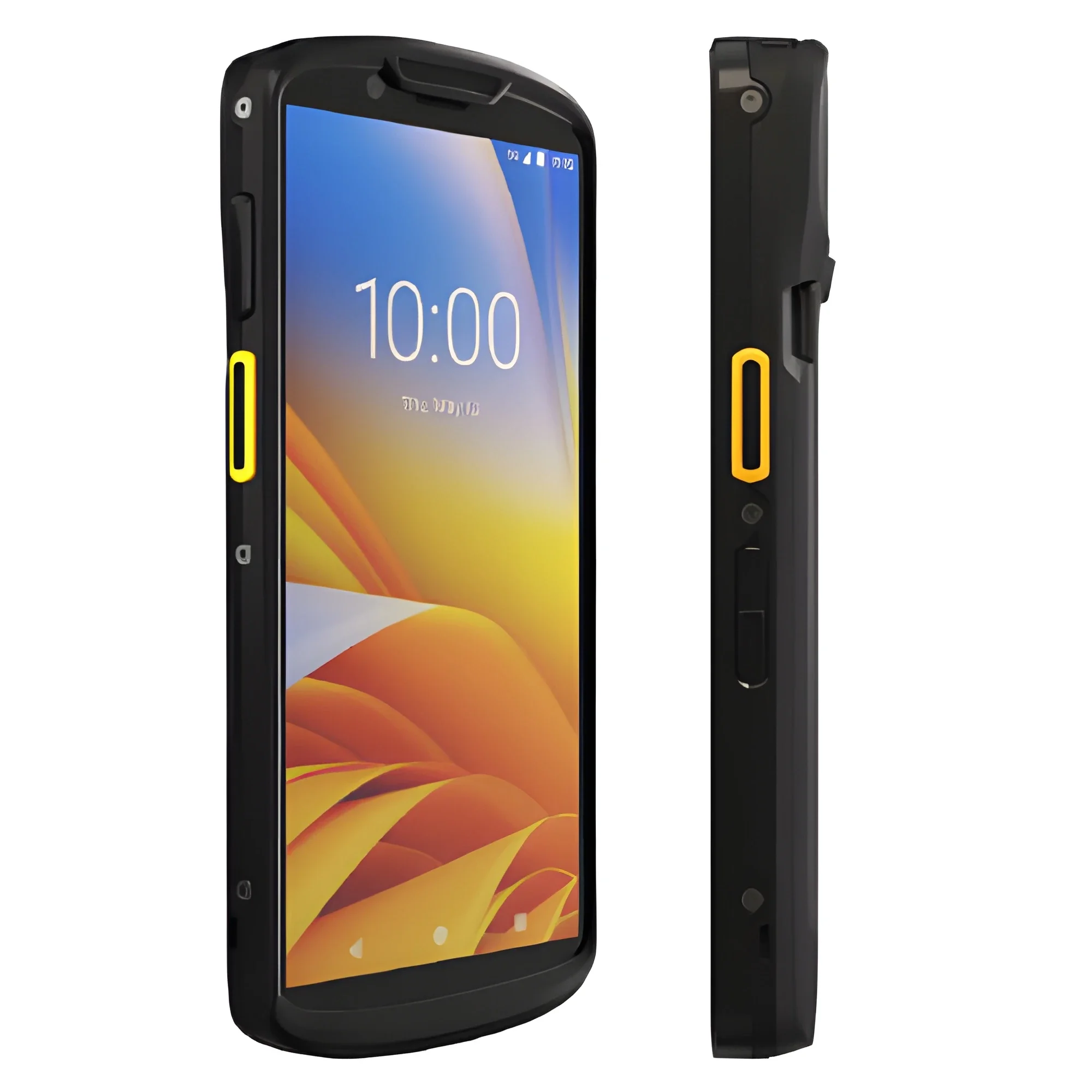
Zebra TC Series devices such as the TC53, TC58, TC73, and TC78 combine enterprise barcode scanning, cameras, and Zebra data-capture software in a handheld touchscreen device.
These can make sense when workers need to capture both traditional barcodes and serial-number text.
Warehouse and Manufacturing Mobile Computers
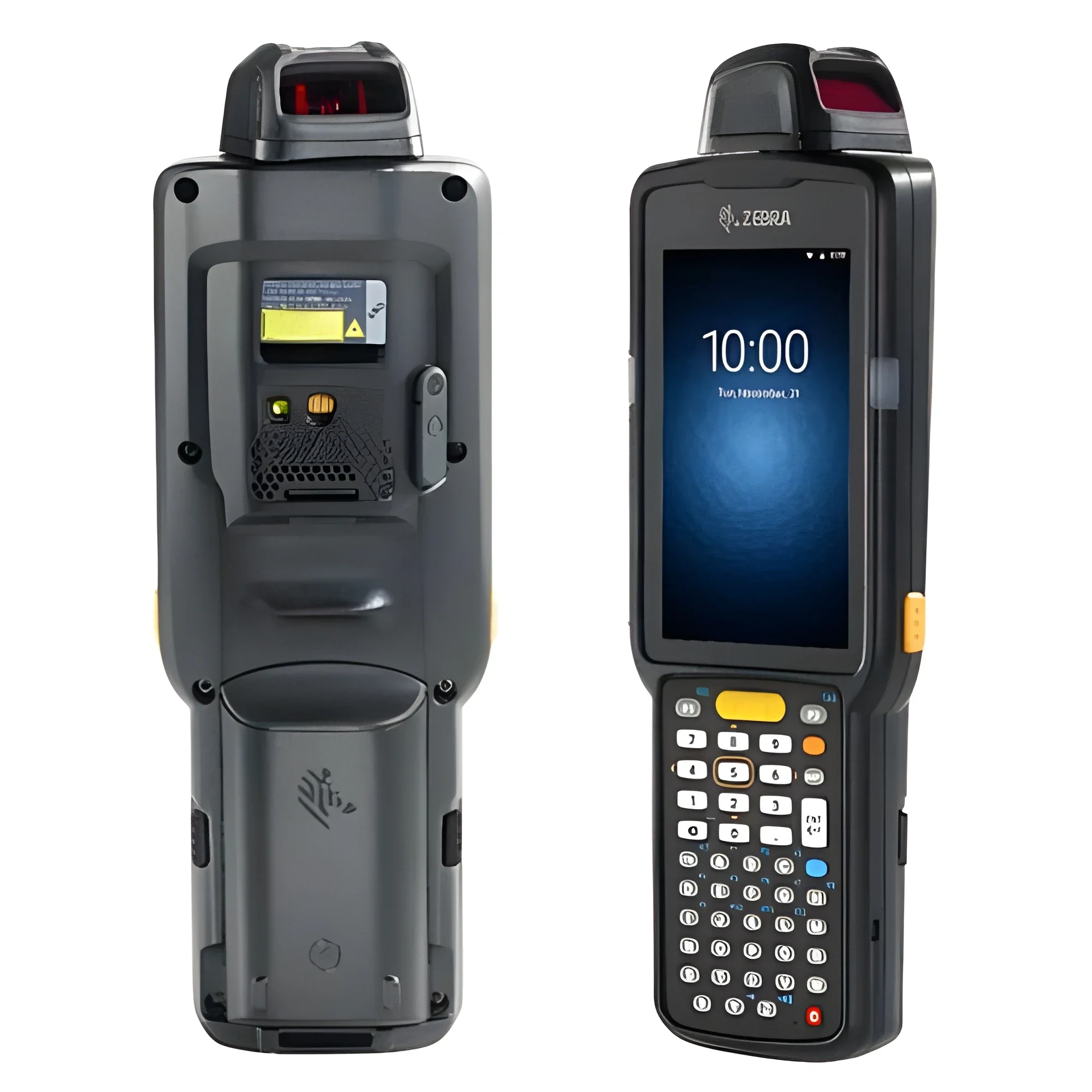
Zebra MC Series devices are designed for more demanding warehouse and manufacturing environments.
Depending on the workflow, models with keypads, pistol grips, or specialized scan engines may make more sense when workers are wearing gloves or performing repetitive data capture.
Rugged Tablets
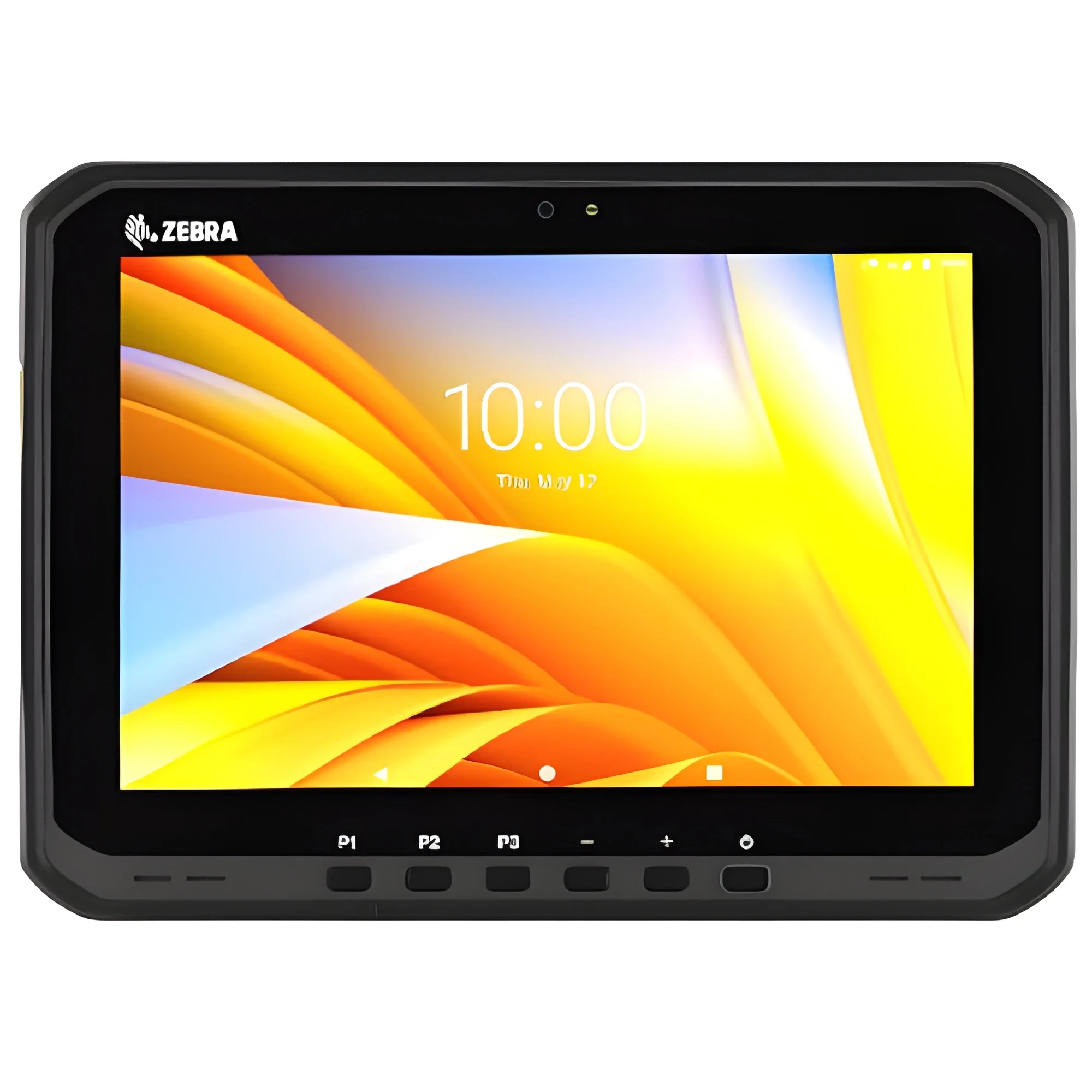
Sometimes the worker needs more than a handheld scanner.
Zebra rugged tablets such as the ET60, ET65, ET60W, and ET65W provide larger screens while still supporting enterprise data-capture workflows.
A rugged tablet may make sense when workers need to capture serial numbers while also:
Viewing drawings or service manuals
Completing inspection forms
Accessing ERP or maintenance systems
Taking photographs
Entering additional information
Working from a larger display
What Should You Look at Before Choosing an OCR or DPM Device?
The device model is only part of the decision.
The application itself should drive the hardware choice.
Important factors include:
Type of marking
Is it printed, etched, engraved, stamped, dot-peened, or a DPM barcode?
Character size
Small or irregular characters may require a different setup than large, high-contrast text.
Surface material
Metal, plastic, and other materials can create different scanning conditions.
Working distance
How close will the worker be to the part when capturing the information?
Lighting
Poor lighting or glare can affect recognition.
Reflectivity
Shiny metal and reflective surfaces can make part markings more difficult to capture.
Barcode type
If the mark is actually a barcode, the scanner needs to support that symbology and application.
Handheld or tablet workflow
The device should fit the job the worker is already doing.
Conventional OCR or AI OCR
More difficult serial numbers may require a more advanced OCR approach.
This is why choosing a device based only on a spec sheet can be risky.
The scan engine, camera, software configuration, and actual markings can be just as important as the model name on the front of the device.
Test Your Actual Parts Before Rolling Anything Out
This might be the most important step.
Do not assume a serial number will scan reliably just because it looks readable.
Test the real parts.
Ideally, that should include several representative samples, especially the hardest ones your workers are likely to encounter.
That might include:
Printed serial numbers
Laser-etched numbers
Engraved or stamped characters
Dot-peened serial numbers
DPM Data Matrix barcodes
Standard printed barcodes
Testing helps determine whether the application needs standard barcode scanning, conventional OCR, AI-based OCR, DPM scanning, or a combination of technologies.
It can also help identify problems with lighting, working distance, reflections, surface conditions, or the marking itself before a larger rollout.
Quick Questions About Scanning Serial Numbers
-
Some Zebra enterprise devices can use OCR to recognize visible letters and numbers even when there is no traditional barcode label.
-
Laser-etched characters can be an OCR application. Actual performance depends on factors such as contrast, surface material, lighting, and the quality of the marking.
-
Yes, dot-peened letters and numbers can be an OCR application. More challenging markings may benefit from AI-based Text OCR.
-
No.
A dot-peened serial number made from letters and numbers is an OCR application.
A dot-peened Data Matrix barcode is a DPM barcode application.
-
Zebra DataWedge can send captured information into the active software field in many workflows, similar to keyboard entry or a barcode scan.
-
Not necessarily. The correct configuration depends on the mark and application. Difficult DPM barcodes may require a device with a DPM-specific scan engine.

Where Barcode Factory Can Help
The difficult part is often not finding a device that says it supports OCR or DPM.
It is figuring out which combination of device, scan engine, camera, software, and configuration will reliably capture the markings on your actual parts.
Barcode Factory can help evaluate printed serial numbers, laser-etched markings, engraved or stamped characters, dot-peened serial numbers, DPM Data Matrix barcodes, and standard printed barcodes.
If your workers are still typing serial numbers by hand, send us photos or sample parts and we can help determine whether OCR, AI-based OCR, standard barcode scanning, or DPM scanning makes the most sense for the application.
Fill out the form below or contact us to talk to an expert!