

Best Color Label Printer for Small Businesses and Visitor Badges
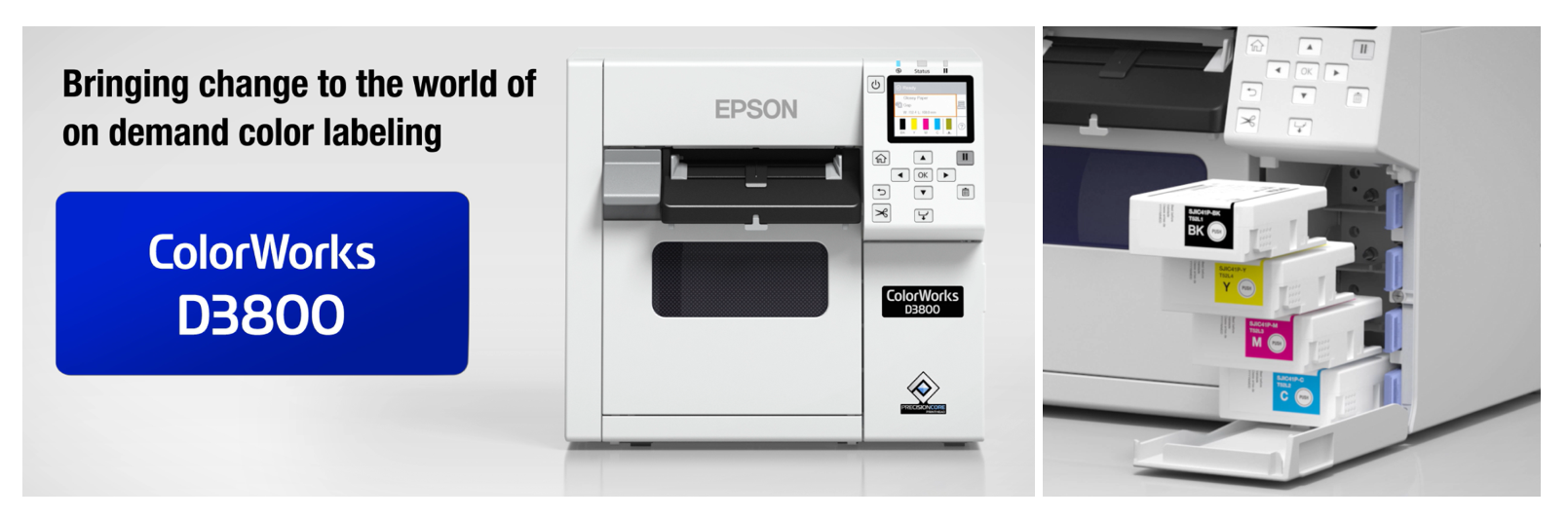
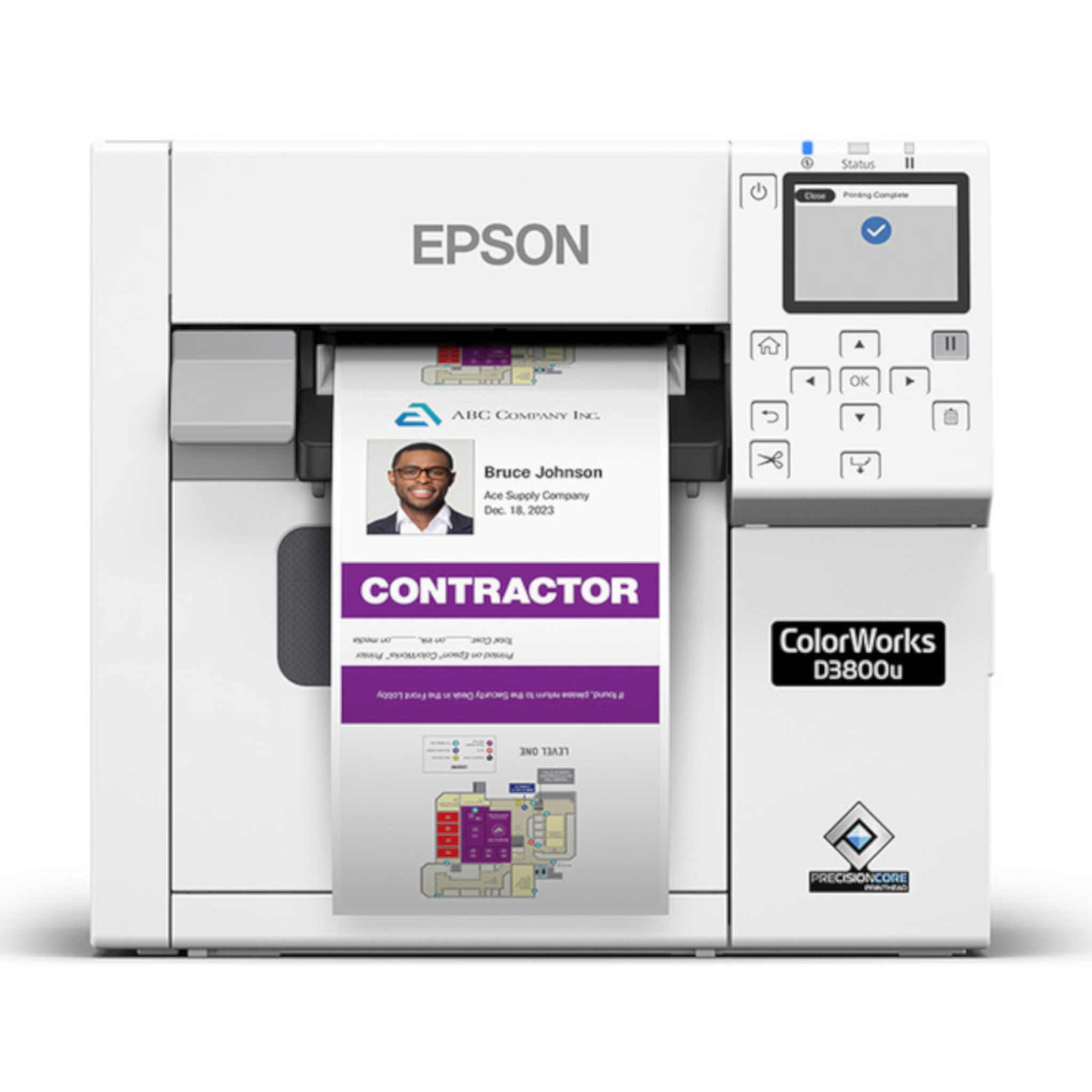
The Epson ColorWorks™ CW-D3800 is a strong color label printer for small businesses, visitor badges, short-run product labels, private-label items, and seasonal packaging. It is built for businesses that need professional color labels on demand, but do not need a large production printer.
Paired with the FREE Epson Label Boost® Designer, the CW-D3800 gives teams a simpler way to design, customize, and print color labels or visitor badges without outsourcing every small run.
That makes it a practical fit for businesses that need labels now, in smaller quantities, with more flexibility.
Start With Epson Label Boost® Designer
Before choosing a color label printer, it helps to think about how your team will actually create the labels.
Epson Label Boost® Designer is built for Epson ColorWorks printers and gives users a simpler way to design and print professional color labels and visitor badges. Instead of needing complicated design software or starting from scratch every time, users can work with drag-and-drop tools, templates, and simplified printer settings.
That matters for small businesses, front desks, offices, and teams that do not have a full design or print department.
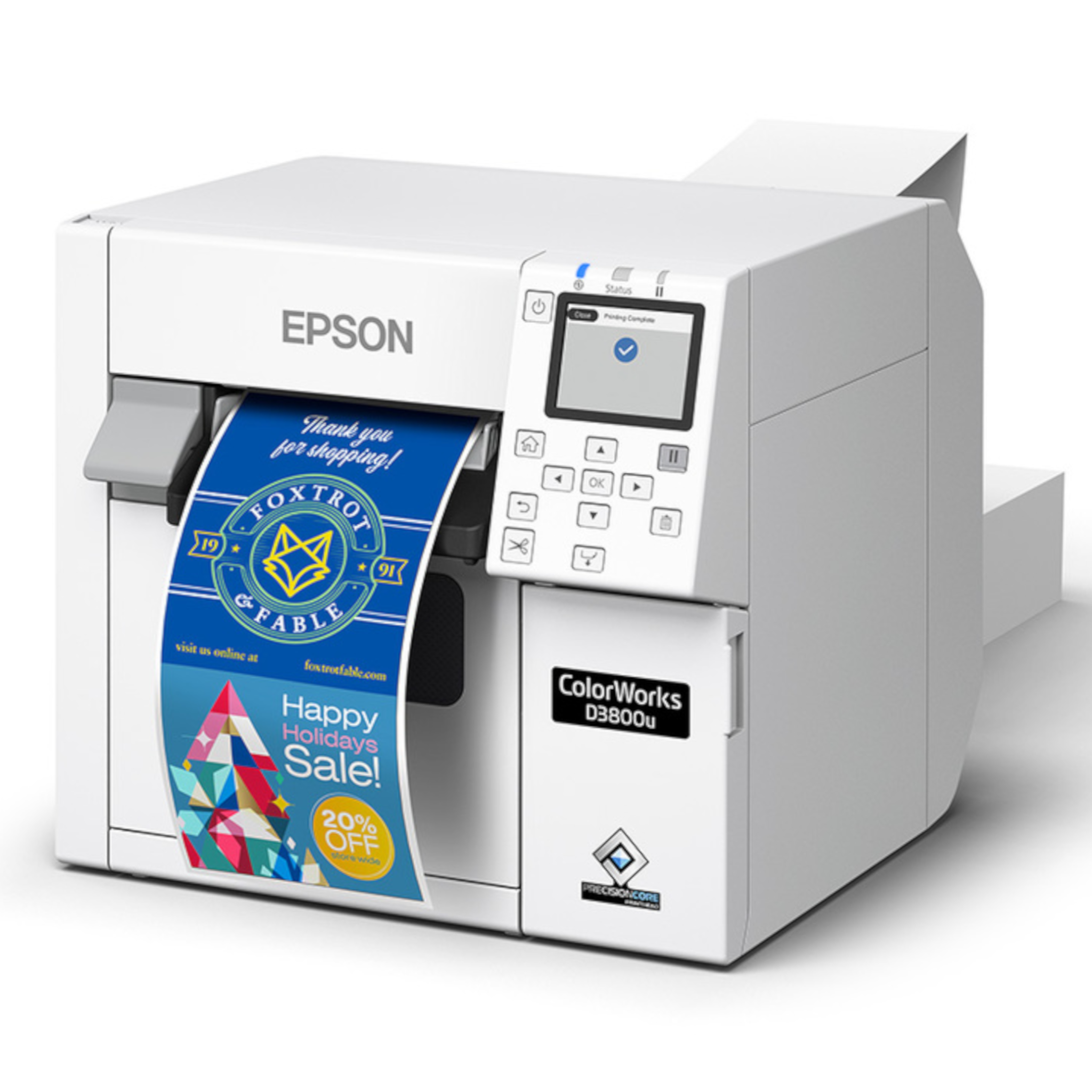
With Label Boost® Designer, businesses can create labels for products, visitor badges, private-label goods, seasonal runs, packaging, and other on-demand applications.
It is available at no cost for Windows and Mac, which makes it a helpful starting point for teams using Epson ColorWorks printers.
Meet the Epson ColorWorks CW-D3800
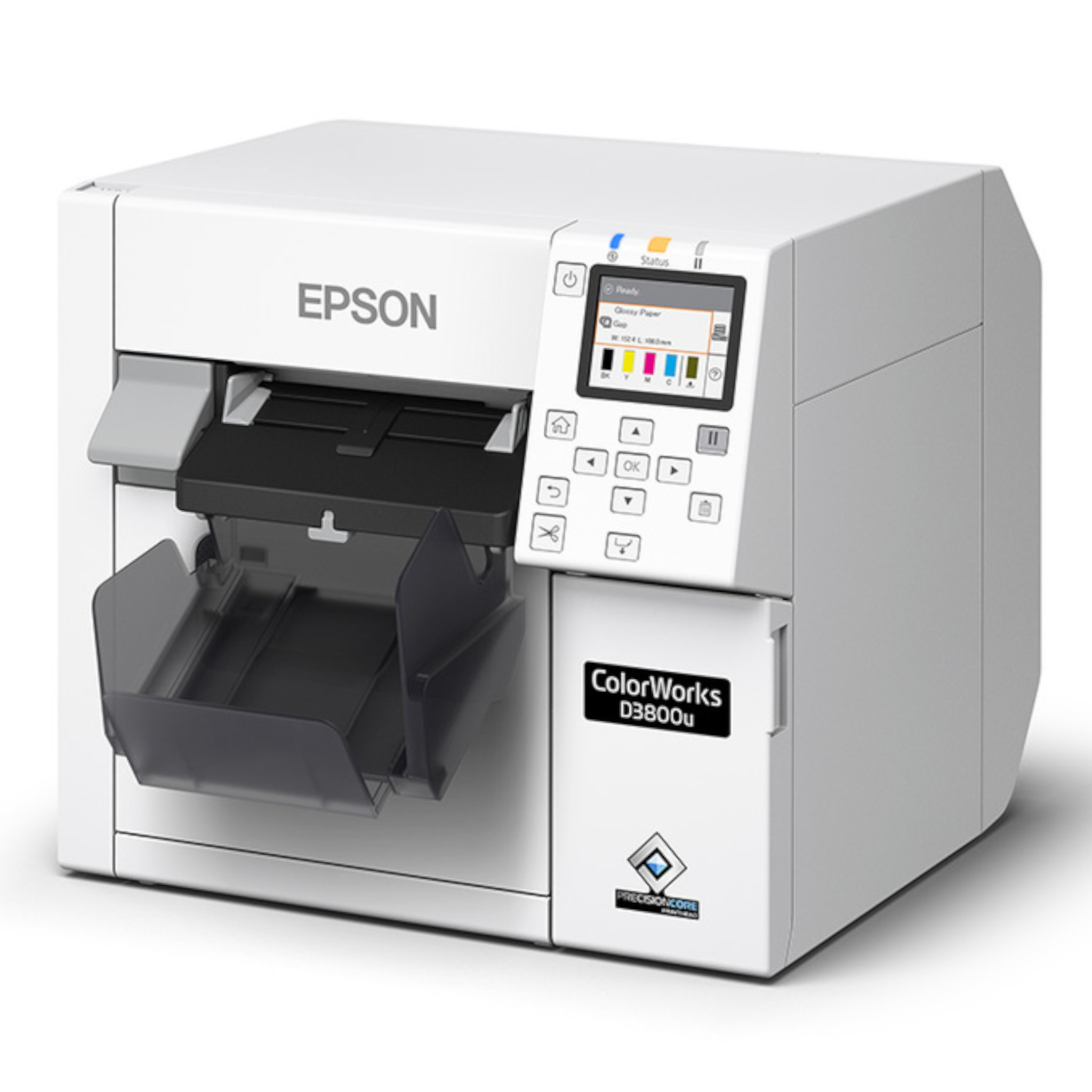
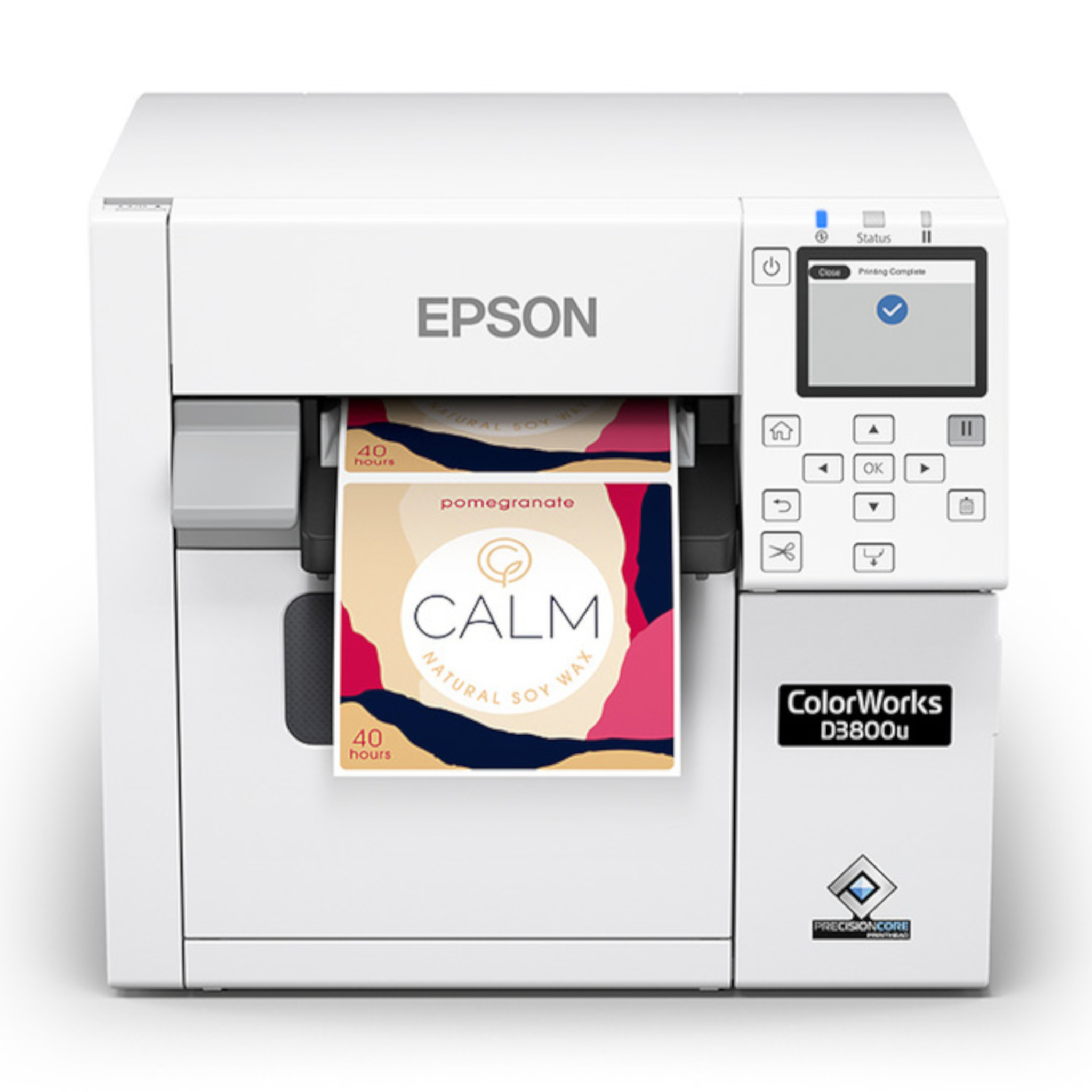
The Epson ColorWorks CW-D3800 is a compact color inkjet label printer designed for low-volume, on-demand color label and badge printing.
It is not built for businesses that need massive print runs all day long. It is built for the teams that need colorful, professional labels when they need them.
That could mean a bakery printing labels for fresh products, a coffee shop labeling seasonal blends, a corporate office printing visitor badges, or a maker selling candles, jewelry, handmade goods, or gift items.
Instead of ordering a large batch of preprinted labels and hoping nothing changes, the CW-D3800 lets businesses print what they need in-house.
That is useful when products, ingredients, designs, promotions, badges, or seasonal labels change often.
Why On-Demand Color Label Printing Matters
Small businesses and organizations often need flexibility more than massive volume.
A bakery may need labels for a weekend product. A coffee shop may want a limited-run label for a seasonal drink. A school or hospital may need visitor badges that look professional and are easy to update. A maker may want branded labels for candles, gift boxes, jewelry, or handmade products.
Outsourcing can still make sense for large runs. But for smaller quantities, fast changes, and short-run labels, it can become slow, expensive, or limiting.
That is where an on-demand color label printer can help.
The CW-D3800 gives businesses more control over timing, design changes, and label quantity. You can print a small batch, update the design, create a different version, or support a new product without waiting on an outside print order.
What You Get With the CW-D3800
The CW-D3800 is designed to make color label printing more approachable for businesses that need professional output without a complicated setup.
One of the biggest advantages is its compact and affordable design. It is engineered for small businesses and teams that need color labels or badges on demand, but do not want to overbuy.
The printer uses dye-based ink to produce vibrant color labels for a range of applications. It supports print resolutions up to 600 dpi x 1200 dpi, which helps produce detailed labels with clear graphics, text, and branding.
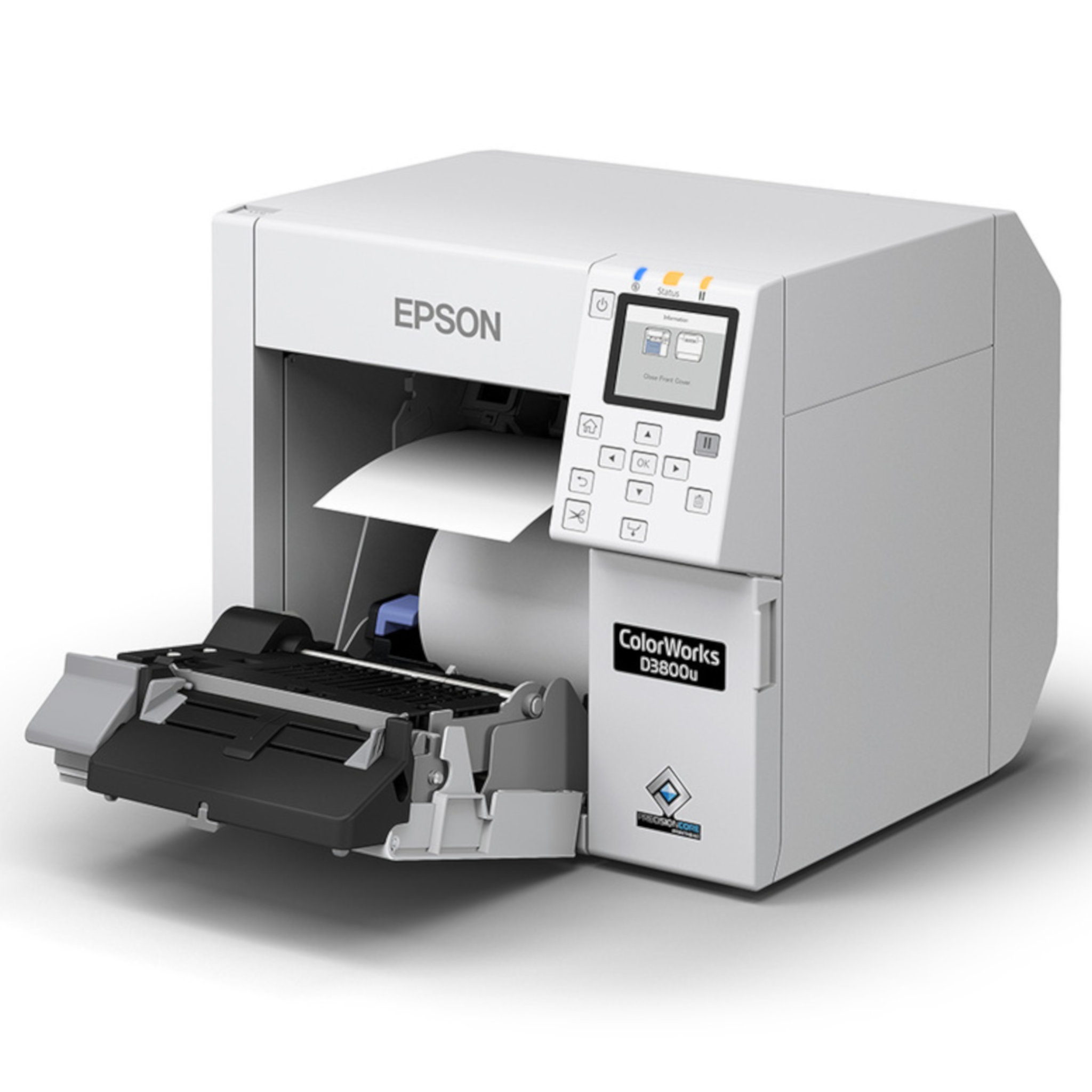
It also supports flexible media handling, with label widths from 1" to 4.25" and support for both roll and fanfold media. That gives businesses more room to print different label types without locking into one narrow use case.
For everyday use, the CW-D3800 includes features that help keep operation simple, including a color LCD screen, fast media and ink loading, Windows driver support, and automatic Nozzle Verification Technology.
The printer also uses Epson PrecisionCore® technology with a permanent printhead designed to last the life of the printer. That helps support reliable operation and reduce downtime compared to systems that require more frequent printhead replacement.
Optional Wi-Fi is also available, allowing users to print from mobile devices through the Epson ColorWorks™ Print app.
Who Is the CW-D3800 Best For?
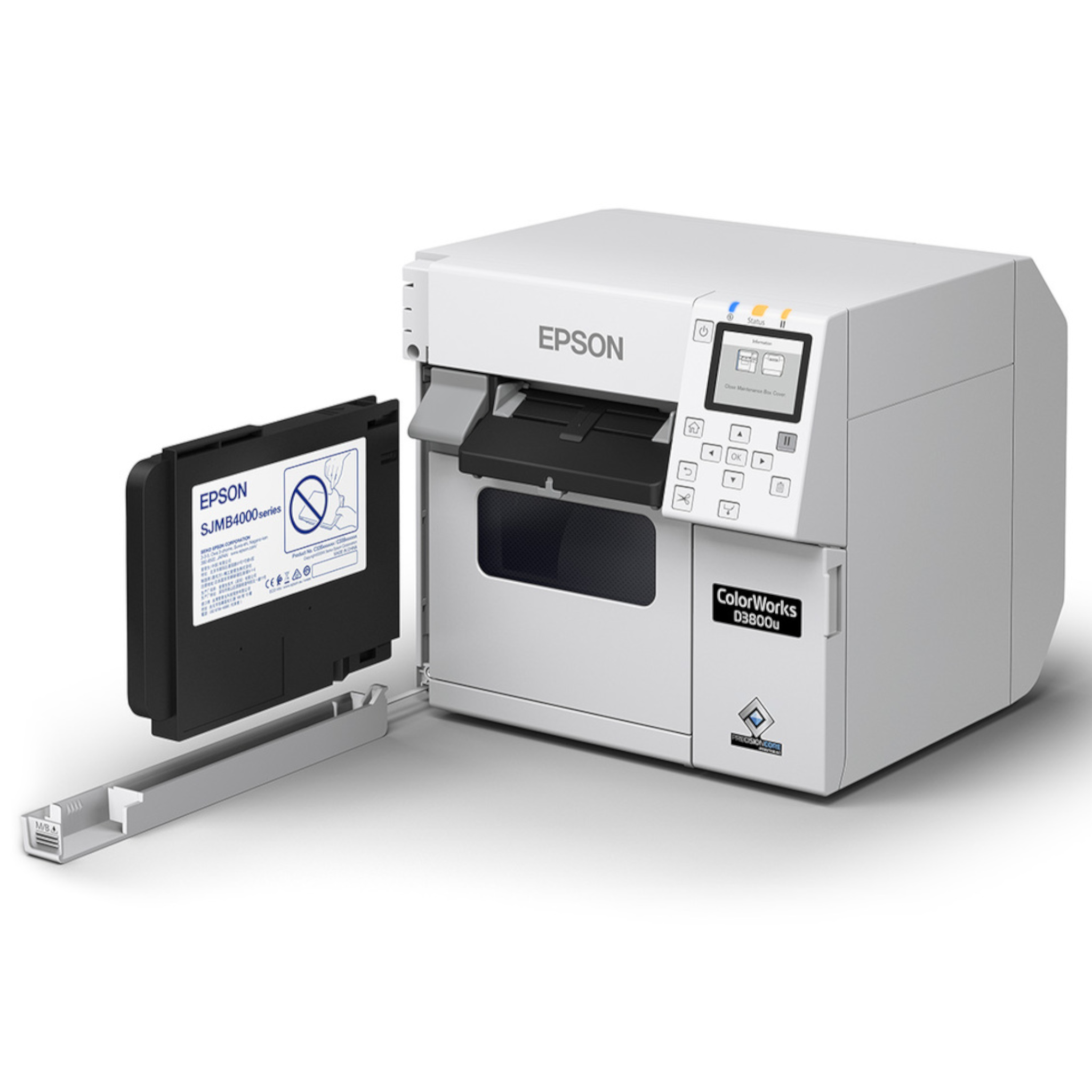
The Epson ColorWorks CW-D3800 is a strong fit for businesses and organizations that need low-volume color labels or visitor badges on demand.
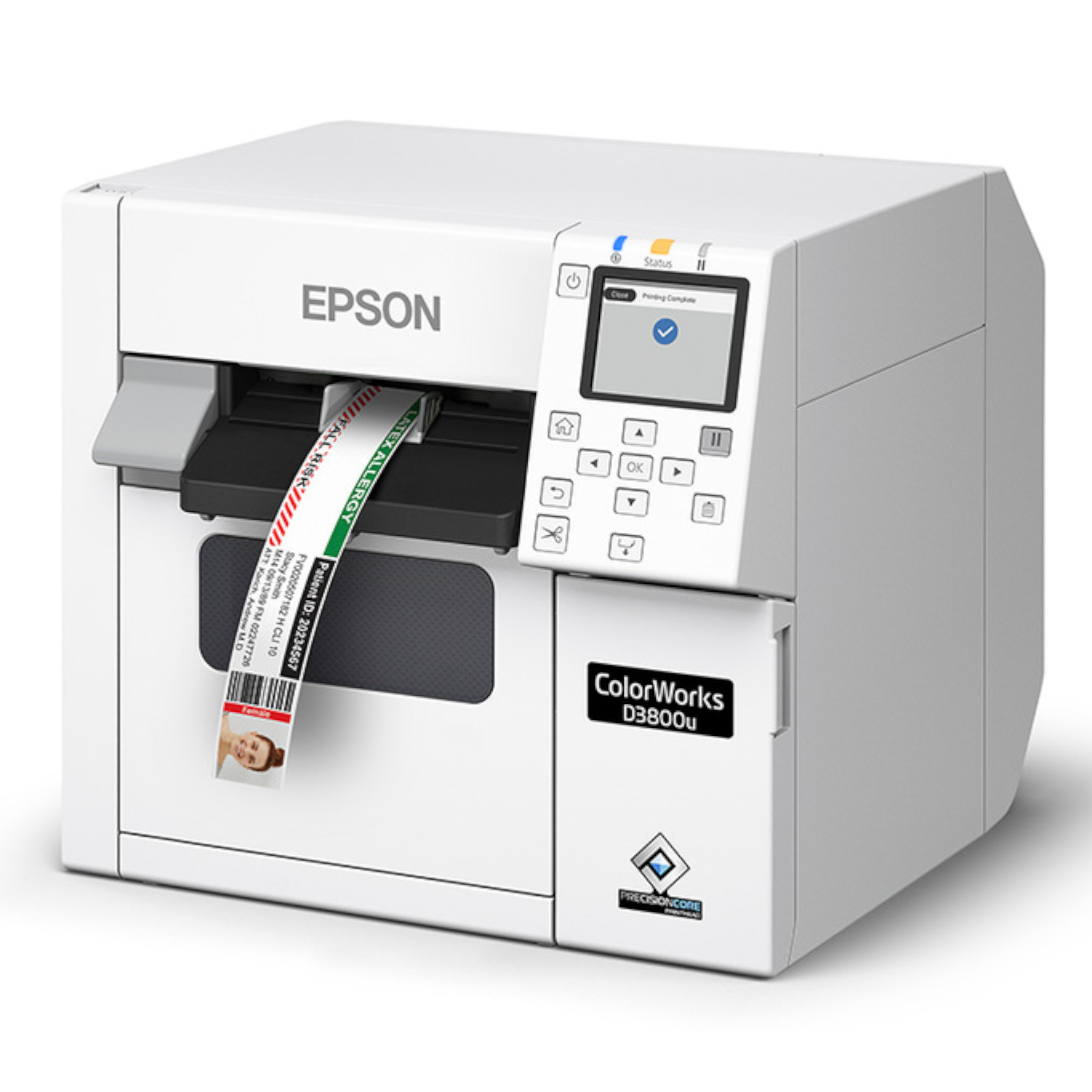
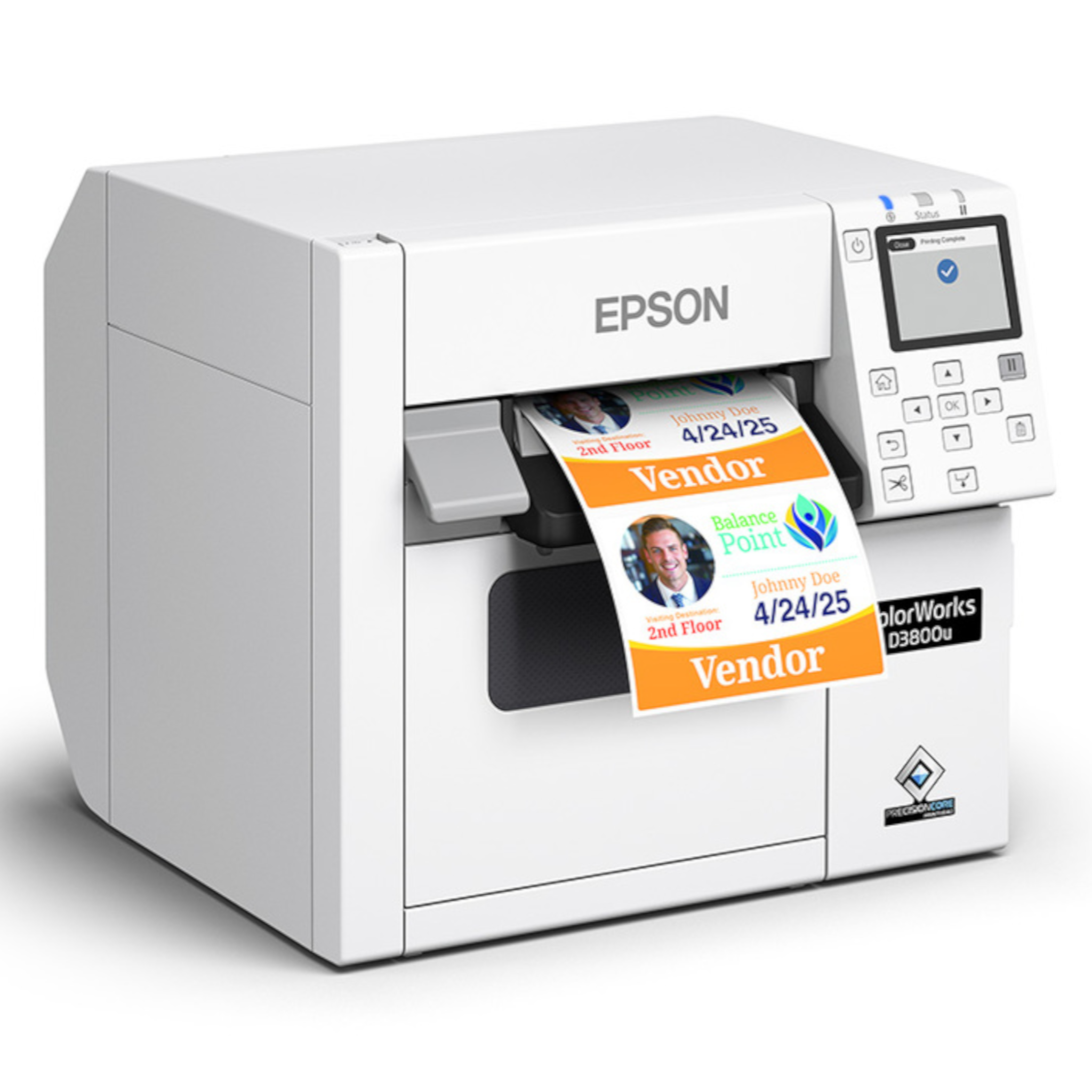
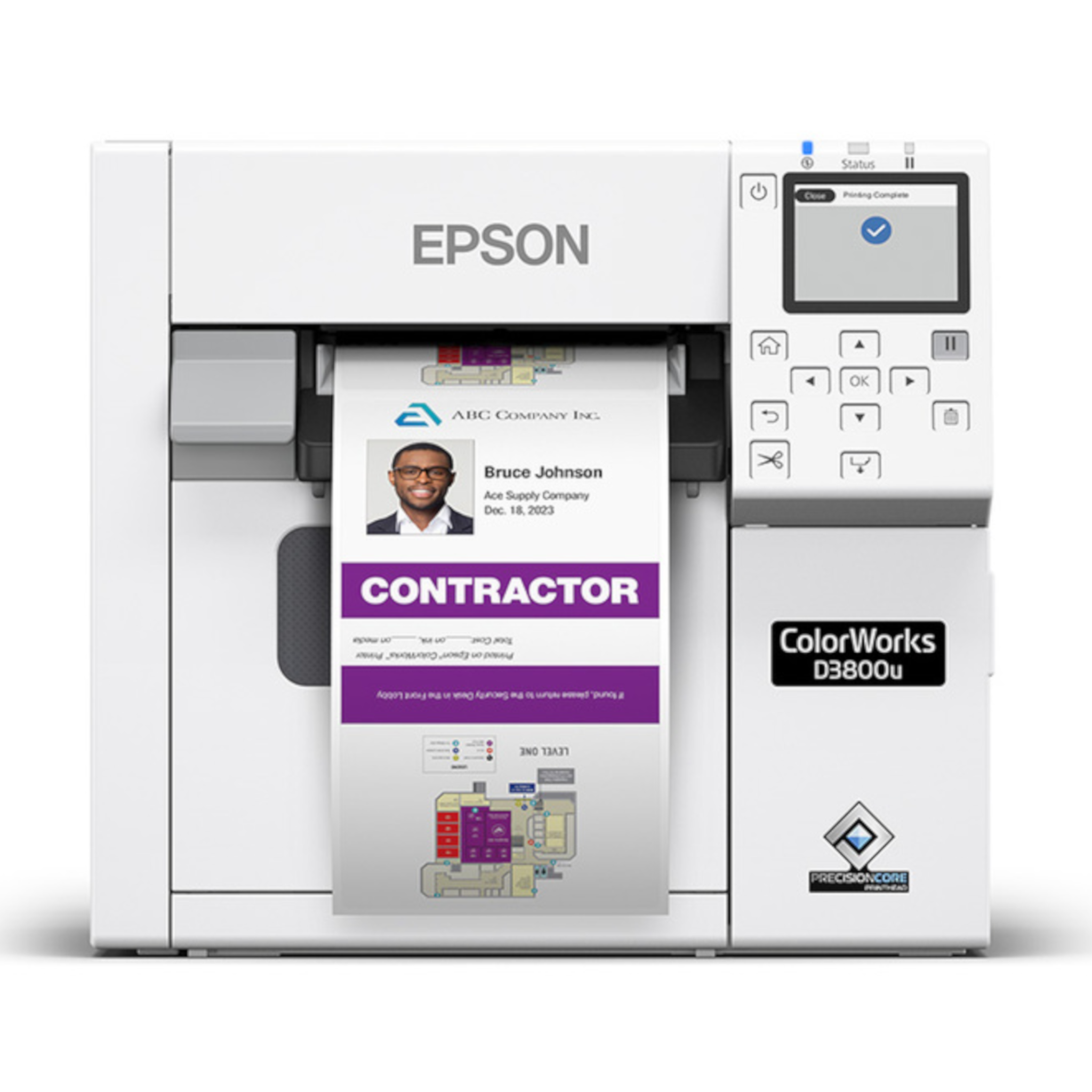
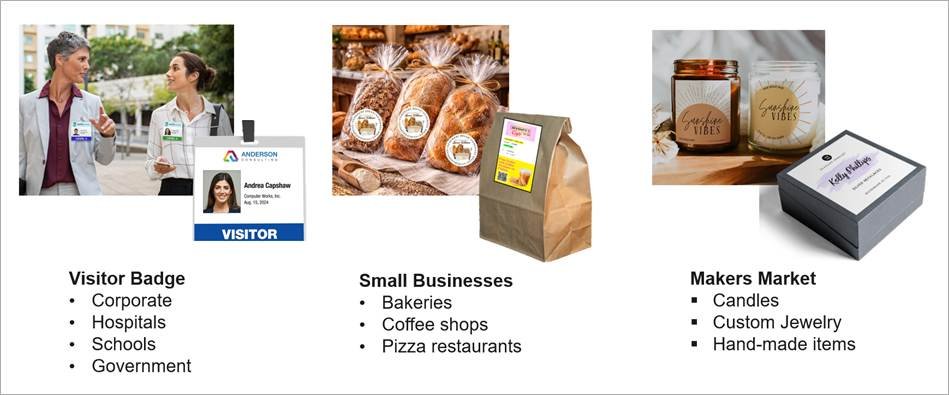
For visitor management, it can support badges for corporate offices, hospitals, schools, government buildings, and other facilities where a professional badge matters.
For small businesses, it can support bakeries, coffee shops, pizza restaurants, cafes, local food businesses, and other teams that need product labels without ordering large batches.
For makers and small brands, it can support candles, handmade items, custom jewelry, gift boxes, seasonal packaging, and private-label products.
The common theme is flexibility.
If your team needs professional-looking color labels in smaller quantities, and those labels may change often, the CW-D3800 is built for that type of work.
When You May Need a Different ColorWorks Printer
The CW-D3800 is a good fit for low-volume, on-demand color label and badge printing.
It may not be the best fit if your business needs high-volume production printing, larger label sizes, more demanding durability requirements, or a faster industrial color labeling setup.
In those cases, another Epson ColorWorks model may make more sense.
The right choice depends on your label volume, label size, print environment, media type, durability needs, and how your team plans to use the printer day to day.
CW-D3800 FAQ
-
The Epson ColorWorks CW-D3800 is used for low-volume, on-demand color label and visitor badge printing. It is a strong fit for small businesses, offices, schools, hospitals, makers, restaurants, and teams that need professional color labels in smaller quantities.
-
Yes. The CW-D3800 can support visitor badge printing, making it useful for corporate offices, schools, hospitals, government buildings, and other visitor management applications.
-
Yes. The CW-D3800 is designed for small businesses that need affordable, compact, on-demand color label printing without a large production setup.
-
The Epson ColorWorks CW-D3800 supports media widths from 1" to 4.25", giving businesses flexibility for different label and badge applications.
-
Yes. The CW-D3800 uses dye-based ink to produce vibrant color labels for a range of labeling applications.
-
Yes. Epson Label Boost® Designer supports current Epson ColorWorks models, including the CW-D3800. It helps users create, customize, and print color labels and visitor badges with drag-and-drop tools, templates, and simplified printer settings.

Where Barcode Factory Can Help
Barcode Factory can help you compare Epson ColorWorks printers based on your label application, print volume, media size, software needs, connectivity, and budget.
If the CW-D3800 fits your workflow, we can help you choose the right printer setup, labels, ink, and software support. If your application needs something larger or more production-focused, we can help point you toward the right ColorWorks model instead.
The goal is simple: get the color label printer that fits what you actually need to print, fill out the form below or contact us to talk to an expert!