

What Is the Cheapest Zebra Industrial Printer?
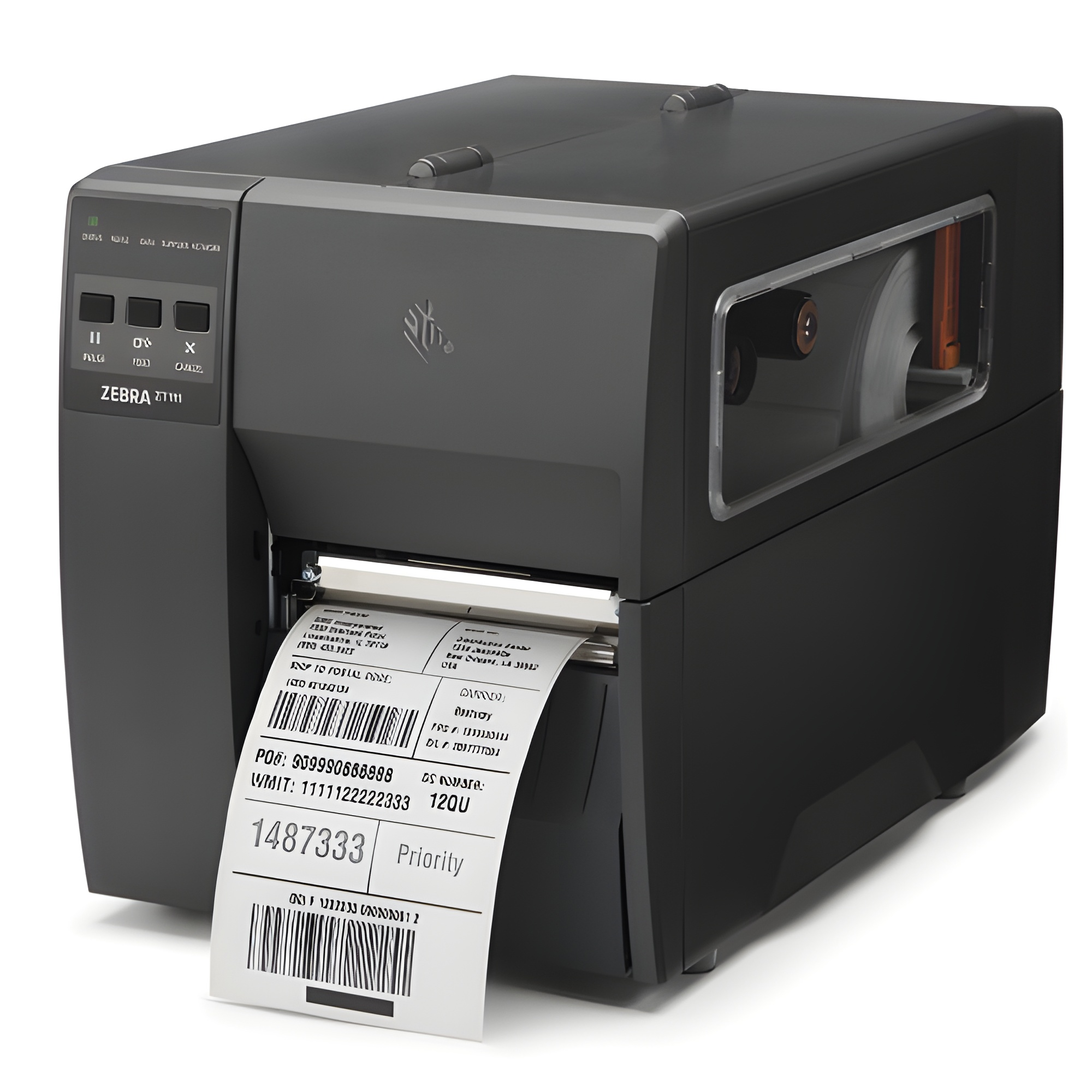
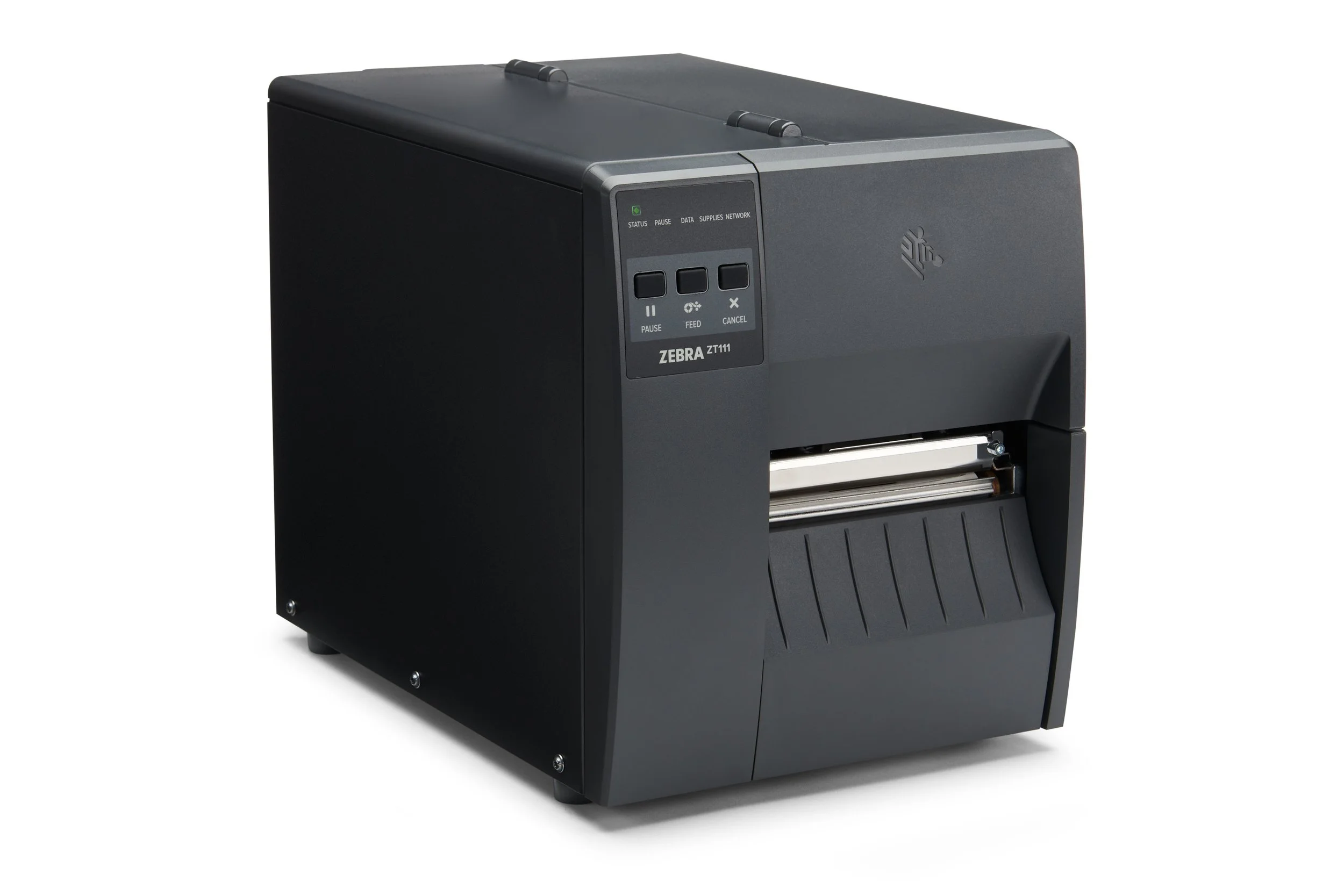
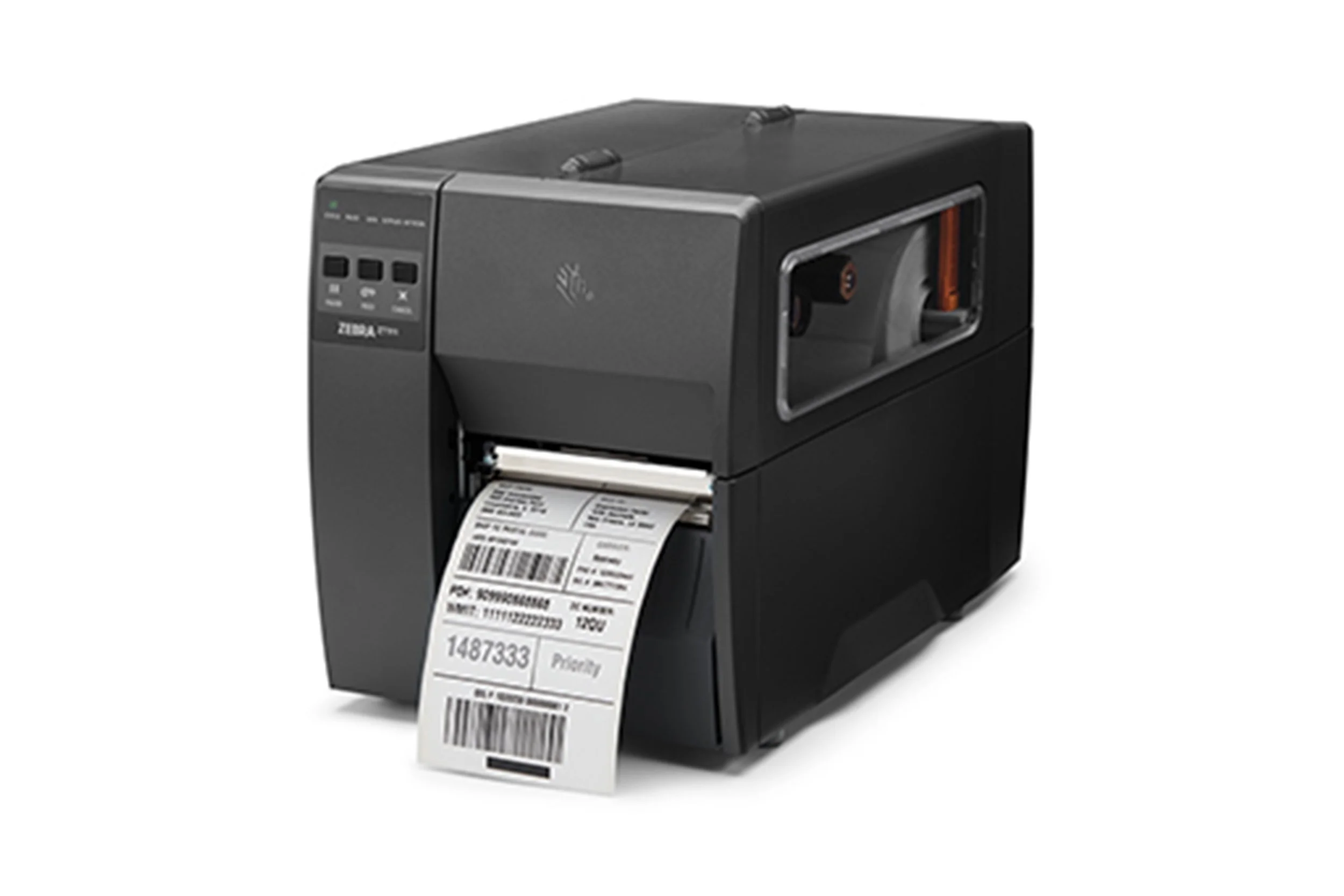
The Zebra ZT111 is Zebra’s most affordable industrial label printer. It is built for businesses that need more durability, printing capacity, and room to grow than a desktop printer can provide, without paying for advanced features they may not need.
That distinction matters.
The ZT111 is not the cheapest Zebra printer overall. Zebra desktop printers may cost less. But if you are specifically looking for the cheapest Zebra industrial printer, the ZT111 is the entry point.
It is a practical fit for businesses that have outgrown desktop label printing but are not ready for a higher-end industrial printer. You still get industrial durability, fast printing, simple operation, and upgrade options, but in a more budget-friendly package.
Why the Zebra ZT111 Costs Less
The Zebra ZT111 costs less because it focuses on the essential features most businesses need when moving into industrial label printing.
Instead of forcing you to pay upfront for every advanced option, the ZT111 lets you start with the capabilities you need now. Some connectivity and media-handling features can be added later, which helps keep the initial price lower while still giving your operation room to grow.
That is the real value of the ZT111.
It is not cheap because it is weak. It is affordable because it is built for businesses that need dependable industrial printing without overbuying.
For many teams, that makes sense. You may need more than a desktop printer, but you may not need the full feature set of a higher-level Zebra industrial model.
What You Still Get With the ZT111
Even though the ZT111 is Zebra’s most affordable industrial printer, it still includes the features many businesses need for everyday label printing.
You get print speeds up to 10 inches per second at 203 dpi, with an optional 300 dpi version available when sharper print quality is needed. That can be helpful for smaller barcodes, detailed label designs, or applications where label clarity matters.
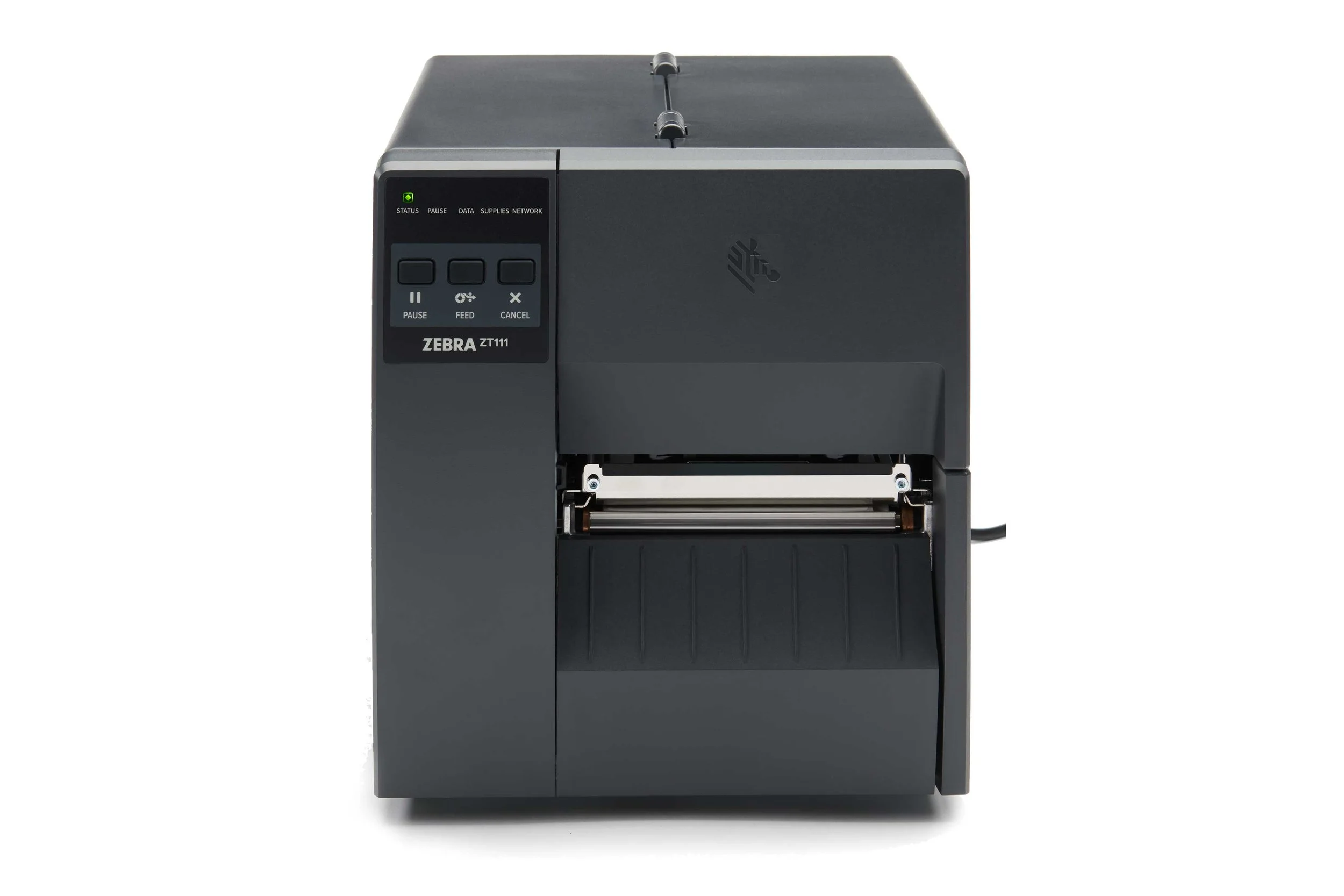
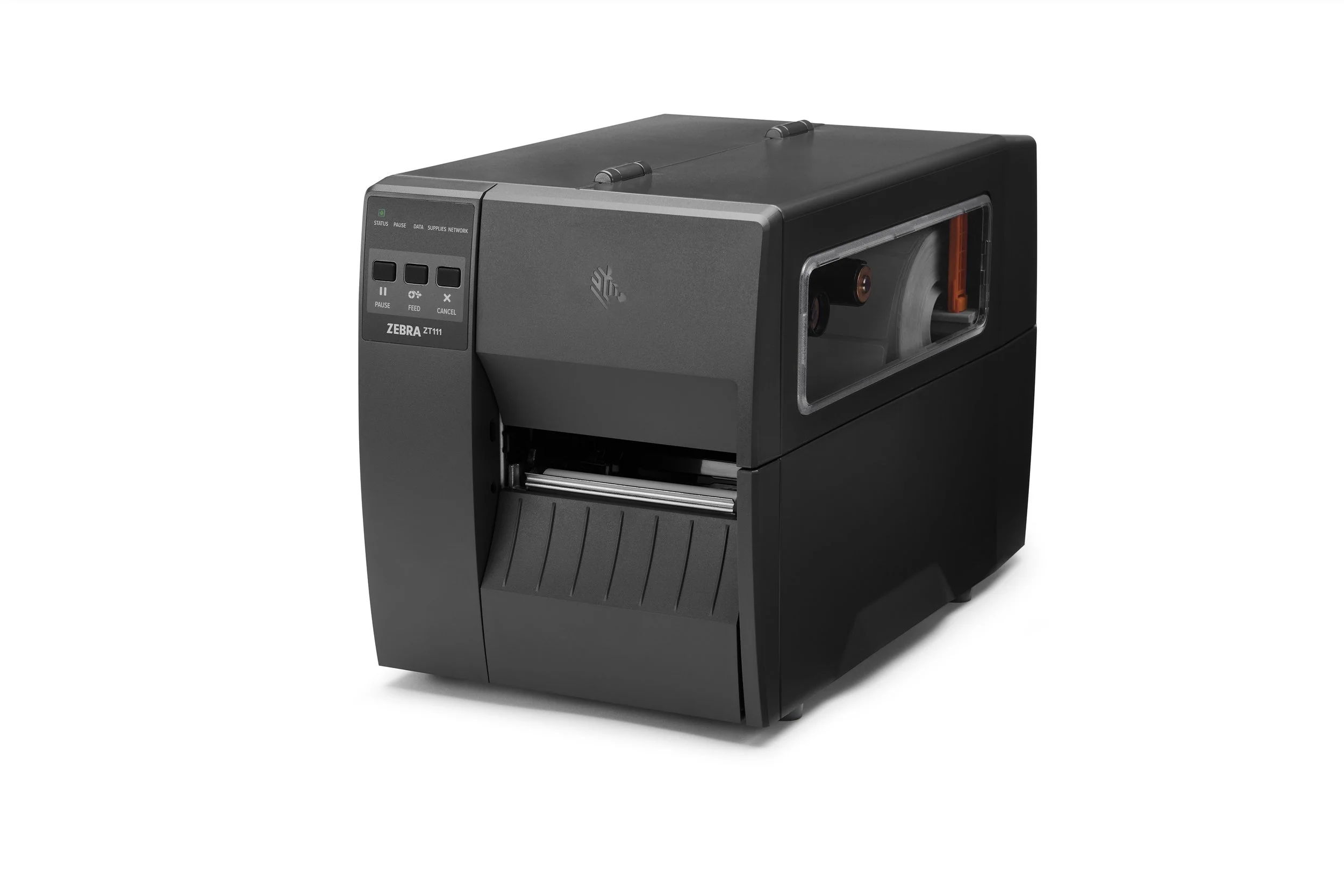
The printer also has a compact footprint, which makes it easier to fit into work areas where space is limited. Its bi-fold media door helps reduce the amount of overhead space needed when opening the printer to load labels or perform routine maintenance.
The ZT111 is also designed to be straightforward for workers to use. It includes a three-button interface with five status icons, color-coded media-loading touchpoints, and adjustable media sensors. Those details may sound small, but they matter when teams need to load supplies, check printer status, and keep labels moving without unnecessary confusion.
For connectivity, the ZT111 includes serial, Ethernet, USB, and USB Host options. It also supports NFC Print Touch for compatible mobile devices. Optional Wi-Fi and an optional second Ethernet port can be added if your setup requires more flexibility.
The printer is also built with integration in mind. Backward compatibility and Printer Emulations can help businesses replace other printer brands without rewriting label formats or changing code in certain environments.
On the support and maintenance side, the ZT111 includes onboard analytics, printhead element-out detection, and toolless platen and printhead removal. It also supports field-installable upgrades, Zebra Certified Supplies, and Zebra OneCare service and maintenance options.
Security is also part of the package. Features like Secure Boot, Protected Mode, Simplified Printer Decommissioning, and Zebra Secure Service Commands through PrintSecure help support safer printer use and management.
The big takeaway is simple: the ZT111 gives businesses a way to move into industrial printing without paying for more printer than they need.
Who Should Buy the Zebra ZT111?
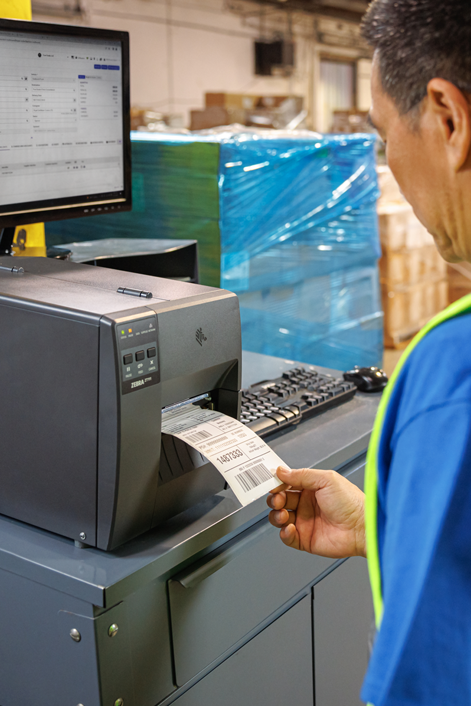
The Zebra ZT111 is a good fit for businesses that need an affordable industrial label printer for light-industrial use.
It may be a strong choice if your business:
Has outgrown a desktop label printer
Needs faster printing than a typical desktop model
Wants industrial durability without a large upfront investment
Needs a compact industrial printer
Wants a straightforward printer that is easy to operate
Prefers to buy only the features needed now
Wants the option to add connectivity or media-handling features later
Needs a printer that can integrate into existing label workflows
The ZT111 is especially useful for businesses that are growing into industrial printing. Maybe your label volume has increased. Maybe your desktop printer is wearing down too quickly. Maybe you need a printer that can better support warehouse, production, shipping, receiving, or inventory labeling.
That is where the ZT111 makes sense.
It gives you a stronger printing platform without jumping straight into a more expensive industrial printer.
Quick note on busier warehouse environments:
The ZT111 may not be the best fit for nonstop, high-volume warehouse printing. By that, we mean operations with heavier daily print volume, multiple shifts, frequent label changes, advanced media-handling needs, or less room for downtime.
For those environments, a Zebra ZT231, ZT411, ZT421, or another higher-level model may be the better long-term fit.
The ZT111 is the most budget-friendly way to step into Zebra industrial printing. However, operations with heavier daily workloads, multiple shifts, or more advanced media-handling needs may be better served by the Zebra ZT231.
Choose the Right Zebra ZT111 Configuration
The final price of the Zebra ZT111 depends on the configuration you choose.
That is another reason it works well for cost-conscious businesses. You can build the printer around what your operation actually needs instead of paying for unnecessary options.
Common configuration choices may include:
203 dpi or 300 dpi print resolution
Direct thermal or thermal transfer printing
Wired or wireless connectivity
Media-handling options
Additional Ethernet or upgrade options
For example, a business printing standard shipping or inventory labels may not need the same setup as a business printing smaller labels, detailed barcodes, or labels that need to last longer in tougher conditions.
The right configuration depends on your labels, print volume, environment, software, connectivity needs, and future growth plans.
FAQ
-
The Zebra ZT111 is Zebra’s most affordable industrial label printer. It is designed for businesses that need industrial printing at a lower entry price.
-
No. Zebra desktop printers may cost less. The ZT111 is the cheapest Zebra industrial printer, which means it is built for businesses that need more durability and printing capacity than a desktop printer can typically provide.
-
-
-
Yes. Some connectivity and media-handling options can be added later, which allows businesses to start with a lower-cost configuration and expand as needs change.

Where Barcode Factory Can Help
Barcode Factory can help you choose the right Zebra ZT111 configuration based on your label type, print volume, print method, connectivity needs, media-handling requirements, and budget.
The goal is simple: get the industrial printer you need without paying for features your operation will not use!
Whether you are stepping up from a desktop printer or comparing the ZT111 against other Zebra industrial models, our team can help you find the right fit, fill out the form below or contact us to talk to an expert!