

Best Signature Capture Pad for POS and Check-In
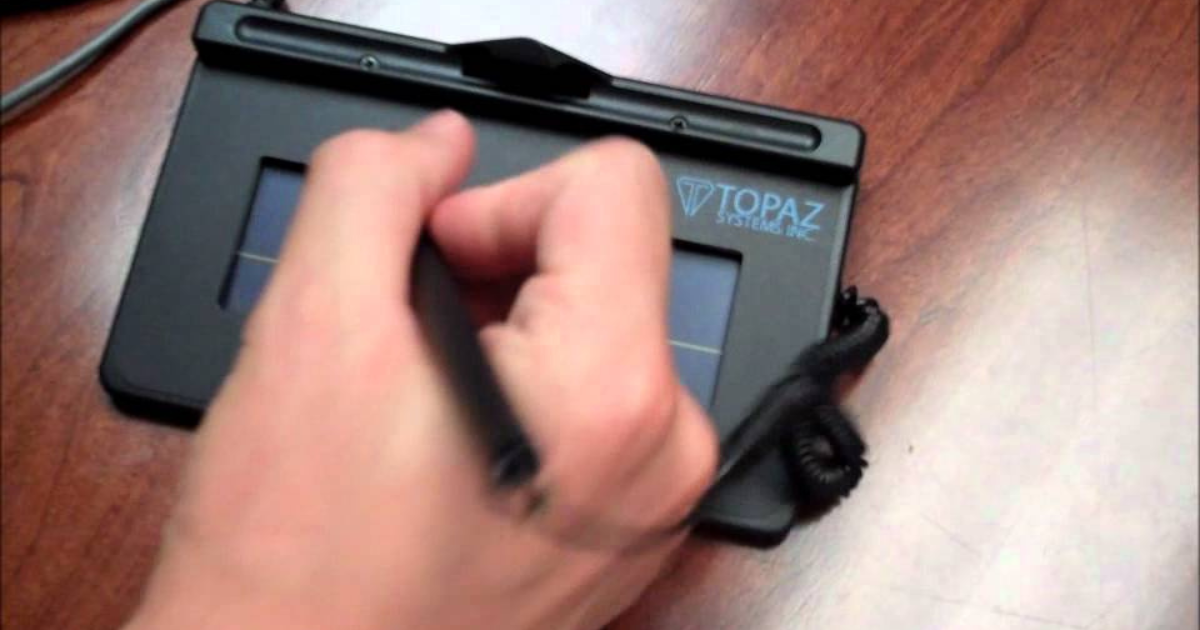
If you need a signature capture pad for POS, check-in, kiosks, service counters, or office workstations, we recommend Topaz signature pads.
Topaz has options for basic signature capture, LCD signing, public-access kiosks, fingerprint capture, and ID workflows. The best choice depends on where the pad will be used, who will sign on it, what software it needs to work with, and whether you need extras like an LCD display or fingerprint imaging.
Below, we’ll break down what to look for and which Topaz signature pad family makes the most sense for different business needs.
What to Know Before Choosing a Signature Capture Pad
A signature capture pad is used to collect an in-person electronic signature directly at the point where a transaction, check-in, form, agreement, or verification step is happening.
That could be at a retail counter, patient check-in desk, government service window, finance office, self-service kiosk, HR desk, or visitor check-in station.
The goal is simple: capture the signature where the work is already happening.
What Signature Capture Pads Are Used For
Signature capture pads are commonly used for:
POS transactions
Payment verification
Returns and receipts
Patient intake and check-in
Consent forms and acknowledgements
Visitor agreements
Government forms
Financial documents
HR and admin forms
Kiosk and self-service signing
ID and fingerprint capture workflows
The right signature pad depends on the environment. A basic desktop signing station does not need the same setup as a public kiosk or ID capture workflow.
Why POS and Check-In Workflows Need the Right Pad
POS and check-in areas usually need fast, simple, and reliable signing.
The person signing may be a customer, patient, visitor, employee, or member of the public. They need to understand where to sign, complete the step quickly, and move on.
That is why the right pad matters.
Some workflows only need basic signature capture. Others are easier when the signer can see electronic ink on the pad. Public-access areas may need a more durable kiosk-style pad. ID workflows may need fingerprint capture.
Choosing the wrong type can make the process feel clunky, slow, or harder to support.
What to Look for Before You Choose One
Before choosing a signature capture pad, think about how it will actually be used.
Ask:
Will it sit at a desk, counter, POS station, or kiosk?
Does the signer need to see the signature on the pad?
Will the pad be used by employees, customers, patients, or the public?
Does the workflow require fingerprint capture?
Does the device need to support ID verification?
Will it need to work with specific software?
Is it going into a supervised or unsupervised area?
Those answers help narrow down the right Topaz model family.
Which Topaz Signature Pad Fits Your Workflow?
Topaz signature pads are not one-size-fits-all. Each model family is built for a different type of signing environment.
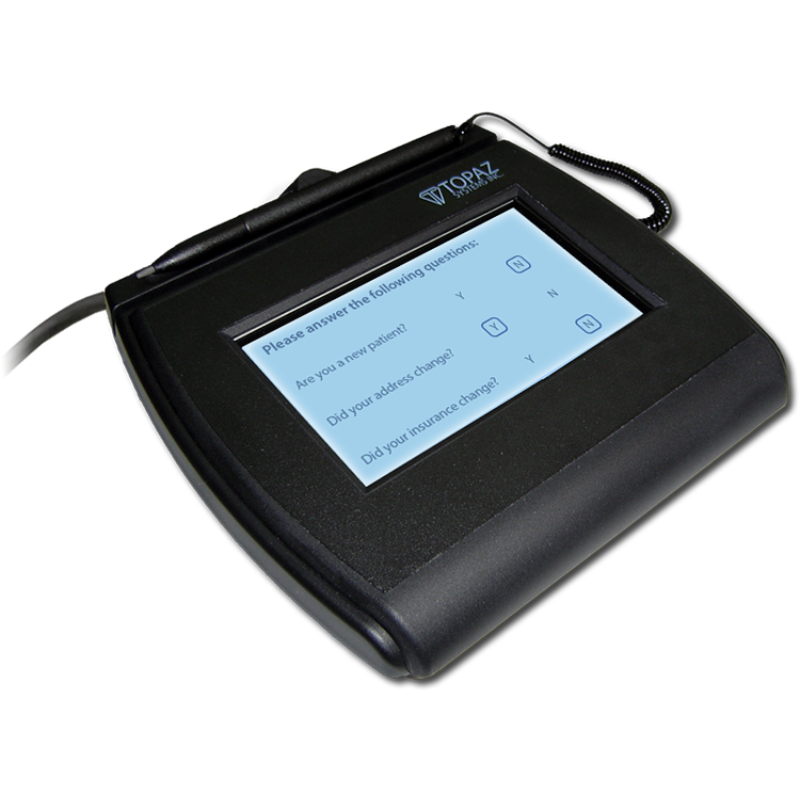
Topaz SigLite
Topaz SigLite is a strong fit for basic, cost-efficient signature capture.
It works well for desktop counters, POS workflows, forms, and standard signing stations where the main goal is to capture a signature without extra features.
Best for:
Basic signature capture
POS counters
Office workstations
Service desks
Cost-conscious deployments
If you need a simple signature capture pad, SigLite is usually the starting point.
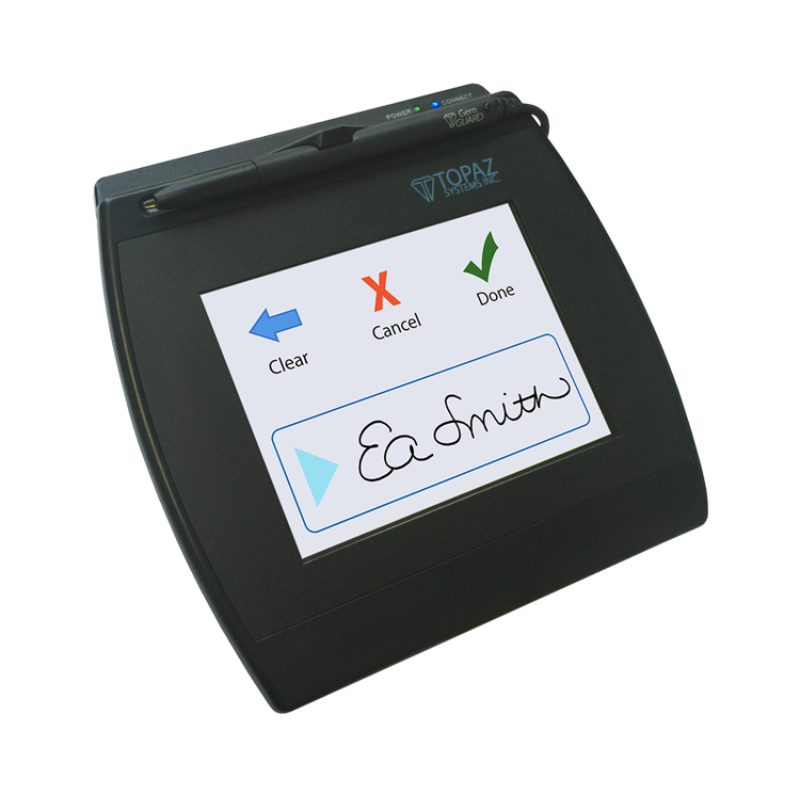
Topaz SigGem
Topaz SigGem is a better fit when the signer should see electronic ink on the pad while signing.
The LCD display can make the signing experience feel more natural because the person signing can see their signature as they write.
Best for:
Customer signing stations
Check-in desks
POS workflows
Forms and acknowledgements
Workflows where on-pad signature visibility matters
If the signing experience matters, SigGem may be a better choice than a basic pad.
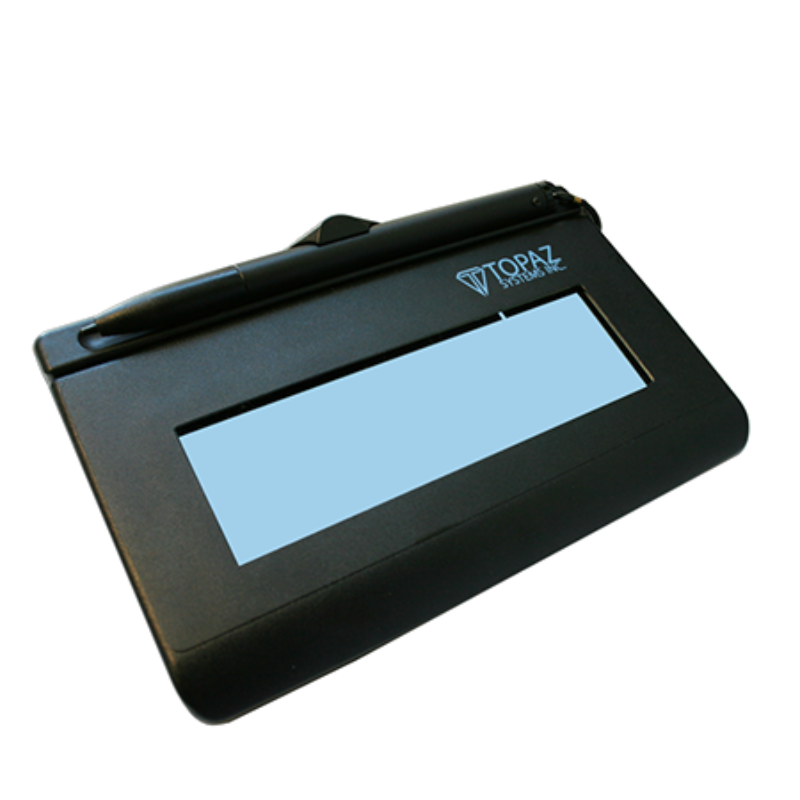
Topaz KioskGem
Topaz KioskGem is designed for public-access and kiosk environments.
This is the better fit when the signature pad will be mounted, used in a self-service area, or placed somewhere that is not always closely supervised.
Best for:
Self-service kiosks
Public counters
Mounted signing stations
Unsupervised signing areas
Higher-use public environments
If the pad needs to live in a kiosk or public-facing setup, KioskGem is the model family to look at.
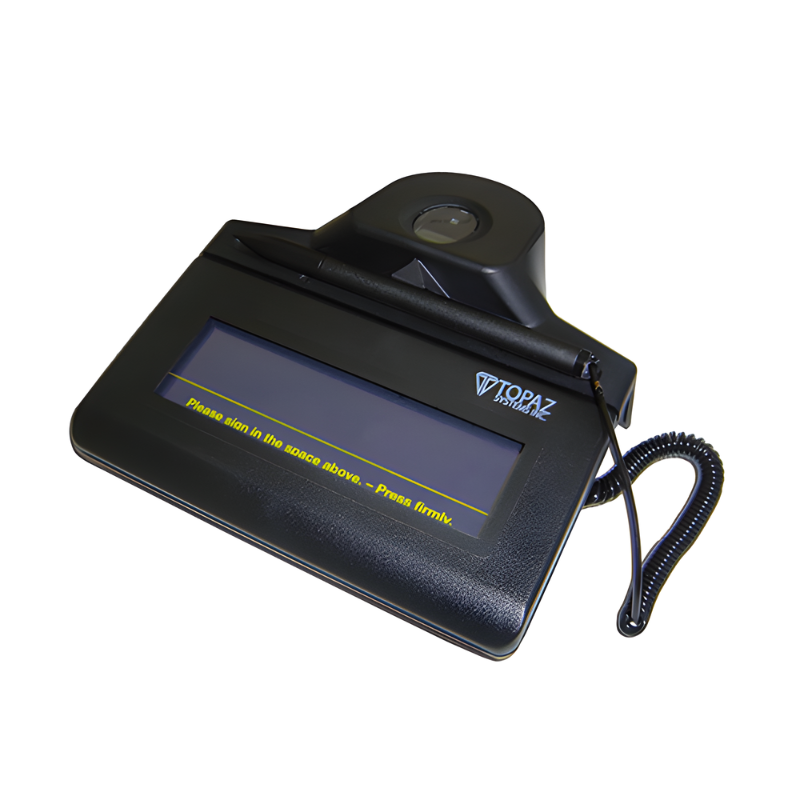
Topaz IDLite
Topaz IDLite combines signature capture with fingerprint imaging.
This is useful when a workflow needs more than a signature. Some applications also need biometric or ID-related capture as part of the process.
Best for:
Signature capture plus fingerprint imaging
ID workflows
Verification steps
Government or secure process environments
Applications that require high-resolution fingerprint capture
If fingerprint capture is part of the workflow, IDLite may be the right fit.
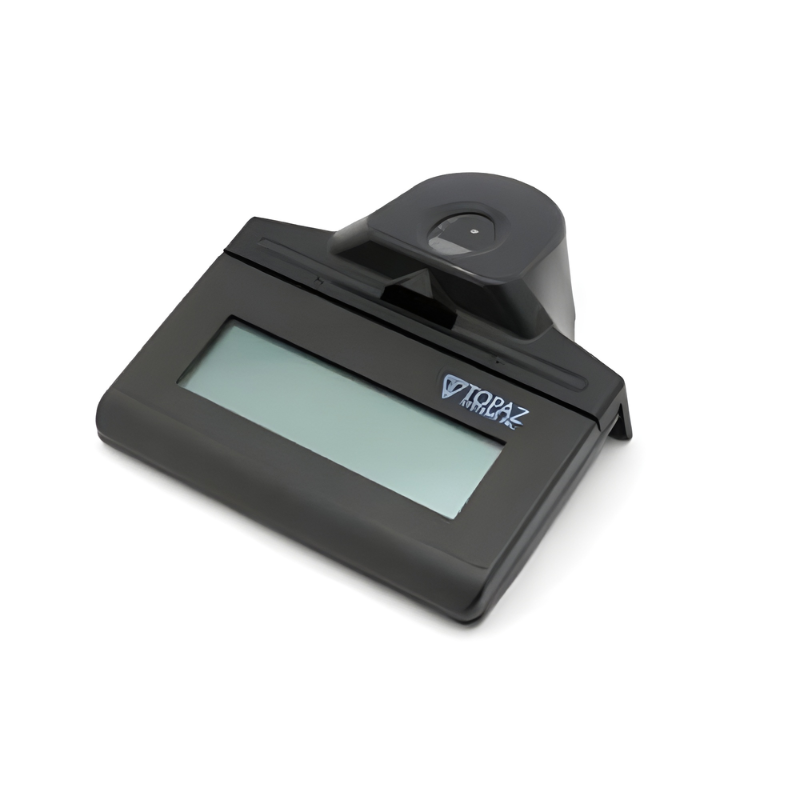
Topaz IDGem
Topaz IDGem combines LCD signature capture with integrated fingerprint capture.
That means the signer can see electronic ink on the pad while the device also supports fingerprint imaging.
Best for:
ID workflows
Signature and fingerprint capture
Verification-heavy processes
LCD signing with biometric capture
Environments that need both visibility and ID support
If you need both an LCD signing experience and fingerprint capture, IDGem is the stronger option.
Why Businesses Choose Topaz for Signature Capture
Topaz is a strong choice because the product line covers several real signing environments.
Some businesses need simple POS signature capture. Others need signature pads for check-in, kiosks, public counters, ID capture, or fingerprint imaging.
Topaz offers model families for those different needs, including standard pads, LCD pads, kiosk-ready pads, and fingerprint capture options.
Topaz also supports a wide range of business use cases, including retail, healthcare, finance, government, kiosks, office workflows, visitor check-in, and service counters.
The value is not just the pad itself. It is being able to match the right pad to the actual signing environment.
FAQ
-
For many POS workflows, Topaz SigLite is a good fit for basic signature capture. If the signer should see electronic ink on the pad, Topaz SigGem may be a better option.
-
For standard check-in workflows, Topaz SigLite or SigGem can both work depending on whether you need a basic pad or an LCD display. For public-access check-in kiosks, Topaz KioskGem may be the better fit.
-
A signature capture pad is a device used to collect in-person electronic signatures at a POS station, check-in desk, kiosk, service counter, or workstation.
-
Topaz SigLite is used for standard electronic signature capture. Topaz SigGem adds an LCD display so the signer can see electronic ink on the pad while signing.
-
Topaz KioskGem is used for public-access, kiosk, and unsupervised signing environments where durability, mounting, and secure use are important.
-
Yes. Topaz IDLite and IDGem models support fingerprint capture. IDLite includes signature capture and fingerprint imaging, while IDGem adds an LCD signature display with fingerprint capture.
-
Yes. Signature capture pads are commonly used for POS transactions, payment verification, returns, receipts, agreements, and other in-person signing workflows.

Where Barcode Factory Can Help
Barcode Factory carries Topaz SigLite, SigGem, KioskGem, IDLite, and IDGem signature pad solutions.
Our team can help compare models based on your POS setup, check-in workflow, kiosk environment, software needs, display requirements, fingerprint capture needs, and deployment plans.
If you are not sure which Topaz signature pad fits your business, Barcode Factory can help point you in the right direction before you order.
Fill out the form below or contact us to talk to an expert!