

Which Barcode Scanner Is Best for a Warehouse?
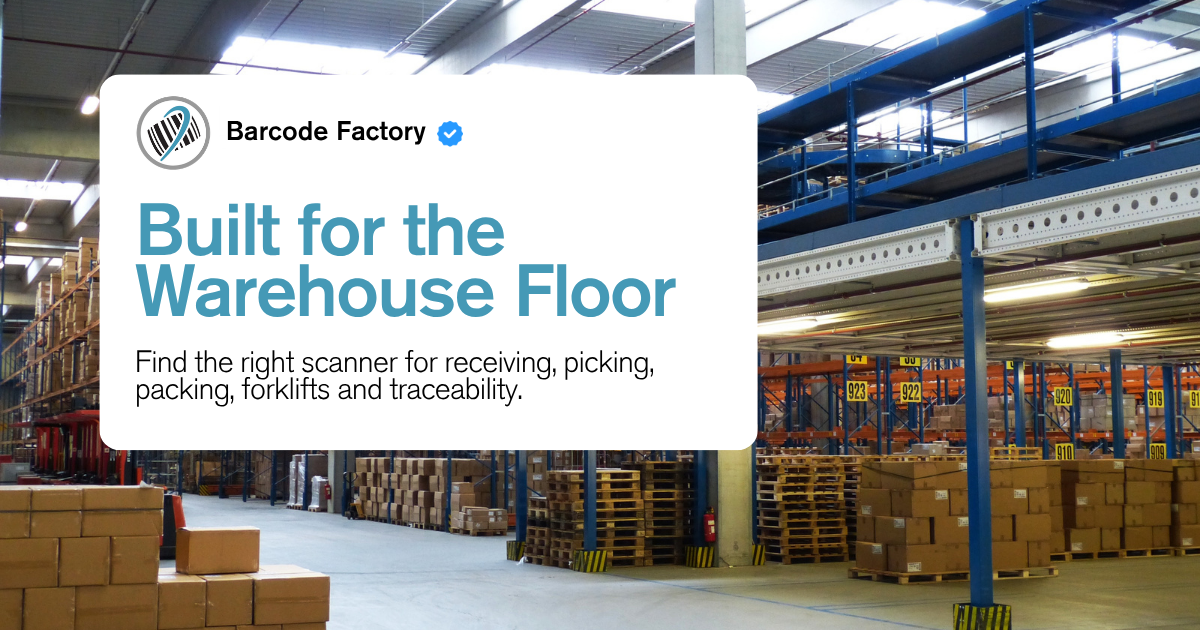
The best barcode scanner for a warehouse depends on what you are scanning, how far away the barcode is, whether workers need to move around, and how demanding the environment is. A fixed workstation scanning standard 1D labels may need something very different from a warehouse scanning 2D codes, Direct Part Marks, pallets, or inventory from forklifts.
If you already know your biggest requirement, the quick guide below can help narrow down the right type of scanner before you start comparing individual models.
What Type of Warehouse Barcode Scanner Do You Need?
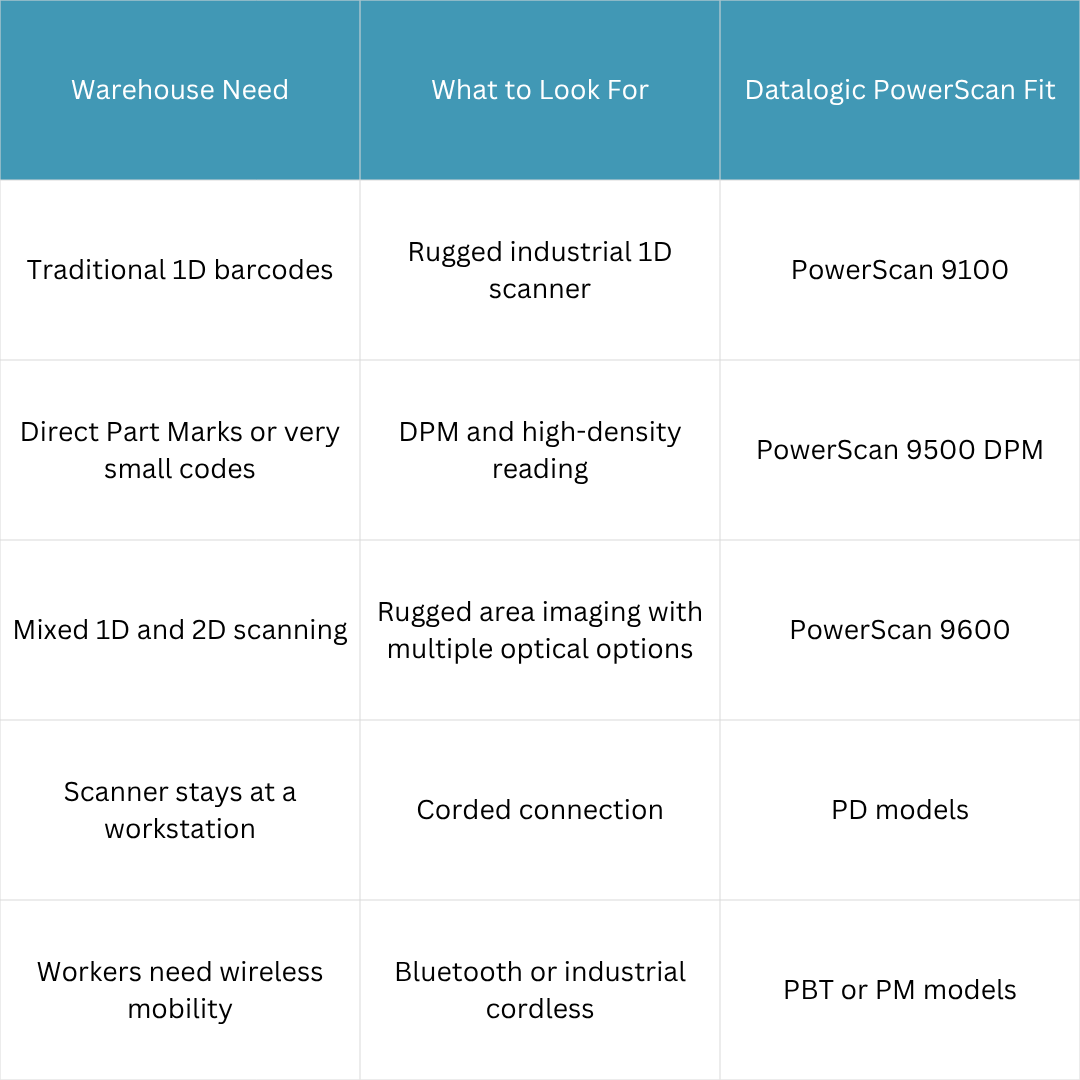
Choose the PowerScan 9100 if your warehouse mainly scans traditional 1D barcodes and you need industrial durability.
Choose the PowerScan 9500 DPM if your operation needs to read barcodes etched, peened, or otherwise marked directly onto components.
Choose the PowerScan 9600 if you need broader 1D/2D capabilities, more optical choices, rugged environmental protection, and more advanced connectivity options.
Before You Buy a Warehouse Barcode Scanner, Answer These Questions
The best warehouse scanner is not necessarily the one with the most features. Start with what the scanner actually has to do throughout the day.
What Kind of Barcode Are You Scanning?
This is the first question because it can immediately eliminate options that are not designed for your application.
If your warehouse primarily scans traditional 1D barcodes, a rugged 1D scanner may be all you need.
If you are scanning QR codes, Data Matrix codes, stacked codes, or a mix of 1D and 2D symbologies, you will want an area imager designed for those formats.
If the barcode is etched, chemically marked, dot-peened, or otherwise applied directly to a manufactured component, you may need a scanner specifically designed for Direct Part Marking, or DPM. Pasted text
How Far Away Is the Barcode?
Not every warehouse scan happens at arm's length.
A packing station may involve labels directly in front of the operator. A different workflow may involve cartons, pallets, racks, or inventory positioned farther away.
Working distance should be considered before choosing the optics. The PowerScan 9600 family, for example, includes Standard Range, High Performance, and Document Capture configurations designed for different types of reading and capture requirements. Pasted text
Does the Worker Need to Move?
A scanner that stays at a packing bench does not necessarily need the same connectivity as one used throughout receiving, staging, inventory, or forklift workflows.
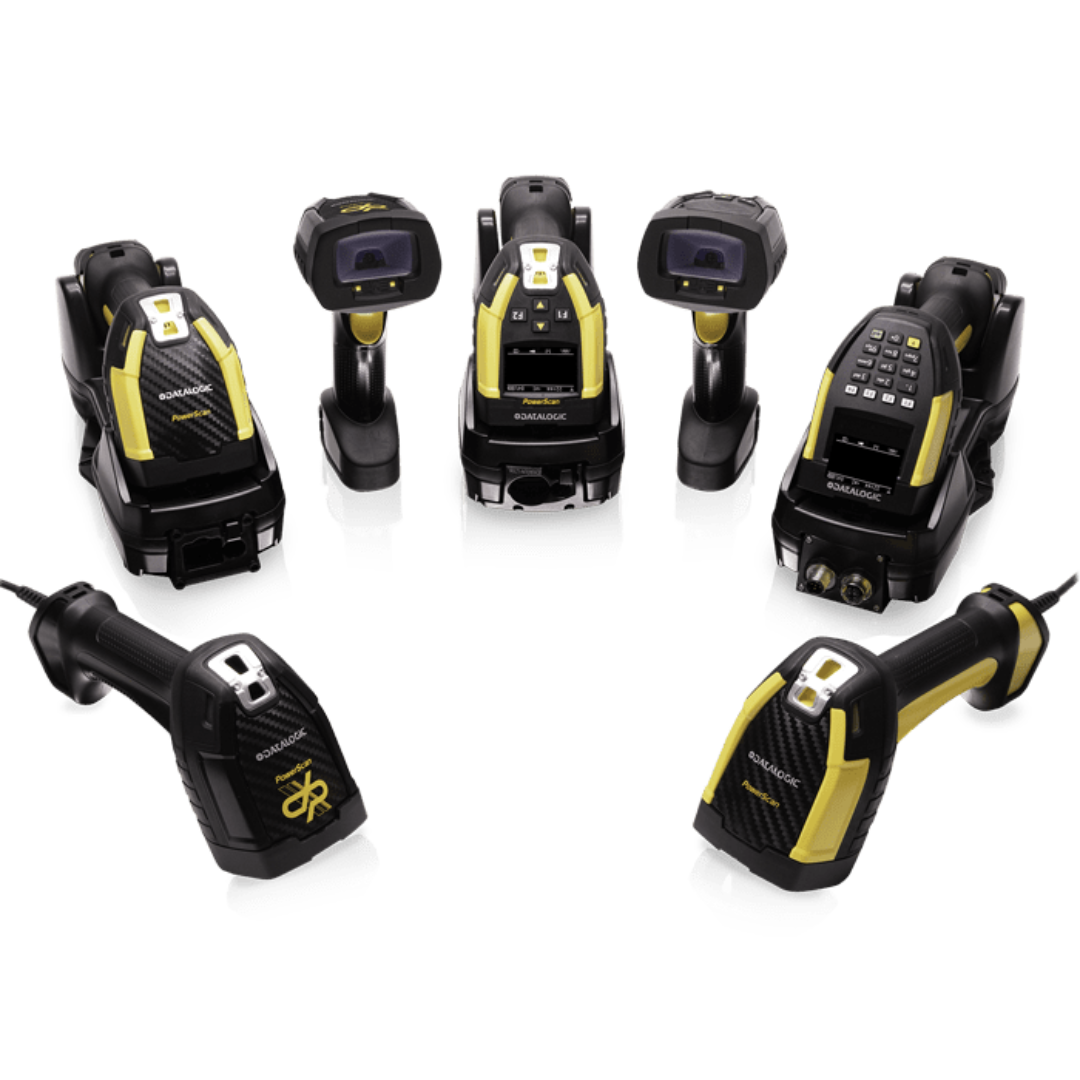
Datalogic PowerScan models are available in several connection types, including corded units, Bluetooth cordless scanners, and models using the Datalogic STAR Cordless System. Pasted text
How Rough Is the Environment?
Warehouse hardware gets dropped. It gets exposed to dust, dirt, water, and constant handling. Some applications may be relatively controlled, while others take place around docks, production areas, loading zones, or material-handling equipment.
The PowerScan family is specifically designed for environments where standard office or light-duty scanners may not provide enough durability. Pasted text
What Does the Scanner Need to Connect To?
Do not stop at USB versus Bluetooth.
Depending on the scanner, base, and configuration, PowerScan options can support standard interfaces as well as industrial communication protocols such as Ethernet, EtherNet/IP, Modbus, and Profinet. Pasted text
That can matter when scanners are being integrated into a broader warehouse, manufacturing, automation, or vehicle-mounted workflow.
Corded or Cordless: Which Is Better for a Warehouse?
Neither is automatically better. It depends on how the scanner is used.
Corded Scanners
A corded scanner makes sense when the device stays at a fixed workstation and wireless mobility does not add much value.
In the PowerScan naming system, PD identifies the corded models covered in the lineup. Pasted text
Bluetooth Cordless Scanners
Bluetooth can be useful when workers need freedom to move around a workstation, cart, or nearby work area.
PowerScan PBT models use Bluetooth wireless connectivity and can connect to compatible hosts or base stations. Pasted text
STAR Cordless Scanners
PowerScan PM models use Datalogic's STAR Cordless System, which supports industrial wireless deployments including point-to-point, point-to-multipoint, and networked configurations. Pasted text
The connection method should follow the workflow. Do not pay for wireless mobility if the scanner never leaves the workstation, but do not tether workers to a cable if the job requires them to move around pallets, racks, vehicles, or larger work areas.
PowerScan 9100: Best for Rugged 1D Warehouse Scanning
If your warehouse primarily scans traditional 1D barcodes, you may not need to jump straight to a more advanced 2D scanner.
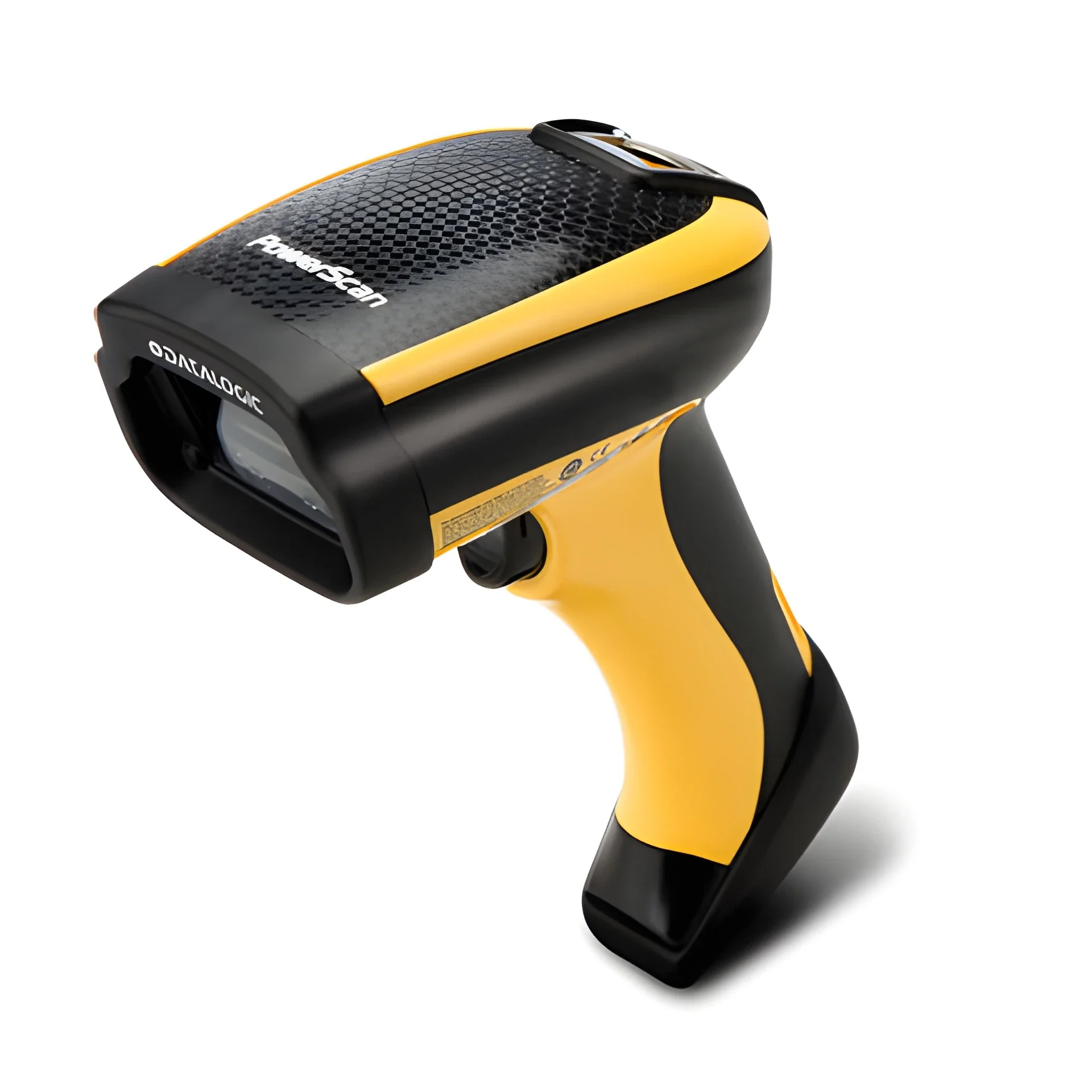
The Datalogic PowerScan 9100 family is built around rugged 1D barcode scanning and uses a green laser-like acquisition system designed to provide a highly visible aiming line while using linear imaging technology.
Depending on the configuration, the family is available as corded, Bluetooth, or STAR Cordless models. Compatible base options can also support Standard Ethernet and industrial Ethernet protocols such as EtherNet/IP and Modbus. Pasted text
Consider the PowerScan 9100 if:
Your warehouse primarily uses traditional 1D barcodes
You need something more rugged than a light-duty scanner
Workers benefit from a visible scan line
You need corded or cordless configuration options
Industrial Ethernet connectivity may be part of the deployment
PowerScan 9500 DPM: Best for Codes Marked Directly on Parts
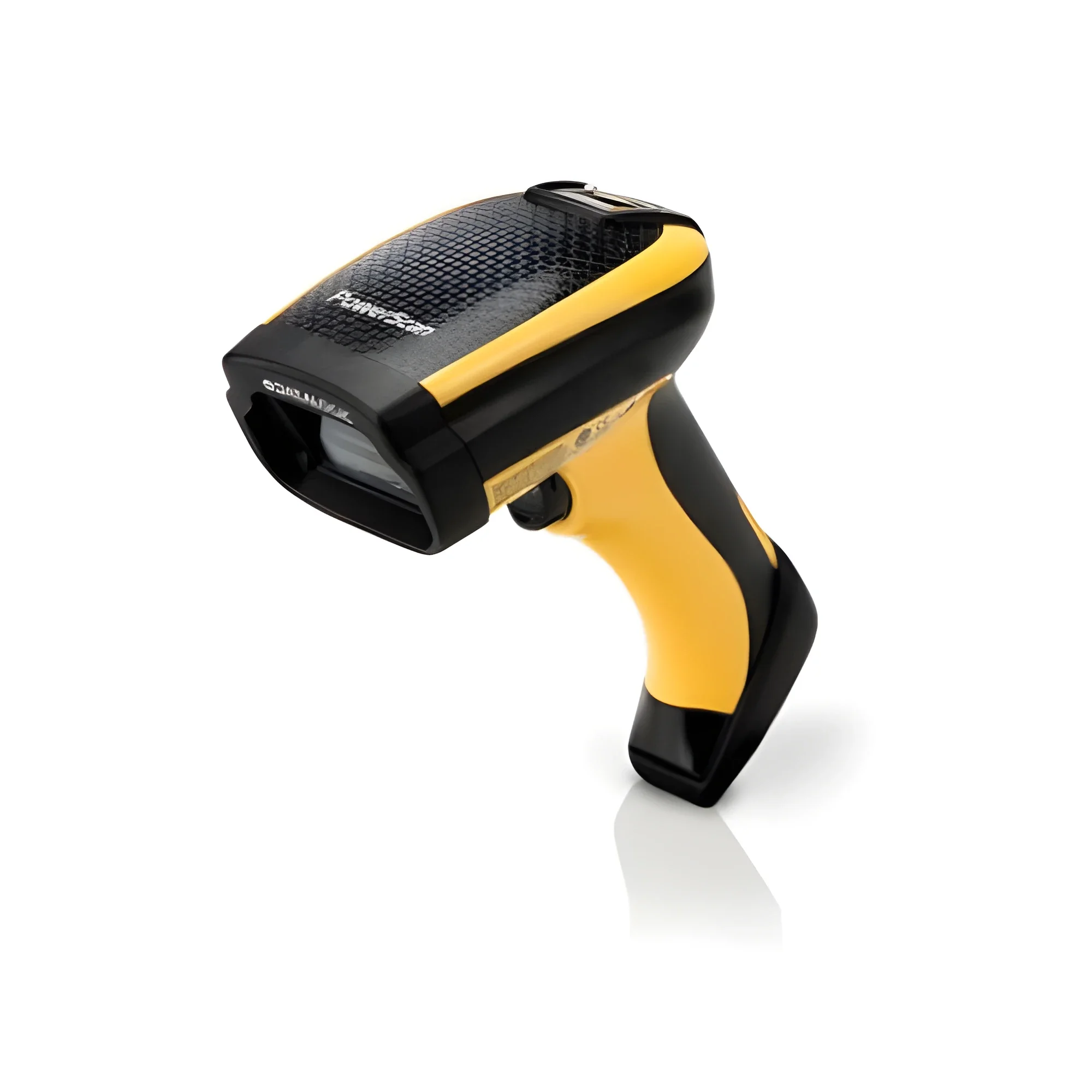
Some warehouses and manufacturing operations do not only scan labels.
If a barcode is laser-etched, chemically marked, dot-peened, or otherwise placed directly onto a component, that becomes a Direct Part Marking application.
The PowerScan 9500 DPM family is designed specifically for those workflows. It supports DPM codes as well as standard printed barcodes and includes high-density optics for small, high-resolution codes. Pasted text
This can be especially relevant in manufacturing, component traceability, tooling, parts tracking, and other workflows where identification has to remain with the item itself rather than on an adhesive label.
Consider the PowerScan 9500 DPM if:
You scan barcodes marked directly onto parts
Codes may be etched, peened, or chemically marked
You need to read very small or high-density codes
Your workflow includes both DPM and standard printed barcodes
Component traceability is a major part of the application
PowerScan 9600: Best for Advanced Warehouse and Traceability Workflows
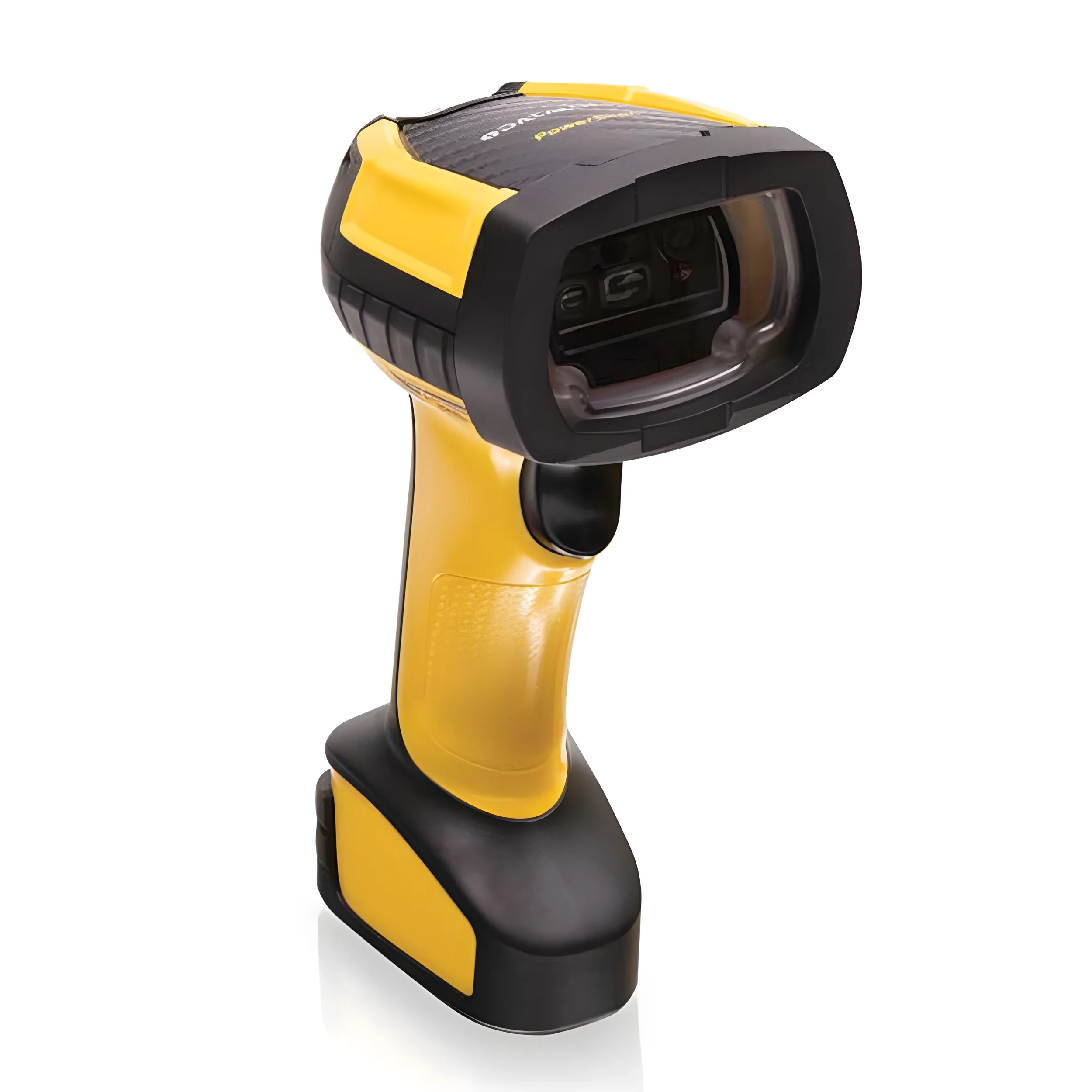
The PowerScan 9600 is the most advanced PowerScan family covered in this lineup.
It supports 1D, stacked, 2D, postal codes, and image capture, with multiple optical configurations for different reading requirements. Standard Range is designed for normal-distance 1D and 2D barcode reading, High Performance adds increased depth of field and support for high-density barcodes, and Document Capture supports wider-angle code reading and document or image capture applications. Pasted text
The 9600 family also adds IP65 and IP67 environmental sealing, a trigger rated for up to 10 million activations, and corded, Bluetooth, and STAR Cordless configurations. Cordless versions can use contact-free wireless charging, eliminating exposed charging contacts that can become dirty or damaged over time. Pasted text Pasted text
Consider the PowerScan 9600 if:
Your warehouse scans a mix of 1D and 2D barcodes
You need different optical configurations for different working distances
Rugged environmental protection is important
Advanced industrial connectivity is part of the application
Workers need corded or cordless deployment options
Your operation includes broader traceability or image-capture workflows

Still Not Sure Which Barcode Scanner Is Best for Your Warehouse?
The right barcode scanner depends on more than a model number.
Barcode type, scanning distance, corded or cordless requirements, working environment, industrial connectivity, and how the scanner will actually be used throughout the day can all change the recommendation.
Barcode Factory's U.S.-based team can help you compare warehouse barcode scanners and narrow down the right PowerScan family and configuration for your workflow.
Tell us what you are scanning, where workers will use the scanner, how far away the barcodes are, and whether you prefer corded or cordless. We can help you find the right fit before you buy.
Fill out the form below or contact us to talk to an expert!