

When a Mobile Computer Makes More Sense Than a Scanner
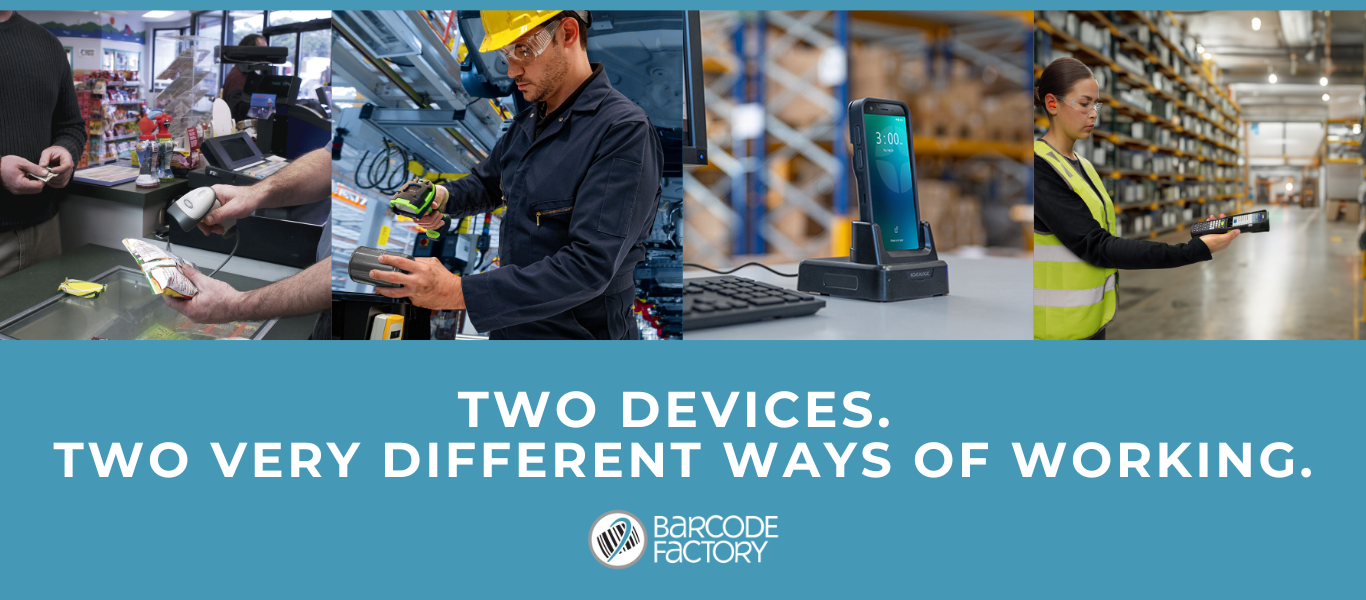
Most teams don’t sit down and debate scanners versus mobile computers. They buy a scanner because it feels like the safe choice. It’s familiar, it’s cheaper up front, and it gets the job done. Until it doesn’t.
The problem is that scanners tend to get outgrown quietly. Workflows get more complex, volume increases, and suddenly teams are juggling extra steps, workarounds, and manual fixes just to keep things moving. By the time it feels painful, the tool is already holding the operation back.
So when does a mobile computer actually make more sense than a scanner? And when is a scanner still the right call?
Let’s break it down.
Scanner vs Mobile Computer

At a basic level, both scanners and mobile computers are designed to capture data quickly and accurately. Modern devices on both sides can handle common 1D and 2D barcodes, including damaged or hard to read labels. Some models on each side can even support RFID, although that capability is far more common on mobile computers than on general purpose scanners.
The difference is not what they can scan. It’s what happens after the scan.
Barcode scanners are built for speed and simplicity. You scan a label and the data is passed to another system. That works extremely well when the scan itself is the entire task.
Mobile computers take things further. Scanning is only one part of the process. The device also becomes the interface for confirmations, data entry, validation, and decision making in real time.
Here’s the quick breakdown.
Barcode scanners
Pros
Fast, reliable scanning for 1D and 2D barcodes
Simple to deploy and easy to train
Lower upfront cost
Cons
Scanning is the end of the workflow
No on-device validation or guidance
Limited support for RFID on most general-purpose models
Mobile computers
Pros
Scanning plus data entry and confirmations in one device
Guides users through tasks step by step
Real-time validation reduces errors and rework
RFID support is widely available across models
Cons
Higher initial investment
More capability than needed for basic scan-only tasks
When a Mobile Computer Becomes Better
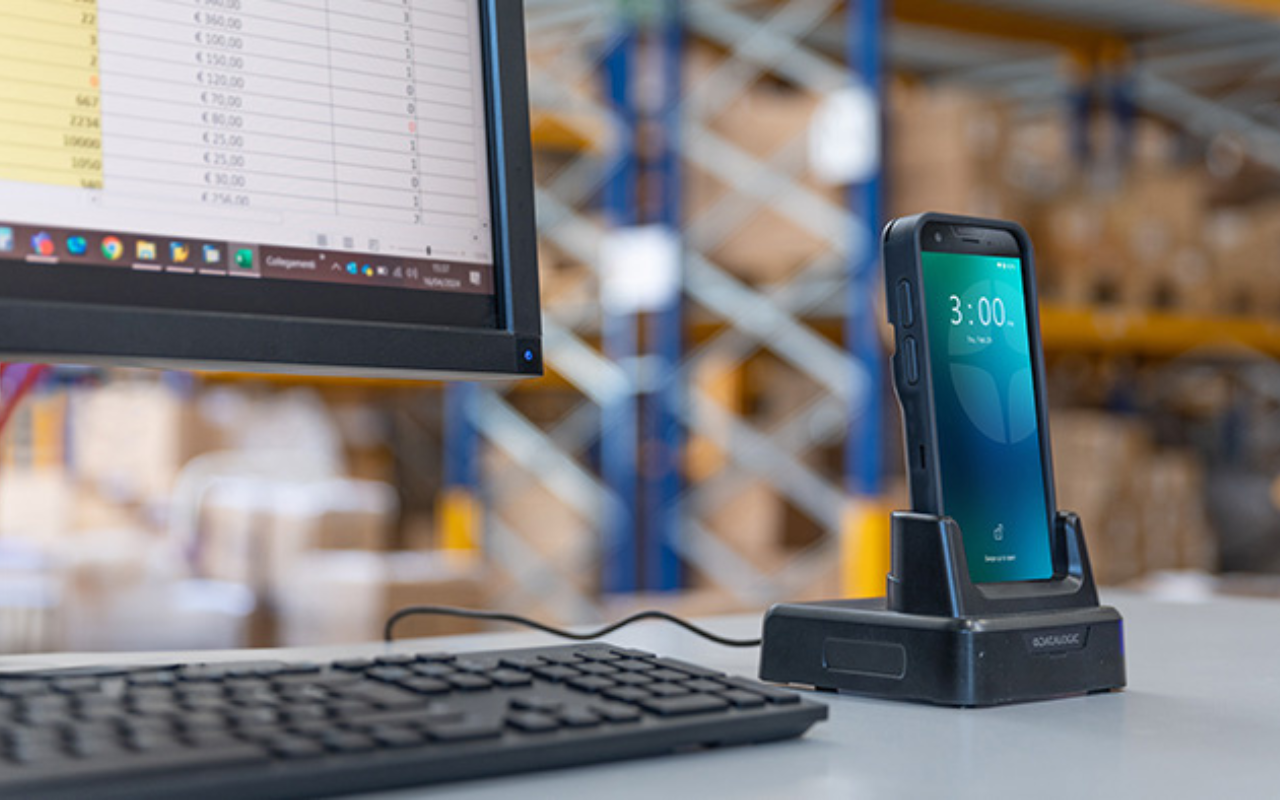
A scanner starts to fall short when scanning is no longer the whole job.
If a task requires more than simply capturing a barcode, the workflow begins to rely on other tools. Clipboards, printed pick lists, shared workstations, or memory fill the gaps. That’s usually when errors increase and productivity slows without anyone realizing exactly why.
Common signs you’ve hit the tipping point include needing to confirm quantities or locations, switching between devices to complete one task, writing information down to enter later, or catching mistakes only after inventory has already moved downstream.
This is where a mobile computer changes the equation. Instead of just capturing data, it controls the workflow. The device can prompt the user with what comes next, confirm entries before they are accepted, and flag issues immediately instead of hours or days later.
In receiving, for example, a scanner can capture a barcode. A mobile computer can confirm quantities, verify locations, and validate the transaction before it ever hits your system. In picking, a scanner reads the label. A mobile computer confirms the right item, the right quantity, and the right destination before the picker moves on.
The result is fewer handoffs, fewer workarounds, and fewer small mistakes that add up over time.
When a Scanner Still Makes Sense
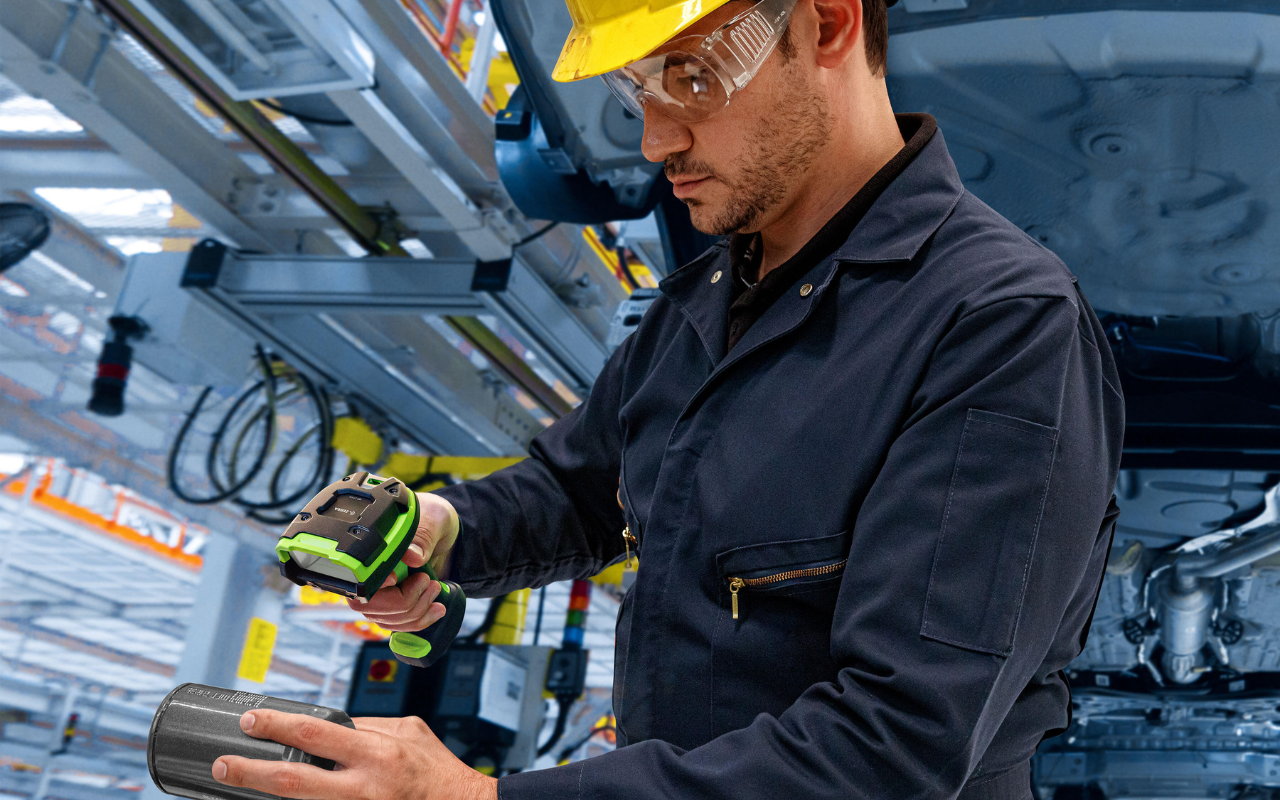
None of this means scanners are the wrong choice.
If your workflow is truly scan and go, scanners are often the most efficient and cost effective option. Fixed stations, simple transactions, or environments where speed matters more than flexibility are all strong use cases for scanners.
If there’s no need for confirmations, prompts, or real-time decision making, adding a mobile computer can be unnecessary complexity.
The key is being honest about how simple the process actually is.
How to Decide What’s Right for Your Operation
If you’re on the fence, a few practical questions usually make the answer clear.
What happens after the scan?
Does the user need to confirm anything before moving on?
How often do mistakes get corrected later instead of immediately?
What breaks first when volume increases?
Are workers switching between devices to finish a single task?
If the scan is only one step in a larger process, a mobile computer is often the better long-term fit.
Our Recommendations
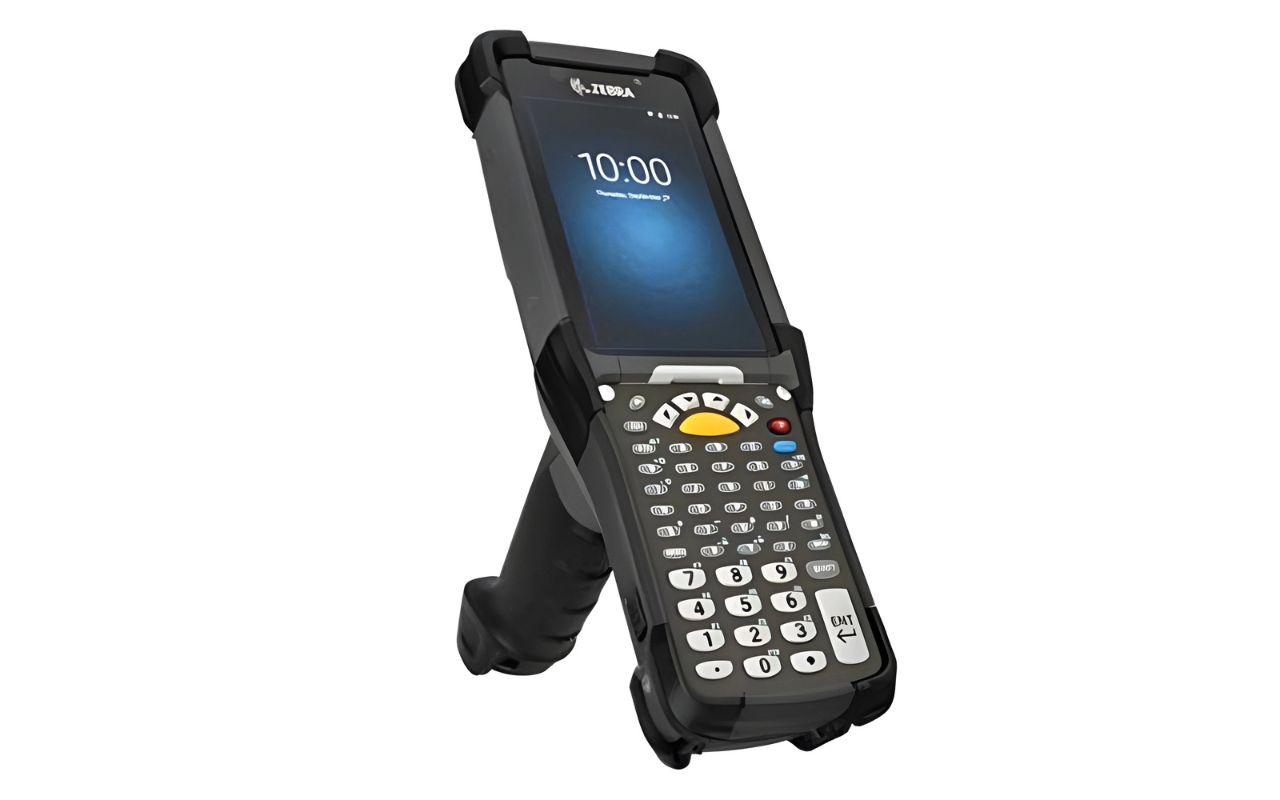
For operations that need full workflow control in demanding environments, the Zebra MC9300 is a proven choice. It’s designed for warehouse, manufacturing, and cold storage use cases where durability, consistency, and real-time data matter. Its familiar form factor and Android platform make it easier to adopt without disrupting existing processes.
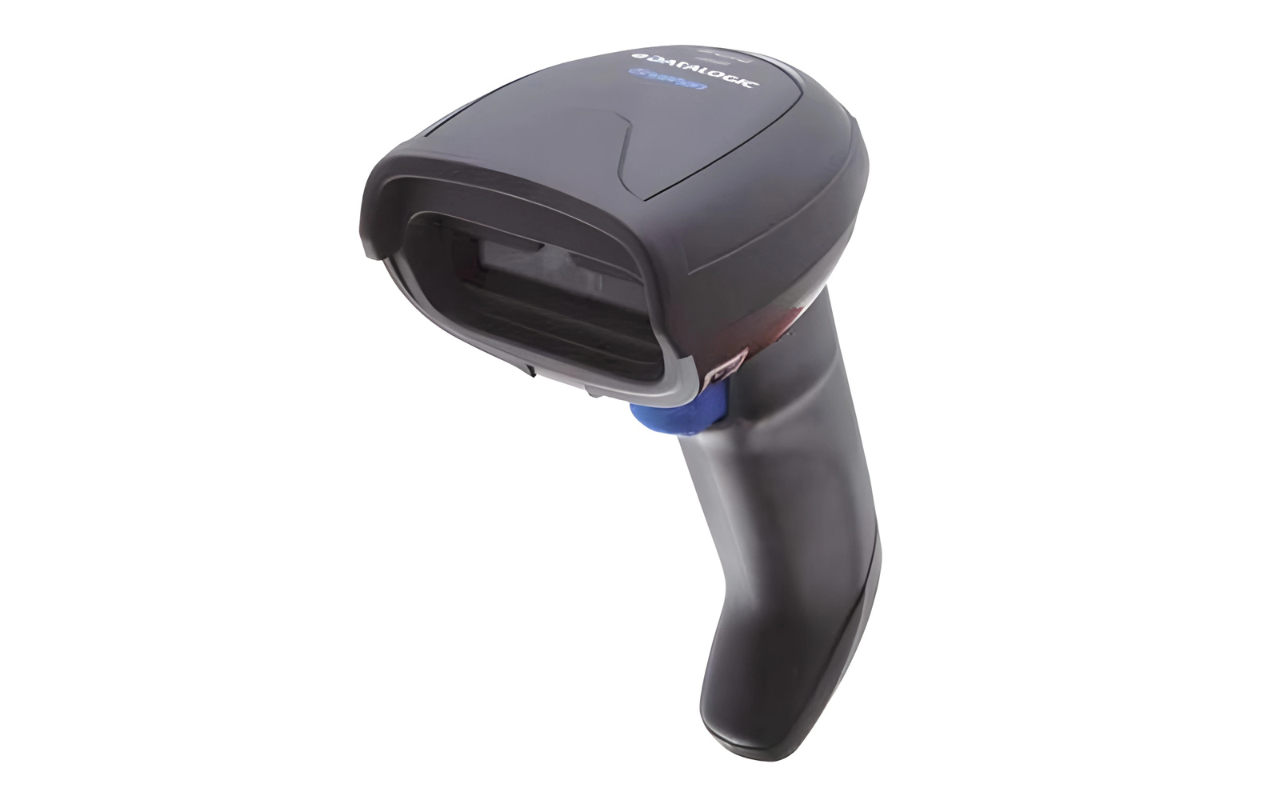
For environments where scanning speed and simplicity are the priority, the Datalogic Gryphon GD4200 is a strong general-purpose option. It delivers fast, reliable scanning with excellent ergonomics for retail, light industrial, and office settings where scanning is the primary task.

Not Sure Which is Right for You?
There are a lot of scanners and mobile computers on the market, and the right choice depends on how your operation actually runs, not just what feels familiar.
If you’re unsure which direction makes sense, it’s often best to talk through your workflow before buying hardware. Our team can help you evaluate your process and point you toward a solution that fits your environment, your goals, and how your team works day to day. Reach out to us here or fill out the quick form below to get started.